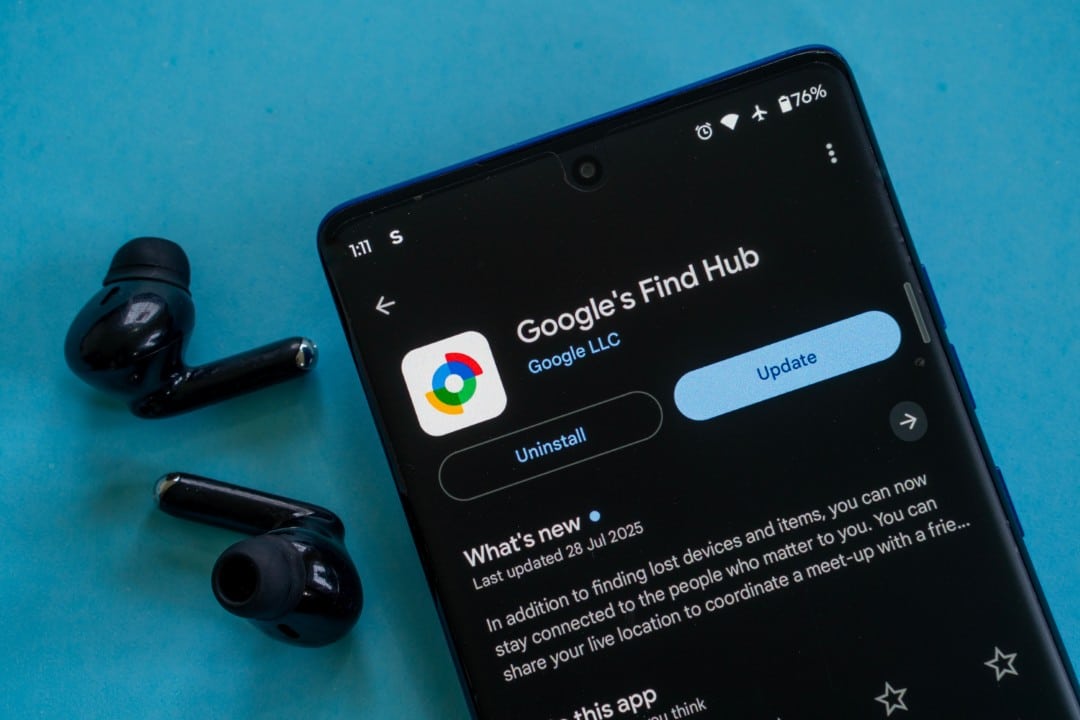
Google has implemented a significant update to its Find Hub app for Android, introducing new map layers that improve the experience of finding lost devices. The new functionality allows users to switch between satellite, terrain and traffic views directly from the app interface, providing more visual context to accurately identify the whereabouts of compatible smartphones, tablets or accessories.
This improvement is being gradually distributed through version 3.1.485-2 of the application, available on Google Play Store. Activation occurs via the server, which means that, even with the application updated, the functionality may take some time to appear for all users. The change represents an important step in the integration of Find Hub with the Google Maps ecosystem, making the search tool more robust and autonomous.
With this new feature, it is no longer necessary to switch to the Google Maps app to get different perspectives of the location where the item was lost. The functionality is especially useful in areas with few geographic references, such as rural areas or large parks, where the standard map view may be insufficient for an exact location.
Improving accuracy with new visual perspectives
The satellite layer provides a detailed aerial image of the surroundings, allowing the user to identify concrete landmarks such as specific trees, buildings or other structures that do not appear on the standard vector map. Essa Photographic vision considerably increases the chances of recovering the device, as it provides a faithful representation of the real environment where the item is located, facilitating the planning of a visual search route.
The terrain layer is designed to display information about the relief, such as elevations, hills and valleys. Esse feature is particularly valuable for anyone who has lost a device during outdoor activities such as hiking or camping. By viewing altitude variations, the user can anticipate rough or difficult-to-access terrain, planning a safer and more efficient approach to reach the location indicated by the device’s GPS.
Real-time traffic integration for urban searches
One of the most strategic additions is the traffic layer, which mirrors one of the most popular features of Google Maps. By activating it, the user can view real-time traffic conditions on the roads leading to the lost device. Essa information is crucial in urban environments, where travel time can be a determining factor in the successful retrieval of an item. Saber which routes are congested or free allows you to optimize the route, avoiding unnecessary delays that could compromise the search. The integration of this layer transforms Find Hub from a simple localization tool to a complete recovery assistant, which considers real-world variables in the search process, making the experience more fluid and effective for the user who needs to act quickly.
How to activate new features in the app
To access the new map layers, the first step is to ensure that the Find Hub application is updated to the latest version through Google Play Store. Após confirmation of the update, the new feature should automatically appear on the interface.
Typically, a new layers icon, similar to the one found in Google Maps, is displayed on the map screen. When you tap this button, a menu expands, offering the viewing options: Padrão, Satélite and Terreno.
The Tráfego option can be found within the same menu or as an overlay that can be turned on or off. The choice of layer is instantaneous, changing the map view in real time.
If the options do not appear immediately after the update, restarting the application or the smartphone itself may force synchronization with the Google servers, which are responsible for the final release of the functionality.
Security and privacy in the location network
Find Hub stands out for its ability to locate devices even when they are offline, without an internet connection. Isso is made possible by a vast crowdsourced network made up of billions of Android devices around the world.
These devices detect Bluetooth signals from nearby lost devices and send their location anonymously and securely to the Google servers. The owner of the lost item is the only one who can access this information.
The entire process is protected with end-to-end encryption, ensuring that neither Google nor third parties can view location data, fully protecting the privacy of all users involved in the network.
Features beyond tracking
In addition to showing the location on a map, Find Hub offers a set of security tools to protect user data in case of loss or theft. It is possible to remotely trigger sound playback at maximum volume, even if the device is in silent mode, helping you find it when you are nearby.
If the device cannot be recovered, the user can remotely lock it with a password and display a personalized message on the lock screen, such as a contact phone number. Como Last resort, there is the option to erase all data from the device, preventing unauthorized access to personal information.
The strategic role in the Android ecosystem
The continued evolution of Find Hub, with the addition of robust features such as map layers, reinforces Google’s strategy of strengthening its ecosystem and offering an integrated and competitive security experience. Essas improvements make the Android system more attractive to users, who now have a powerful native tool to protect their devices.
The increasingly deeper integration with Google Maps demonstrates the intelligent use of technologies already consolidated by the company to add value to other services. Essa synergy creates a more cohesive and efficient user experience, consolidating the platform as a complete solution for everyday digital needs.
Recommendations for optimal use of the tool
To ensure maximum effectiveness of Find Hub, it is recommended that users always keep location services and Bluetooth enabled on their devices. Manter the constantly updated application is also critical to receive the latest security improvements and new features as soon as they are released by Google.
