
Google has recognized a technical issue that interferes with the operation of the volume keys on devices with the Android system. The crash specifically occurs when the accessibility feature known as Selecionar to Falar is enabled. Nesse case, the side buttons adjust the accessibility volume instead of the conventional media volume.
Users report that the unexpected behavior prevents normal sound control when playing videos or music. The company reported that it has already identified the cause and is developing an update to resolve the issue permanently. Até At this time, there is no set date for the release of the fix.
The situation gained attention after several reports on official forums and support communities. The affected feature allows the system to read aloud selected texts on the screen, benefiting people with visual or reading difficulties.
Affected resource health
Selecionar for Falar integrates with the Android suite of accessibility tools from previous versions. Ele allows users to tap text on the screen to hear the audio reading. Activation usually occurs by shortcut or manual configuration.
When enabled, the system prioritizes controls related to voice narration. Isso explains why the physical volume keys redirect the adjustment to the accessibility level. The issue does not affect all devices equally, but appears on recent models with updates installed.
Recommended workaround
The company advises users to disable the resource shortcut until the official fix arrives. The procedure is simple and can be carried out directly in the device settings.
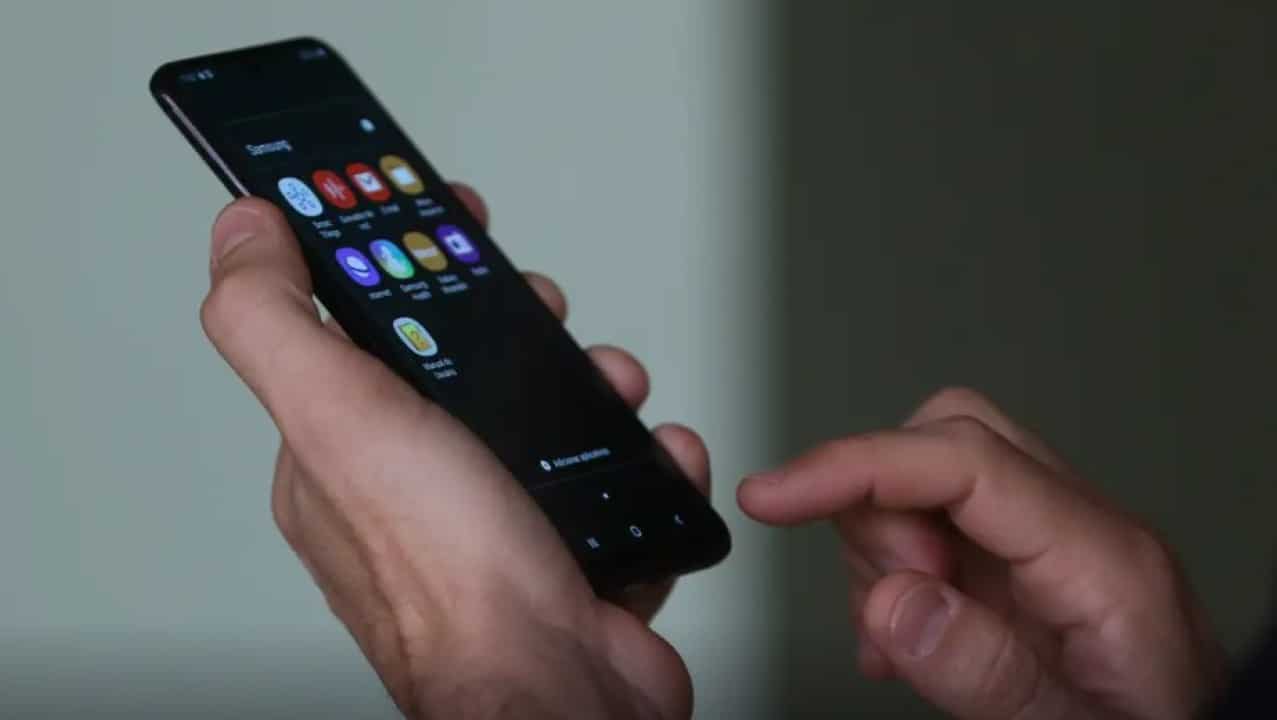
- Access Configurações in the device’s main menu.
- Select the Acessibilidade option.
- Locate Selecionar to Falar in the tool list.
- Disable the quick access switch or shortcut.
This measure restores the default behavior of the volume keys immediately. The tweak does not uninstall the feature, it just suspends its quick activation.
Impact on different models
The bug appears in several brands that use pure Android or with light customizations. Relatos focus on lines like Pixel, Samsung, and recently updated Motorola.
In practical tests, the problem also interferes with the use of the volume key as a camera trigger. When opening the photography app, pressing does not capture images as expected. Essa additional limitation bothers users who depend on this quick function.
Google partner manufacturers follow the development of the fix. Atualizações monthly security updates may include the patch once completed.
Other available accessibility features
Android maintains a wide range of tools designed to improve usability for different needs. Essas options remain operational even with the suggested temporary adjustment.
Among the main alternatives are TalkBack, which provides complete voice feedback, and screen magnification for better viewing. Voice control allows commands without physical touch.
- TalkBack narrates on-screen actions in real time.
- Magnification allows gestural zoom in any application.
- Automatic captions work on supported videos.
- Color correction adapts the screen for color blindness.
These functions have no known conflicts with the volume keys at this time.
System update history
Google distributes bug fixes through monthly packs or larger updates. Similar Problemas have already received quick fixes in previous versions of Android.
The company prioritizes issues that affect accessibility to avoid user exclusion. Testes internals identify the source of the current conflict between the volume shortcut and the narration feature.
Developer communities track progress in official issue tracking. Transparency in this process helps inform the global user base.
Detailed configuration steps
Users can check the status of the resource in a few minutes by following precise instructions. The exact path varies slightly depending on the operating system version.
First, open the Configurações app and scroll until you find Acessibilidade. Toque on input Selecionar to Falar to view available options. Desative any shortcut associated with the volume keys.
After the change, test the sound control on a video or song. The adjustment should return to default behavior without interference.
Importance of accessibility in Android
The operating system has continually invested in inclusive tools since its first versions. Recursos how those affected benefit millions of people around the world.
Reading texts aloud helps with daily tasks such as reading messages or browsing websites. Manter these operational functions represent a priority for the ecosystem.
Future updates should preserve integration without compromising basic device controls. The balance between innovation and stability guides development.
Reports from affected users
Several people shared experiences on forums dedicated to Android. Muitos discovered the cause after testing configurations.
Quickly identifying the resource as the source made it easier to apply the temporary solution. Feedback collective contributes to speeding up official corrections.
Isolated cases mention the problem returning after restart. In Nesses situations, repeating the deactivation procedure resolves the issue.
Perspectives for upcoming updates
Google plans to release patch packages in regular cycles throughout the year. Versões beta is already testing improvements to accessibility tools.
Participants in early testing programs report increasing stability. The inclusion of the specific patch should occur soon.
Eligible devices receive automatic notifications when the update is available. Recommended installation occurs via Wi-Fi for added security.
Advanced volume settings
The Android allows detailed customization of sound levels into distinct categories. Mídia, calls and alarms have independent controls.
Accessibility keeps the channel separate so as not to interfere with common uses. The current bug breaks this separation when the specific feature remains active.
Fine adjustments are available in the sound and vibration menu. Usuários Advanced configure profiles for different scenarios.
Screen Reading Alternatives
While waiting for the fix, people who rely on narration can explore supplementary options. Third-party Aplicativos offer similar functionality.
The Assistente Google reads selected content by voice command. Essa approach avoids conflicts with physical keys.
Native integrations continue to evolve for greater compatibility. Testes guarantee smooth operation in future versions.
Maintenance of Android devices
Keeping your system up to date protects against known vulnerabilities. Correções security arrives monthly for supported models.
Checking for updates manually speeds up the process when available. The Sistema menu contains the dedicated option.
Regular data backup prevents losses during installations. Accessibility Recursos preserve personal settings.
Google confirmed that the volume keys issue only affects specific accessibility settings. The company is actively working on definitively resolving the conflict.
Users maintain full access to the device’s other functions. Temporarily disabling the shortcut restores normal controls without further harm.
The fix will integrate upcoming Android update packages. Dispositivos will automatically receive the patch based on eligibility.
