

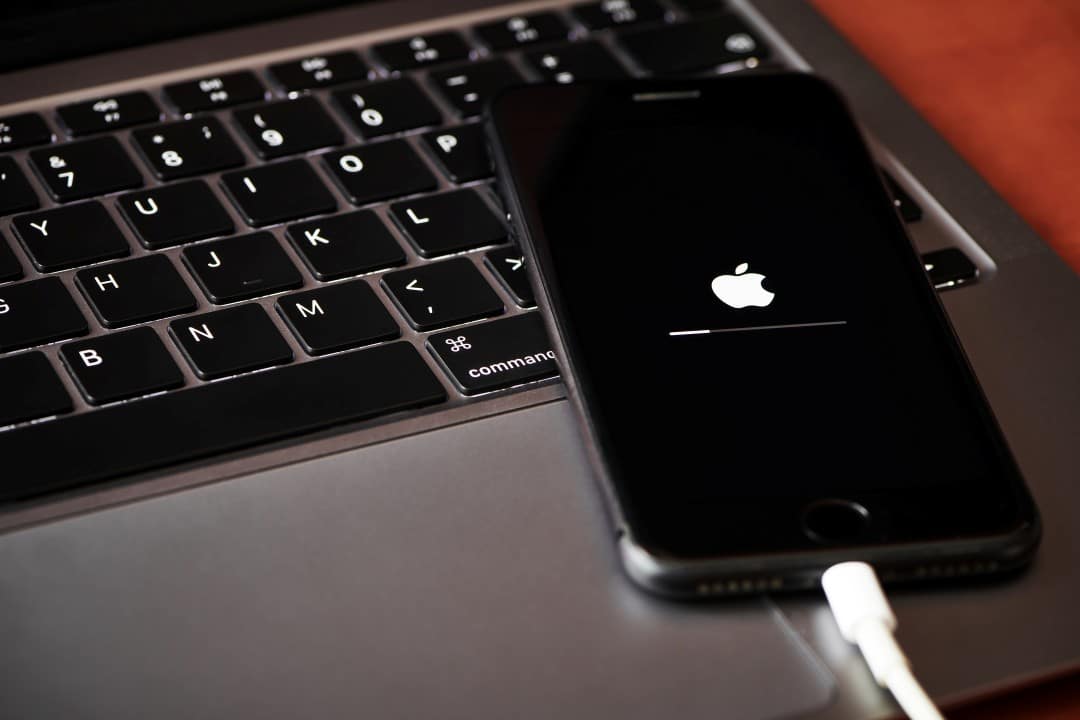
Apple released important recommendations to protect iPhone users against vulnerabilities actively exploited by attackers. The latest fixes, available in iOS 26.2 and iOS 18.7.3, require an immediate update followed by a restart of the device to eliminate possible memory-resident malware. Especialistas point out that restarting temporarily stops any running spyware, offering an extra layer of protection while patches are applied.
Millions of devices remain exposed because many owners have not yet installed recently released updates. Dados indicate that about half of eligible users have not migrated to secure versions, increasing the risk of infections.
The problem involves flaws in WebKit, the navigation engine used by Safari and other applications, which allow the remote installation of malicious software without user interaction.

Reasons for restart recommendation
Restarting your iPhone eliminates malicious code that operates only on the device’s volatile memory. Esses spyware, once installed through exploits, loses persistence after complete shutdown, requiring new infection to return.
Apple has identified ongoing attacks that exploit these loopholes, making the preventive measure essential for all supported models. Embora initial targets are specific, the dissemination of attack techniques can reach more common users over time.
Affected models and safe versions
Devices from iPhone 11 onwards receive full support for iOS 26.2, which includes the most advanced fixes against detected vulnerabilities. Older Modelos, still eligible, have iOS 18.7.3 as a safe alternative.
Users of devices without access to these updates are left without official protection, relying exclusively on practices such as regular restarts. The company reinforces that keeping the system outdated exposes the device to increasing risks.
The transition to recent versions occurs automatically in many cases, but manual checking ensures that patches are applied correctly.
How to check and update your device
Access Ajustes, go to Geral and select Atualização from Software to check the version installed on the iPhone. Caso the system indicates availability of iOS 26.2 or higher, proceed with the immediate installation.
After the update, perform a hard reset to activate all protections. The process involves sliding the shutdown control or pressing specific button combinations, depending on the model.
- Go to Ajustes > Geral > Desligar and wait for the device to restart.
- To force restart, quickly press the volume up button, then volume down button and hold the side button until the logo appears.
- Repeat the procedure weekly if you prefer not to update constantly.
These simple steps significantly reduce the chances of compromise.
Risks of not restarting
Advanced spyware exploits flaws in WebKit to access personal data, messages and location without leaving visible traces. Sem restart, these programs remain active even after partial updates.
Attackers use invisible messages or malicious links to initiate the infection, which occurs in the background. The absence of preventive measures facilitates the prolonged collection of sensitive information.
The spread of these techniques among cybercriminal groups increases the likelihood of large-scale attacks in the coming months.
Additional Benefits of Regular Practice
Weekly restarts clear accumulated processes and improve the device’s overall performance. Muitos users report greater fluidity in applications and reduced battery consumption after adopting the habit.
The combination of constant updates and restarts forms the most effective defense against modern threats. Profissionais recommend integrating these actions into your daily device usage routine.
This preventative approach avoids exclusive reliance on third-party antiviruses, which do not always detect zero-day exploits.
Detailed steps for complete protection
Start by checking your current operating system version directly in your iPhone’s settings. Baixe and install any pending updates, ensuring a stable internet connection during the process.
Make a prior backup to iCloud or your computer to preserve important data. The final restart activates the security mechanisms implemented by the update.
Monitor notifications from Apple about new versions, which arrive automatically when available. Manter the updated device represents the main barrier against known intrusions.
The company continually invests in improvements that make it difficult to exploit similar flaws in the future.
Importance of rapid updates
Immediate patch adoption reduces the window of opportunity for attackers to exploit disclosed vulnerabilities. Milhões of protected devices collectively weaken organized cyber campaigns.
Users who delay installations unwittingly contribute to maintaining active gaps in the global network. Awareness of these risks encourages more responsible practices.
Companies and governments also advise employees to follow Apple recommendations on corporate devices.
Simple restart, combined with regular updates, provides robust protection at no additional cost. Especialistas emphasize that this double measure surpasses many complex solutions available on the market.
The constant evolution of threats requires permanent vigilance on the part of iPhone owners. Adotar preventive routines guarantee greater peace of mind in daily use.