

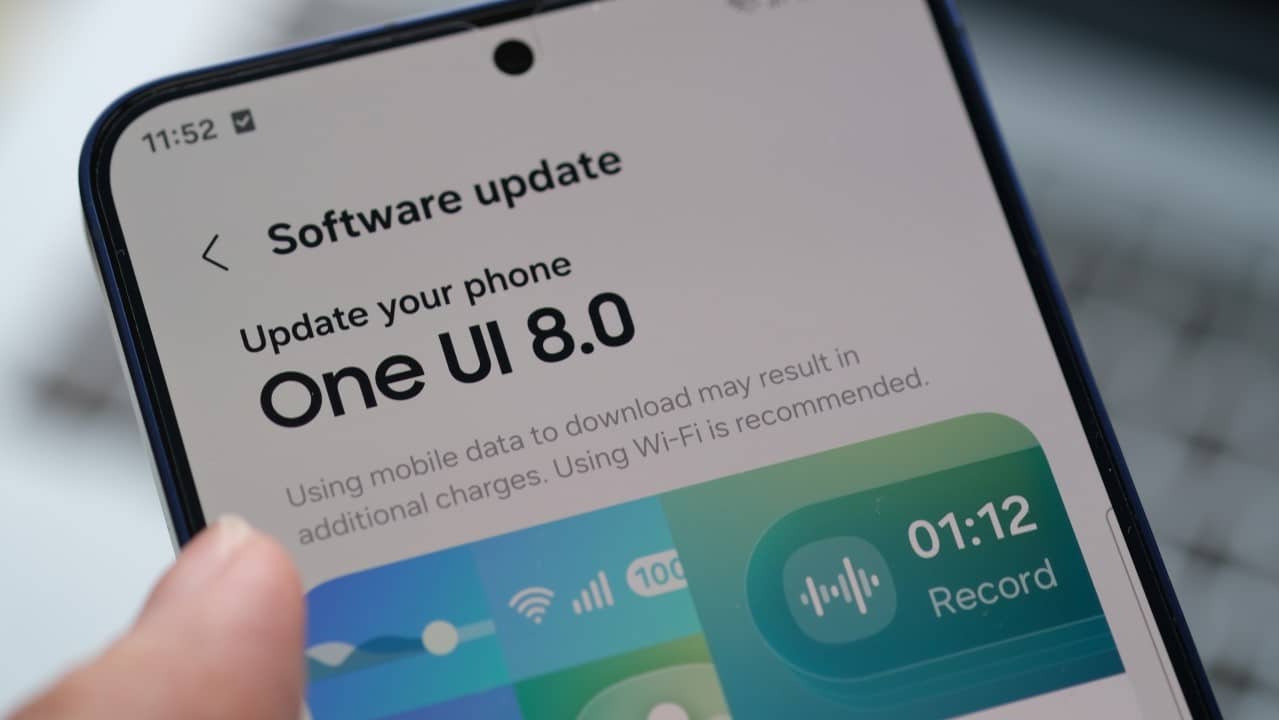
The Samsung advances in testing One UI 8.5, the next major update to its user interface, but the beta version has revealed significant usability problems in the brand’s most expensive models, the Galaxy Z. Relatórios line of foldables. fragmented and less intuitive.
The inconsistencies come at a crucial time, as the company seeks to refine the software experience to justify the premium positioning of its flexible devices. The current flaws directly affect multitasking and agility, which are the main attractions of devices like the Galaxy Z Fold 6. The expectation is that the fixes will be implemented before the official launch, scheduled for March 2026.
Despite the occasional issues, the update also brings important base improvements, including a revamp of the system kernel to optimize overall performance and hundreds of new animations. However, the attention of the user community is focused on the Samsung’s ability to fully adapt the new interface to the particularities of foldable screens, an ongoing challenge for the manufacturer.

Challenges in Quick Panel Gesture Navigation
The main sticking point in One UI 8.5 for foldable models is the new Quick Panel. While the update promises greater freedom to rearrange shortcuts and customize the appearance of buttons, its integration with gesture navigation proved to be flawed. Usuários report that, when swiping from the left side of the screen, the notifications panel is displayed correctly, but the gesture blocks lateral access to quick shortcuts, which should appear with a new swipe. Similarly, when accessing Quick Panel directly from the top right corner, the transition back to the notification center is prevented, forcing the user to close the panel and reopen it. Essa break in navigation flow negatively impacts multitasking, making simple tasks more time-consuming and frustrating on a device designed for productivity.
Camera functionalities migrated to separate module
Another controversial change involves the camera app. Popular and previously integrated Recursos, such as Single Take (Única Capture) and dual recording, have been removed from the main interface. Agora, to access them, users need to install and open the Camera Assistant module, an add-on available in Galaxy Store. The Essa approach, already adopted in other lines such as the Galaxy S25, creates an unnecessary barrier in foldable devices, which are often used for agile and versatile content creation.
The need to perform additional steps to activate essential functions goes against the practicality expected from a high-end smartphone. Para content creators who rely on simultaneous recording with the front and rear cameras, for example, the change represents a loss of fluidity in moments of quick capture. Embora o Camera Assistant centralize advanced settings, the decision to remove native features from the main interface was widely criticized by the testing community.
Performance optimizations
Despite the criticism, One UI 8.5 presents significant technical advances under the hood. The update introduces a deep renovation to the system kernel, which results in notable gains in fluidity and response speed across the entire line of compatible Galaxy devices.
Benchmark tests and practical use confirm that transitions between applications are faster and latency has been reduced. Essa base optimization prepares devices for future software demands and improves the overall usage experience for intensive tasks.
Visual advances in the interface
In addition to performance improvements, Samsung invested in the aesthetic part of the interaction. One UI 8.5 adds hundreds of new unlock animations and system transitions, making the user experience more polished and modern.
These visual refinements, combined with improved performance, create a feeling of greater agility, benefiting both newer and older models that will receive the update.
Testing process and community feedback
It is essential to highlight that One UI 8.5 is still in the beta phase. Esse testing period is designed precisely to identify and correct inconsistencies such as those reported in foldable models.
Samsung has a history of actively responding to feedback from beta program participants, releasing frequent corrective updates prior to the release of the stable version to the general public.
The user community, through specialized forums and official channels, plays a crucial role in detailing these usability issues, increasing the likelihood that they will be resolved in a timely manner.
Direct impact on the multitasking experience
The main value proposition of devices like the Galaxy Z Fold is their superior multitasking capability, enabled by the expansive internal display. The current flaws in One UI 8.5 directly attack this difference.
The truncated navigation in Quick Panel, for example, makes it difficult to quickly adjust settings like brightness or Wi-Fi while two apps are open side by side.
Likewise, needing to open Camera Assistant breaks the workflow for anyone who shoots video and needs immediate access to all of the camera’s tools.
These small frictions, when added together, compromise the premium experience and the promise of productivity that justifies the high cost of these devices.
Correction phase is expected
The beta phase allows Samsung to identify these issues early. The company typically releases several test builds, each with fixes based on user reports.
The next beta versions of One UI 8.5 are expected to bring specific adjustments to navigation and the camera app on models in the Galaxy Z line.
Release schedule maintained
Even with the problems identified, Samsung maintains the release schedule for the stable version of One UI 8.5 for March 2026. Distribution will begin with the most recent models, including the Galaxy Z Fold 6 and the Z Flip 6, which are priority in the update queue. The detailed calendar for other compatible devices will be released closer to launch.