

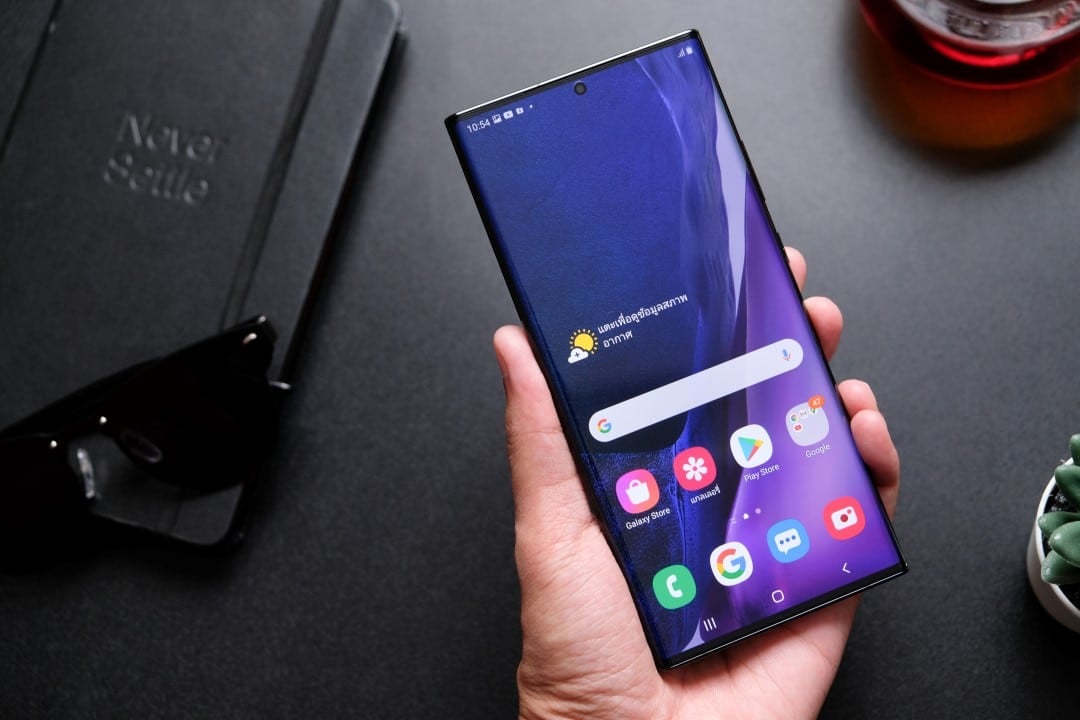
Samsung has released a significant update to the Home Up module, part of the Good Lock application, aimed at devices participating in the One UI 8.5 beta program. Essa version brings advanced customization options for the home screen and other interface elements, allowing more precise adjustments to widgets and sharing menus. The changes arrive through Galaxy Store and are now available to users signed up for the beta test.
The Good Lock continues to be an essential tool for those looking for greater control over the Galaxy smartphone system. With this update, the company reinforces its position in the customization market, offering features that go beyond the standard configurations of the Android. Usuários report immediate improvements in daily usability after installation.
Compatibility with One UI 8.5 has been restored following initial issues reported in previous beta versions. Agora, the module works without restrictions, bringing new features that make everyday life easier.
New widgets and home screen layout
Widgets receive special attention in this Home Up update. Users can scale internal content from 80%, allowing them to reduce or enlarge elements without changing the overall size of the widget.
Another option allows you to remove the background blur in widgets, resulting in a sharper and more personalized look. Essas settings are accessible directly from the module options and apply immediately to the home screen.
https://twitter.com/FamilyTaes/status/2013126193604649144?ref_src=twsrc%5EtfwUnification of side panels
Edge panel management has been simplified with the possibility of combining separate panels into a single structure. Antes divided into categories such as Apps, Tasks and People, they can now be brought together into a single super dashboard.
This change reduces the number of gestures required to access frequent content. Usuários who depend on these panels for productivity gain agility in accessing contacts, tasks and favorite applications.
Gesture control and error prevention
One of the common complaints among Galaxy users involves accidental app switching when swiping on the bottom bar. The update introduces an option to completely disable this navigation gesture.
This means that involuntary movements no longer interfere with the experience. The setting is available in the Home Up’s gesture options and can be activated or deactivated according to individual preference.
Cleanup in the direct sharing menu
The Direct Share menu, often criticized for displaying irrelevant applications, now allows you to hide specific items. Users select which apps appear in the sharing quick list.
This functionality saves time when sending files or links. Menu customization makes the process more efficient, especially on devices used for work or intense communication.
Improvements to large folders and custom layouts
The large folders on the home screen have gained additional organization options. Agora it is possible to define application icons, widgets and settings directly within these extended folders.
Misalignment issues in DIY Home mode have been fixed, ensuring custom layouts maintain the desired appearance. Essas corrections benefit those who prefer unconventional interface arrangements.
Specific benefits for foldable devices
Owners of models like the future Galaxy Z Fold receive special treatment. The update allows you to change the number of favorite apps displayed on the coverage screen.
This adaptation improves usability in closed mode. The adjustments are perfectly integrated with the unique behavior of the foldable devices in the Galaxy Z line.
Importance of Good Lock in the Galaxy experience
The Good Lock consolidates itself as a differentiator of the Samsung in the Android ecosystem. Enquanto competitors offer limited customizations, the company’s suite of modules allows for in-depth adjustments to various aspects of the interface.
The Home Up module, in particular, appeals to advanced users who want to adapt the device to their own workflow. The constant evolution of the application demonstrates the manufacturer’s commitment to community feedback.
- Scale adjustment in widgets from 80%;
- Optional background blur removal;
- Combination of edge panels in a single structure;
- Disabling the lower gesture for switching apps;
- Selective hiding on Direct Share;
- Advanced organization in large folders.
Update access and availability
The One UI 8.5 compatible version arrives automatically via Galaxy Store for beta participants. Quem still does not see the update, you can check it manually in the Good Lock modules section.
Eligible devices include recent models from the Galaxy S line and possibly some from the A series in later phases. Samsung typically expands access gradually during the testing period.
Context of the One UI 8.5 beta program
One UI 8.5 represents the next evolution of the Samsung interface, based on advances from Android. The beta program allows users to test features before the stable release, contributing real-world usage reports.
Updates like this one from Home Up show the rapid pace of development. The company prioritizes compatibility of popular tools during testing phases.
Practical advantages in daily use
The changes implemented directly impact the routine of millions of Galaxy users. Reduzir unnecessary clicks and eliminating unwanted gestures improves the overall efficiency of the device.
The possibility of cleaning overloaded menus represents a significant gain in accumulated time. Essas optimizations, although they may seem small individually, transform the experience throughout the day.
Stable release outlook
Although initially available in beta, the features are expected to arrive in the stable version of One UI 8.5 soon. Samsung traditionally incorporates enhancements tested by participants before global distribution.
Users outside of the beta program are eagerly awaiting these features. The update reinforces the manufacturer’s leadership in customization options in the mobile market.