

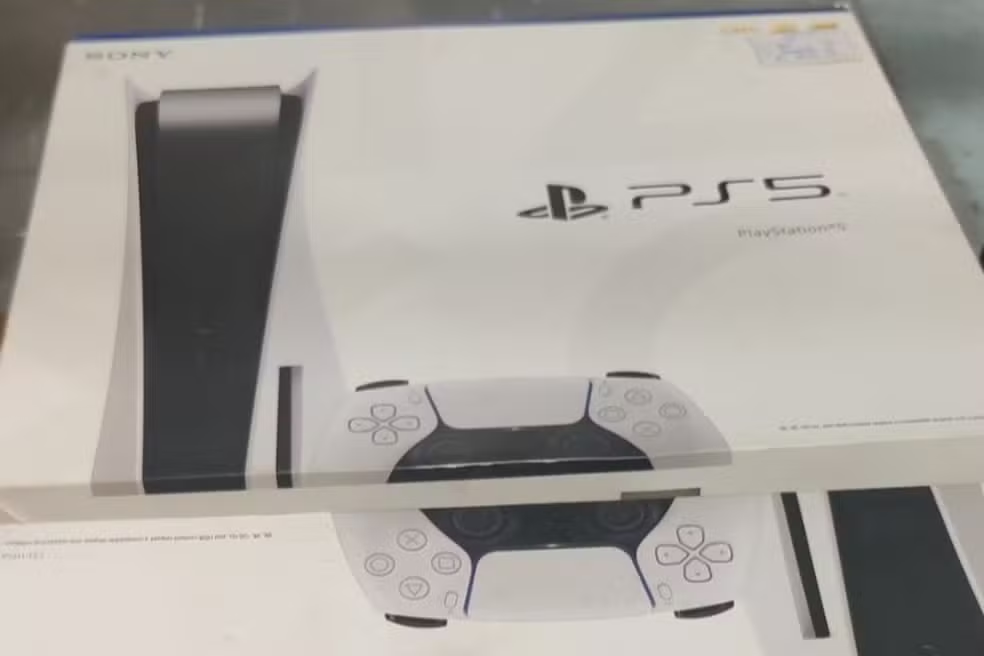
On January 28, 2026, Sony released system update version 26.01-12.60.00 for the PlayStation 5. Essa version brings adjustments focused on social interaction and daily usability of the console. The package, measuring around 1.3 GB, can now be downloaded by users around the world.
Key features include the option to enable read receipts on messages and a more direct shortcut to join games friends are playing. Essas changes aim to make communication and multiplayer more fluid. Installation occurs automatically or manually, depending on the preferences configured in the console.
The release of some features happens gradually, which means that not all players access the new features at the same time. The company maintains the standard of intermediate updates that refine the experience without radical changes to the main interface.
Read receipts in messages
Read receipts represent the main addition of this update. Essa function allows players to see when a sent message has been viewed by another user.
Activation is optional and can be configured individually. The feature also extends to PlayStation App, expanding its usefulness on mobile devices.
- Go to Configurações > Usuários and Contas > Privacidade.
- Select Visualizar and Personalizar Configurações from Privacidade.
- In the Comunicação and Multijogador section, enable the Mostrar read receipts to other players on PS5 and PlayStation App option.
The gradual rollout ensures that Sony monitors health before reaching all users. Essa approach avoids large-scale problems during initial rollout.
Easy access to the welcome hub
The Atividade widget from Amigos to Hub from Boas has received a significant improvement. Agora players can jump directly to the game a friend is running.
This change reduces the number of steps required to join a multiplayer session. Anteriormente, the process required additional menu navigation.
The change especially benefits groups that regularly play together. The shortcut makes the transition to joint departures more agile and intuitive on a daily basis.

Steps to install the update
Version 26.01-12.60.00 is available for download since January 28, 2026. The file occupies approximately 1.3 GB, depending on the region.
Consoles configured for automatic updates perform the process in the background. Caso Otherwise, the user can start manually through the settings menu.
- Go to Configurações > Sistema > Software from Sistema.
- Choose Atualização and Configurações from Software from Sistema.
- Select Atualizar Software from Sistema and confirm the download.
After installation, the console automatically restarts. Todas functions remain intact, without loss of data or personal settings.
General stability improvements
In addition to the visible new features, the update includes internal optimizations in the operating system. Essas fixes affect the overall performance and stability of the console.
Sony applies adjustments to messages and specific interface screens. Embora does not detail all impacted areas, these refinements resolve issues reported by users.
The improvements contribute to more consistent operation over long gaming sessions. Atualizações like this keep the PS5 in line with increasing performance demands.
Integration with PlayStation App
The read receipts feature extends directly to the PlayStation mobile app. Jogadores access the same configuration on iOS devices or Android.
This synchronization allows you to manage communications in a unified way between the console and app. Activation on PS5 is automatically reflected in the app.
The integration reinforces connectivity between Sony platforms. Usuários maintain control over privacy regardless of the device used.
Context of PS5 social updates
The PlayStation 5 has received regular updates since its launch in 2020. Muitas of them prioritize social features to strengthen interaction between players.
Previous features introduced improved voice parties and screen sharing. The current addition complements these tools with a focus on written communication.
Sony continues to refine aspects that facilitate group play. Essas evolutions respond to feedback collected over years of using the console.
Version 26.01-12.60.00 maintains the standard of updates that balance new features and corrections. The focus on social interactions meets a constant demand from the community.
Benefits for Daily Multiplayer
The changes facilitate coordination in multiplayer matches. The widget shortcut reduces time spent in menus during active sessions.
Read receipts prevent misunderstandings in group conversations. Jogadores confirm views without the need for additional messages.
These tools make the experience more practical for those who regularly play with friends. The combination of social features strengthens the PS5 ecosystem.
Expanded Privacy Settings
The new receipts option integrates with the existing privacy menu. Usuários adjust permissions in detail for different contacts.
Sony keeps control over shared information in players’ hands. Essa approach respects individual variations in privacy preferences.
Settings remain accessible in just a few steps. Alterações apply immediately after confirmation in the corresponding menu.
Gradual rollout and availability
The gradual release of the read receipts feature allows for real-time adjustments. Sony adopts this strategy for updates that impact servers.
Not all users receive news simultaneously. Full availability occurs in the weeks following initial launch.
The main update download, however, is accessible to everyone from day one. Apenas specific functions depend on the phased release.
Perspectives for future updates
Sony maintains a regular update schedule for the PS5. Versões intermediaries like this set the stage for bigger changes.
Social features continue to receive constant attention. The company collects usage data to prioritize future improvements.
The console benefits from ongoing refinements that raise overall quality. Atualizações keep the system competitive in the current market.