

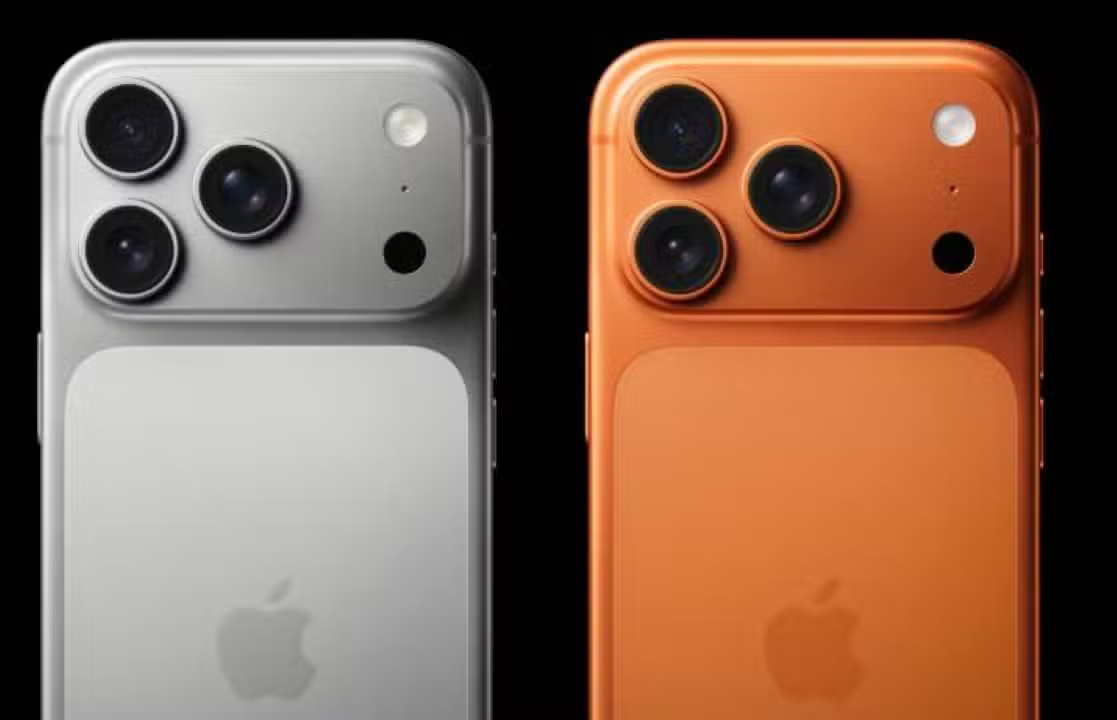
iPhone users in Brasil and other countries report an increase in complaints about instability after installing the iOS 26.2.1 update. The version was made available by Apple at the end of January 2026 and brought support for the second generation AirTag, as well as fixes for previous bugs.
Issues include application crashes, forced system restarts, and Wi-Fi connection difficulties. Diversos owners report that the devices became unstable shortly after the update, affecting daily use.
Complaints quickly emerged in online communities and official company forums. Proprietários describe situations where the device suddenly freezes or restarts for no apparent reason.

Most common reported symptoms
The crashes mainly affect native and third-party applications. Usuários observe that programs such as Mensagens, Mail, and Safari quit unexpectedly or stop responding during normal use.
Another frequent issue involves complete system restarts. iPhone displays black screen with spinning wheel before turning back on, interrupting ongoing activities and causing temporary loss of access.
Accelerated battery drainage also appears in several reports. Proprietários notice a significant reduction in autonomy even with moderate use, which did not occur before the update.
Models affected by instabilities
The problems affect different generations of iPhone, including recent models such as the iPhone 17 Pro Max and the iPhone 16. Usuários of these devices describe freezing when opening native Apple apps.
Older devices like iPhone 14 Pro Max and iPhone 11 also record similar complaints. The failures are not limited to a specific line, indicating a possible broad impact on compatibility.
Reports indicate a higher incidence in units with full storage or after data migration. Post-update background indexing appears to worsen resource consumption in some cases.
iPhone 15 and 16 Pro owners also report incorrect formatting of icons on the home screen. Esses visual errors accompany general slowness in the system interface.
Connectivity failures identified
Wi-Fi connections experience frequent outages after updating. Usuários lose signal even on stable networks, requiring manual reconnection several times a day.
Problems with Bluetooth also arise on some devices. Acessórios like headphones and smart watches experience pairing difficulties or unexpected disconnections.
- Crashes when switching between mobile networks and Wi-Fi
- Loss of signal in locations with previously normal coverage
- Difficulty maintaining connection to personal hotspots
- Interference with VoWiFi calls during internet use
These failures directly impact the continuous use experience. Muitos Owners need to restart the device to temporarily restore network stability.
Temporary solutions adopted
Forced restarts resolve the issue momentarily for some users. The combination of volume and power buttons forces restart and alleviates immediate crashes.
Clearing cache and closing background apps helps reduce system load. Alguns owners report improvement after freeing up significant storage space.
Restore to factory settings appears as an option in severe cases. However, experts recommend waiting before carrying out the complete procedure due to the risk of data loss.
Future updates to Apple may correct current instabilities. The company usually releases patches quickly when it identifies widely reported bugs in recent versions.
Similar update history
Dot updates like 26.2.1 generally focus on specific fixes. Elas aim to resolve vulnerabilities and add support for new accessories without changing core features.
Previous versions of iOS also showed initial instabilities. Usuários have experienced battery drain and slowdowns after update releases in past cycles.
The Apple monitors feedback through automatically sent diagnostics. Esses data helps quickly identify problems that affect a significant percentage of devices.
The post-update indexing process requires time for complete stabilization. Atividades in the background as reorganizing photos and files can overload the system in the first few days.
Suggested preventive measures
Keeping an up-to-date backup on iCloud or your computer prevents loss of information. The practice allows for quick recovery if the device needs to be restored.
Waiting a few days before installing new updates reduces initial risks. Observar reports from other users help evaluate the stability of the released version.
Checking for enough free space on the device makes the installation process easier. Apple recommends at least 10 GB available for downloads and safe unzipping.
Disabling intensive features temporarily eases the load on the system. Opções as constant localization or automatic updates may be paused until official fix.
The iOS 26.2.1 update remains available for download on all supported models. Apple has not issued an official statement regarding the complaints registered to date.
Affected homeowners share experiences in dedicated communities. The volume of reports indicates the need for quick attention from the manufacturer.
The company’s technical support guides individual cases through official channels. Diagnósticos remotes help identify whether the problem is solely due to the software.
Operating system stability remains a priority for Apple. Subsequent Correções often address issues identified in recent updates such as this one.