

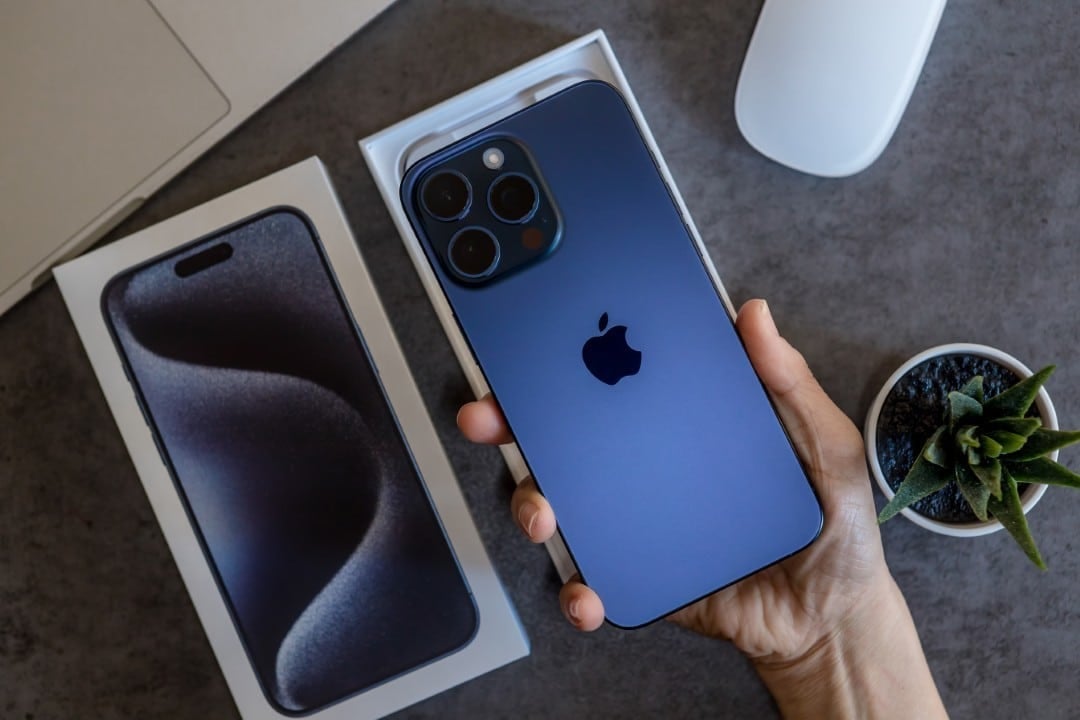
Apple is finalizing preparations for the launch of iOS 26.2, the second major update to its mobile operating system, expected to arrive in the first half of December. Este new software package promises to deliver a set of 15 new features and significant improvements, with the aim of improving the daily use experience for owners of compatible iPhones and iPads.
The main focus of the update is distributed across three strategic pillars: advanced personalization, strengthening the security of user data and an even more fluid integration between the devices that make up the company’s ecosystem. The changes range from the lock screen to native communication and entertainment applications.
This release builds on the flagship update, iOS 26, released in September, and reinforces Apple’s ongoing commitment to refining usability and adding value to its products. Assim Once the final version is released, users will be able to download it by accessing the “Settings” menu, selecting the “General” option and then “Software Update”.
Improved personalization and new visual alerts
One of the most anticipated changes in iOS 26.2 is the expansion of lock screen customization options. Users will gain access to new interactive widgets, which will allow them to perform quick actions directly from the locked screen, without having to open the corresponding application. For example, it will be possible to mark a task as completed in a reminder app or pause music without unlocking the device. Additionally, the update will introduce new clock styles and the ability to adjust depth of field in more types of photographs, giving you even greater creative control over the look of your device.
On the same topic: Apple prepares iOS 26.2 with 15 new features arriving in December to redefine the iPhone experience
Another significant advancement occurs in accessibility functions, with the introduction of new LED flash patterns for notifications. Será it is possible to configure specific light sequences for different contacts or types of alerts, a feature especially useful for people with hearing impairment or in environments where sound is not a viable option. The tool will also allow the flash to remain active during audio or video calls, ensuring that no important alerts are missed and making the iPhone an even more inclusive device.
Communication and security in focus
AirDrop functionality will receive a major update to make temporary contact sharing easier. The new option will allow two users to exchange contact information just by bringing their iPhones together.
Learn more: New Apple system update optimizes urgent task management for iPhone users
Data shared via this method will be automatically removed after a pre-determined period, such as 30 days. Esta tool was designed for networking situations and informal meetings, where it is not necessary to keep contact permanently on the agenda, ensuring greater privacy.
Another crucial new feature is the expansion of emergency resources. The update will allow location alerts to be sent via satellite, even in areas without cellular or Wi-Fi coverage, which can be vital in risky situations, such as trails or accidents in remote locations.
Revamped multimedia and entertainment experience
In the entertainment field, the Apple Music will gain deeper integration with the system, transforming the way users interact with their favorite music. Song lyrics can now be displayed in real time on any screen, including the lock screen, or overlaid on other applications through a floating window, converting the iPhone into a portable karaoke device and making it easier to follow tracks without interrupting other activities. The update will also bring improvements to collaborative playlist creation, making it simpler for friends to add and edit tracks together, with updates syncing instantly between all participants. The Podcasts app has also been redesigned to offer a richer, more accessible experience. The main new feature is the automatic generation of audio transcripts for all episodes. With this, users will be able to read the content while listening, search for specific keywords within an episode to find excerpts of interest and even copy and share important quotes. Essa tool not only improves accessibility for people with hearing impairments, but also transforms the podcast into a more efficient and dynamic research source for everyone.
Focus on user security and privacy
Digital security is one of the pillars of iOS 26.2, which will introduce new tools for managing passwords. The main addition is the ability to securely share passwords and passkeys with groups of trusted contacts, such as family or teammates, directly through the Senhas application.
More on this story: Apple prepares iOS 26.2 in December with 15 new features to transform the iPhone experience
All information sharing is protected by end-to-end encryption, ensuring that only group members can view the data. Além of sharing, the update will bring more proactive password monitoring, alerting the user about credentials that may have been exposed in third-party data leaks.
Optimizations in the Apple ecosystem
iOS 26.2 also strengthens integration with other branded devices. CarPlay, for example, will now display more application information directly on the vehicle’s screen.
This will allow you to control functions without having to interact with your iPhone. Incoming messages can be displayed more discreetly and responded to with improved voice commands.
For Apple Watch users, the update improves the accident detection algorithm. The system is now able to analyze data from motion sensors with greater precision.
The microphone will also be used to differentiate serious collisions from minor impacts, reducing the occurrence of false alarms and ensuring that help is only called when truly necessary.
Learn more: Apple’s iOS 26.2 brings 15 new features that redefine everyday iPhone use in December
iPadOS 26.2 Specific Changes
The tablet version of Apple, iPadOS 26.2, will focus on improving multitasking. The update will allow users to drag and drop apps directly from Dock, Spotlight search, or Biblioteca from Apps to open them in Split View or Slide Over modes. Essa change makes managing multiple windows more fluid and intuitive, bringing the experience of using the iPad closer to that of a notebook and increasing productivity for tasks that require viewing different information simultaneously.
Other general usability improvements
The Tempo app will receive new detailed maps that will display information about air quality, UV index and wind speed in real time, with more accurate forecasts for the coming hours. Graphs have been redesigned to make weather data easier to read and understand.
Finally, the Jogos application will gain an organization similar to that of Biblioteca and Apps, automatically grouping titles by category, developer or download date. Essa new view simplifies navigation for users who have many games installed, allowing them to find the title they want more quickly.