

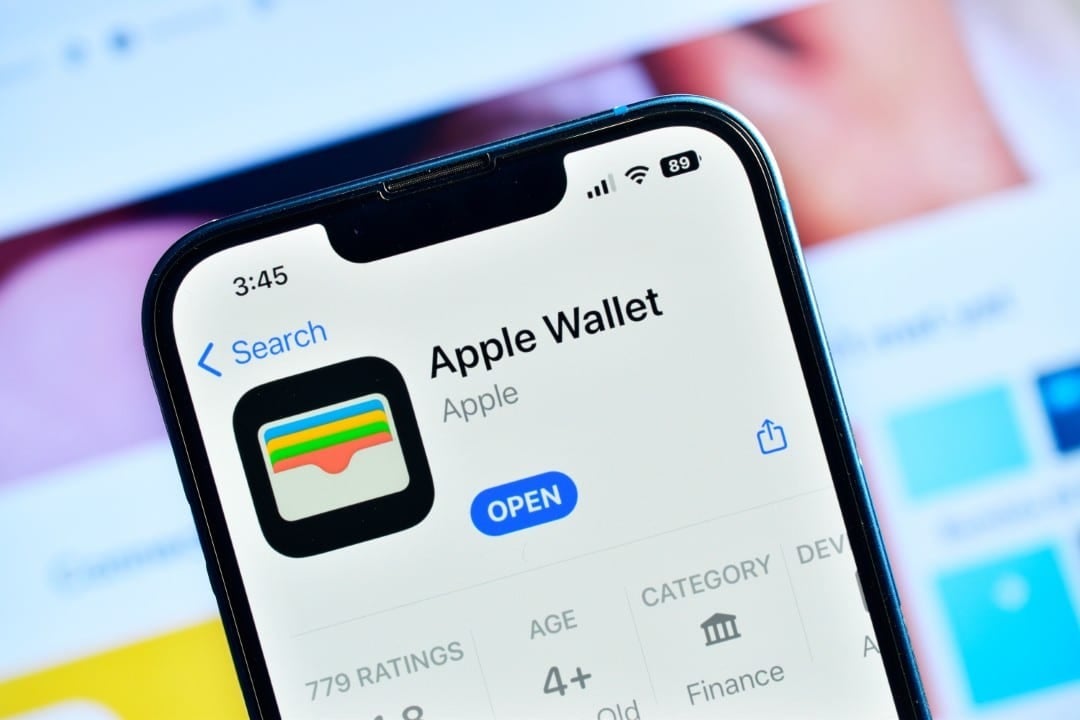
A new iOS 26 operating system update is transforming the way iPhone users make digital payments. Apple has natively integrated the automatic filling of credit card data throughout the system, using the Wallet application as a secure, centralized vault for this information.
The change eliminates the need to repeatedly enter card numbers, expiration dates and security codes into apps and websites. With this functionality, the process of purchasing online or registering for services becomes significantly faster and less susceptible to typing errors, increasing convenience for millions of users.

The functionality is available for all devices compatible with the latest version of the system. Deep integration with Wallet ensures that data is protected by biometric authentication, such as Face ID or Touch ID, before being filled into any form field.
How the new functionality operates in the system
The feature’s great innovation is its universal application, which goes far beyond the Safari browser, where similar functionalities already existed in a more restricted form. Agora, when you tap a payment field in any third-party app or alternative browser, the iOS keyboard automatically suggests the option to fill in the data from Wallet. The user selects the “AutoFill” option, authenticates their identity with Face ID or Touch ID and chooses which of their saved cards they want to use. Imediatamente, all necessary information, such as the cardholder’s name, full card number and expiration date, are entered in the corresponding fields. Este integrated flow not only saves time, but also reinforces security, as sensitive data is never exposed on the screen for long periods nor does it need to be physically handled in public places, consolidating a more fluid and secure digital payment experience across the entire Apple ecosystem.
Activating and configuring cards on Wallet
To utilize the new autofill feature, users must first add their credit or debit cards to the Wallet app. The process is designed to be simple and intuitive, ensuring that even people less familiar with technology can set it up.
Inside Wallet, simply select the option to add a new card. The system offers the convenience of using the iPhone’s camera to scan physical card information, capturing the number, holder’s name and expiration date automatically. Alternativamente, data can be entered manually.
A positive point is that cards previously configured for use with the Apple Pay or those that were already saved in the Safari settings are automatically migrated to the new AutoFill section of the Wallet. Isso prevents users from having to register everything again.
Once configured, iCloud Keychain takes care of synchronizing cards securely between all Apple devices connected to the same account, such as iPad and Mac. Qualquer changes or additions made to one device are instantly reflected in others.
Security and privacy in data storage
Apple has implemented multiple layers of protection to ensure the security of payment information. Todos card data is stored in encrypted form directly on the device’s Secure Enclave, a security coprocessor isolated from the rest of the system, which prevents unauthorized access even in cases of compromise of the main software. The company reinforces that not even it has access to the full card numbers.
Biometric authentication is a mandatory requirement for every use of AutoFill. Isso means that before any information is filled in, the system requires confirmation via Face ID or Touch ID, ensuring that only the device owner can authorize the transaction. Essa approach protects data even if the iPhone is unlocked, adding a crucial security barrier against misuse.
Advantages for users’ daily lives
The main advantage of expanding AutoFill is saving time and reducing friction in digital transactions. Compras in e-commerce, service subscriptions and payments in applications become processes that take just a few seconds.
The feature eliminates the need to look for your wallet and physical card with each new online transaction, an especially useful convenience for those who make frequent purchases or use multiple digital services.
In addition to practicality, the functionality increases user confidence when making payments, as the secure method controlled by the operating system minimizes the risks associated with entering sensitive data on different websites and applications.
Centralized payment management
With this update, Wallet consolidates itself as the management center for all payment methods in the Apple ecosystem. Users can view, edit, remove and organize all of their cards in one place, making it easier to control their digital finances.
Differences from previous versions of iOS
Prior to iOS 26, the ability to autofill credit card information was largely limited to the Safari browser. Para had similar functionality in other applications, users often relied on third-party password managers.
The new version makes this capability native and universal across the operating system. Isso simplifies the user experience, who no longer needs alternative solutions for such a common task, integrating functionality in a cohesive and secure way.
Recommendations to optimize resource use
To ensure the best possible experience, it is recommended that users verify that iCloud Keychain sync is enabled in their device settings. Isso ensures that cards added on the iPhone will also be available on the Mac or iPad.
Keeping the operating system always up to date is another fundamental practice. Apple periodically releases security updates that fix vulnerabilities and improve the functioning of critical components such as Wallet and Secure Enclave.