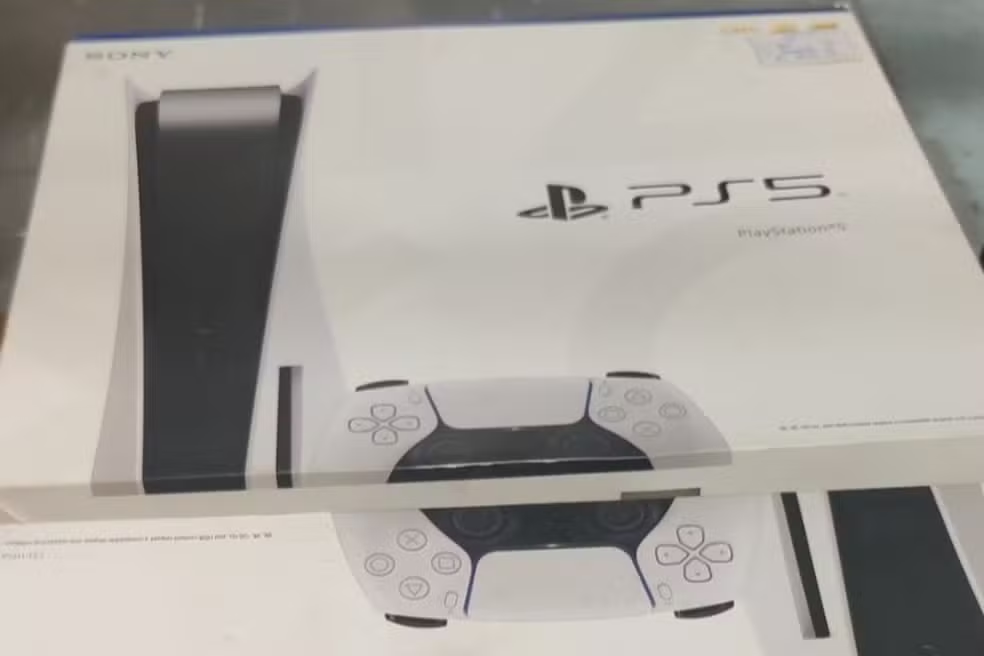
Sony released a new software update for the PlayStation 5 on January 28, focused on improving the social experience and usability of the console. Identificada as version 26.01-12.60.00, the update is approximately 1.3 GB and is now being rolled out globally to all users. The main new features include the introduction of read receipts in messages and faster access to join games that friends are playing, as well as general stability improvements.
The new features aim to make communication between players more transparent and the process of starting multiplayer matches more agile. Read receipt, an optional feature, lets users know when their messages have been viewed, similar to popular messaging apps. Installation of the package can be done automatically, for those who have the option activated, or manually through the system settings menu.

The company reported that the implementation of some of these new tools, such as read receipts, will occur gradually. Isso means that even after installing the update, it may take some time for the functionality to be available to the entire player base. Essa strategy allows Sony to monitor the performance and stability of new features in real time before a mass release.
New read receipts improve communication
The main addition of this update is the read receipts functionality, which can be activated or deactivated depending on the user’s preference. Once enabled, a visual indicator will confirm when the recipient has opened a message sent via PlayStation Network. Esse feature is particularly useful for coordinating group gaming sessions, eliminating uncertainty about whether an invitation or an instruction has been seen. The functionality is not limited to the console, but also extends to PlayStation App on mobile devices, ensuring a consistent communication experience across platforms. Sony integrated this option directly into the privacy settings, giving players full control over who can see their reading status, reinforcing the brand’s commitment to personalizing the online experience.
Shortcut for friend activities simplifies multiplayer
Another significant improvement was implemented in the Atividade widget of Amigos, located in the Hub of Boas-welcomes. With the new version of the software, players can directly join a game a friend is playing with just one click on the widget. Essa change represents an important optimization to the navigation flow, considerably reducing the number of steps required to join an ongoing match. Anteriormente, the process required the user to navigate through different menus and profiles to find the option to join the session.
This simplification directly benefits the daily multiplayer experience, making the transition between being in the console menu and participating in an online match almost instantaneous. Para groups of friends who play together frequently, the new shortcut saves time and removes barriers, encouraging more fluid and spontaneous interaction. The improvement reflects Sony’s attention to community feedback, which asked for faster, more intuitive ways to connect with other players and take advantage of the console’s online features.
How to activate the new privacy feature
Activating read receipts is a simple process and can be managed at any time by the user. Para access the configuration, you must navigate to the console’s Configurações menu, select the “Users and Contas” section and then enter “Privacy”.
Within the privacy options, the player must choose “View and Personalizar Configurações of Privacidade”. The option to enable or disable read receipts will be located in the “Communication and Multijogador” subsection, where a simple button will allow you to control the visibility of message reading.
Details about installing the software
Update 26.01-12.60.00 has been available for download since January 28th. The file size is approximately 1.3 GB, although it may vary slightly depending on the user’s region.
For players who keep the automatic update file download setting turned on, the process will occur in the background, usually when the console is in rest mode and connected to the internet.
If automatic installation is not configured, the user can start the process manually. Para this, just access Configurações, go to “Sistema” and then to “System Software”.
On the next screen, you must select “Update and Configurações from Software from Sistema” and, finally, click on “Update Software from Sistema”. The console will search for the latest version and begin the download, automatically restarting at the end of the installation to apply the changes.
System stability and performance optimizations
In addition to the visible features, this software update also includes a series of internal improvements that aim to improve the overall performance and stability of the PlayStation 5.
These optimizations, which are not detailed in the official release notes, correct minor system errors, improve interface responsiveness and ensure smoother operation when using games and applications.
Sony makes these adjustments on an ongoing basis to refine the user experience, resolve issues reported by the community, and prepare the operating system for future updates and the increasing performance requirements of new titles.
Full integration with PlayStation App
Syncing the read receipts function with PlayStation App reinforces Sony’s strategy of creating a connected ecosystem. When activating the feature on the console, it is automatically mirrored on the mobile app, allowing players to manage their conversations in a unified way, regardless of the device they are using.
Gradual distribution strategy for news
Sony opted for a gradual rollout approach for the read receipts function. Essa strategy, known as “phased rollout”, is common for resources that depend on servers and network interactions.
This means that even with the update installed, the functionality may not appear immediately for everyone. Availability will be expanded over the following weeks, allowing the company to monitor the impact on systems and make adjustments if necessary.
