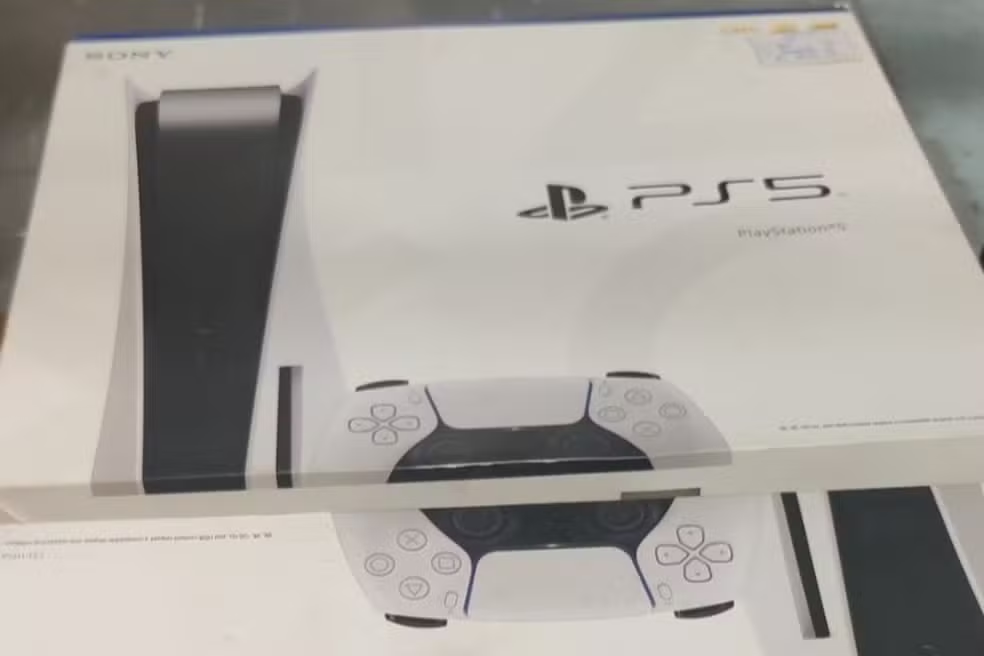
Sony began distributing a new software package for its next-generation console this Wednesday. The file, identified as version 26.01-12.60.00, requires about 1.3 GB of free space on internal storage to process. The changes prioritize quality of life in social interactions between platform users.
The technical highlight involves the introduction of tools that allow greater control over privacy and written communication. Jogadores now have the ability to manage viewing confirmations in direct chats, a common feature on social networks that reaches the gaming ecosystem. Implementation occurs gradually in different regions.

Improvements in the general stability of the operating system accompany the new features visible in the interface. The update aims to correct small performance errors reported by the community in recent weeks, ensuring more fluid navigation through the device’s menus. Installation can be done automatically if the console is in rest mode.
Read receipt management
The new viewing confirmation feature changes the dynamics of messaging on the PlayStation Network network. Usuários can choose to let friends know when a text has been read, increasing transparency in conversations. The feature is disabled by default to preserve the initial privacy of each account.
Adjusting these settings is flexible and can be reversed at any time through the system’s privacy menu. Synchronization is immediate, affecting both conversations viewed on the TV screen and those accessed via mobile devices. Essa integration seeks to unify the brand’s communication experience.
Agility in accessing multiplayer
The welcome hub interface has received strategic modifications to reduce the time between turning on the console and starting the game. The Friends Activity widget now functions as a direct shortcut, eliminating the need to navigate through multiple tabs to find an active game session.
Groups that usually play together benefit directly from this change, as joining online matches becomes practically instantaneous. The change reflects the company’s focus on keeping players connected with as little friction as possible. The system automatically identifies which friends are in open sessions and highlights these options.
Manual update process
The system file download should occur automatically for most devices connected to the internet. Caso the procedure does not start by itself, it is possible to force the search for the new firmware through the internal settings. The process ensures that the console is able to run the latest titles safely.
To perform manual verification and activate new features, the user must follow a specific path in the menus:
- Navigate to the Configurações menu in the top right corner of the home screen.
- Select the Sistema tab and then the Software option from Sistema.
- Choose Atualização and Configurações from Software from Sistema to start the search.
- Confirm the download and wait for the device to automatically restart.
Mobile app integration
The update directly reflects the operation of the PlayStation App on iOS and Android smartphones. The privacy settings chosen in the console are mirrored in the application, ensuring consistency in communication rules. Isso prevents the user from having to configure their preferences twice.
The Sony ecosystem continues to strengthen the bridge between dedicated hardware and secondary displays. Unified message management facilitates parental control and organizing clans or groups of friends. The mobile version of the application must be updated via the app store to ensure full compatibility.
