

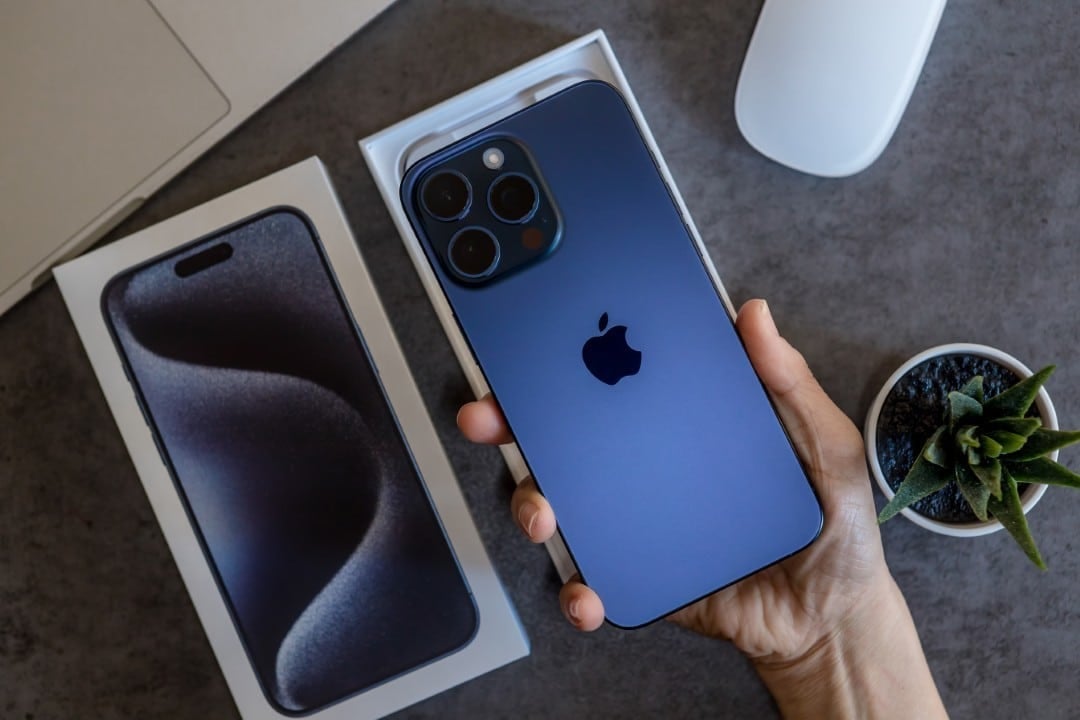
Apple has confirmed the release window for its latest operating system update, iOS 26.2, which should reach compatible devices between December 8th and 16th. Esta new version promises to refine the user experience with the introduction of more than 15 significant improvements, focusing both on system stability and on the introduction of features awaited by consumers. The Cupertino company highlights that the software was designed to optimize the daily use of iPhones and iPads, correcting previous flaws and raising the security standard.
The update process will follow the brand’s intuitive standard, allowing users to download directly through the device’s settings. Para To ensure that everyone has access to the news at the time of launch, the recommended path will be to access the settings menu, navigate to the general tab and select the software update option. The installation will ensure that devices are equipped with the latest innovations in data protection and user interfaces.

This launch marks the second major update since the arrival of iOS 26 in September, consolidating the company’s strategy of offering rapid improvement cycles. The focus of this version falls heavily on accessibility, privacy and fluid integration between the various applications in the ecosystem, seeking to offer safer and more personalized browsing.
Advanced lock screen customization
One of the most notable visual changes in iOS 26.2 is the expansion of Lock screen customization capabilities. The new operating system gives users much more granular control over how elements are displayed when the phone is inactive. The update responds to a long-standing demand from the community for less polluted and more functional interfaces.
In previous versions, customization options were considered restrictive by many technology analysts, with fixed settings that limited user creativity. With the new update, it becomes possible to adjust the display of the clock and other visual elements precisely, allowing you to hide unnecessary components to create a clean, minimalist aesthetic, adapted to the individual taste of each owner.
Enhanced security in AirDrop
File transfer via AirDrop has received an extra layer of protection in this update. The system now implements the generation of single-use codes for transfers, significantly increasing security when sharing documents or media with people who are not in the contact list. Essa functionality aims to mitigate the receipt of unwanted files and ensure that the connection is only established with the correct recipient.
The codes generated by the system are valid for 30 days and are automatically managed by the software. Isso simplifica a gestão de privacidade, pois o usuário não precisa se preocupar em revogar acessos manualmente após o período estipulado, garantindo que a porta de entrada para o dispositivo permaneça fechada para conexões não autorizadas após o término da validade.
Innovations in Apple Music and Podcasts
For audio enthusiasts, iOS 26.2 brings features that improve offline usability. The Apple Music now supports the display of song lyrics even without an internet connection. The automatic lyrics scrolling system has been optimized to work with content downloaded from the device’s cache, ensuring that the karaoke experience or song accompaniment is not interrupted by a lack of network signal.
Simultaneously, Podcasts’s application receives a robust update based on system intelligence. The platform is now capable of generating automatic transcripts of episodes, allowing users to search for specific terms within the audio. Isso transforms the way we consume spoken content, facilitating direct access to segments of interest and increasing content accessibility.
Accessibility and visual alerts
Apple continues to invest heavily in accessibility features with the introduction of new options for flashing notifications. Accessibility settings have been expanded to include a new full-screen flash option in addition to the traditional rear LED. The user can now choose which visual alert method they prefer, or even combine both to ensure no notifications are missed in noisy environments.
In addition to the alert functionality, the system implemented algorithms that analyze the displayed content to prevent health risks. The software can identify flashing light patterns in videos and media, issuing warnings or adjusting the display to protect users with photosensitivity or epilepsy, demonstrating an ongoing commitment to the physical safety of its consumers.
Multitasking and Gaming on iPadOS
The iPad receives special attention in this update, with improvements focused on productivity and entertainment. In the games segment, the system now allows for a more efficient organization of the library, classifying titles by type of developer. An important technical novelty is the option to download compact versions of games, optimizing the tablet’s internal storage without compromising gameplay.
Multitasking functionality has been improved with drag-and-drop tweaks. The interaction between Dock, the application library and the Split View and Slide Over functions is more fluid. Users will notice a faster response when opening simultaneous applications, which promises to increase the efficiency of those who use the iPad as their main work tool.
Password management and tracking
Personal data security gains a new ally with the update of the password application. iOS 26.2 introduces tools that proactively alert about data leaks by listing sites where user credentials may have been publicly exposed. Além of the alert, the system facilitates the removal of domains from block lists, giving the user full control over their digital footprint.
The device tracking system has also been updated with support for new sensors. Accuracy in locating lost devices has been refined using altitude and atmospheric pressure data, as well as environmental sensors. Isso allows a more accurate and contextualized view of where the device is located, increasing the chances of recovery in case of loss or theft.
CarPlay improvements and everyday use
For drivers, CarPlay presents a cleaner, more customizable interface. The update allows users to hide pre-defined themes, focusing on a view that reduces distractions while driving. The news category also received new navigation buttons, making interaction with the infotainment system more direct and safer while driving.
Finally, Apple adjusted the algorithms for Apple Watch’s activity rings. The system now better understands rest days, allowing users to maintain their goal streaks even when opting for physical recovery, aligning the technology with healthy sports training practices.
Main keywords:iOS 26.2, update Apple, iPhone security, iPadOS multitasking.
Long-tail keyword:new accessibility and privacy features on iOS.