

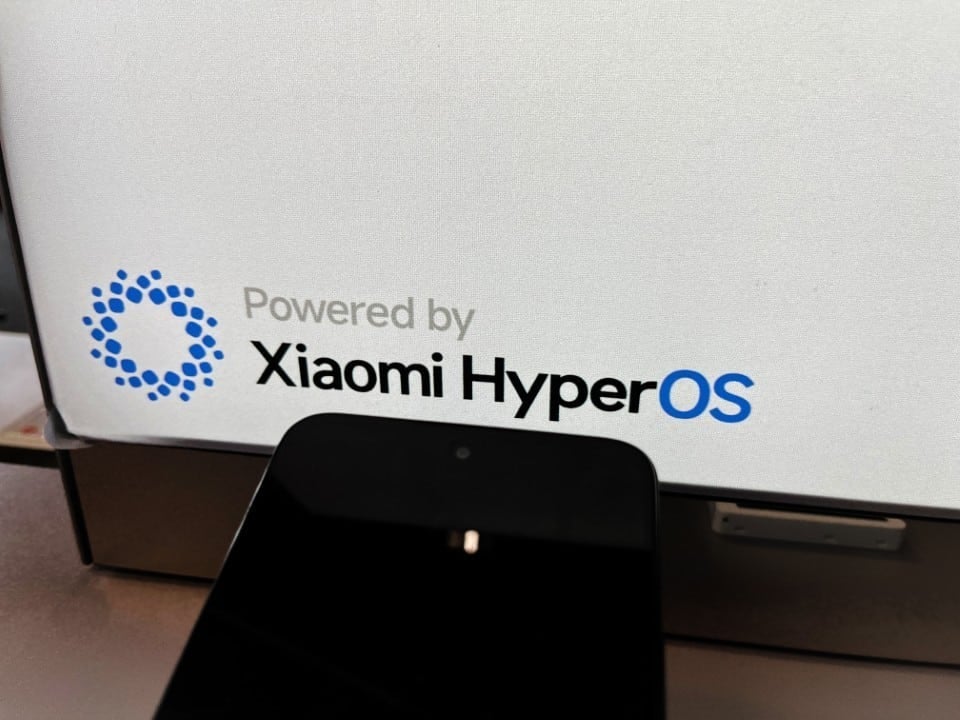
Owners of Xiaomi devices are often unaware of the full potential of the operating system embedded in their devices. The update to HyperOS 2.0 brought native tools that eliminate the need to install third-party software to ensure efficiency. Pequenos adjustments in the configuration menus are enough to transform usability, delivering more energy autonomy and faster execution of routine tasks.
Exploring the deeper layers of the system reveals features that prioritize hardware longevity. Desde from intelligent load management to the simplification of the visual interface, the available options aim to create a continuous and crash-free user experience, ideal for those seeking productivity in their daily lives.
More on this story: Xiaomi starts distributing new operating system for 70 smartphones with a focus on battery
Smart gestures and screen shortcuts
Replacing virtual buttons with gesture navigation represents a significant advance in the ergonomics of everyday use. Além to expand the usable display area for media consumption, this configuration offers a more immediate tactile response when switching between heavy applications.
Another indispensable feature is simplified screenshot capture via three-finger swipe. The functionality eliminates the need for physical button combinations, speeding up the recording of important information and allowing instant edits directly in the overlay interface.
Learn more: Settings in Xiaomi’s HyperOS system increase battery life and cell phone speed
Efficient energy management
To maximize the durability of the energy component, the system offers precise control options. Implementar load limits is an essential strategy for those who plan to keep their cell phone for several years, avoiding premature wear of the internal components:
– Ativação of 80% limit to avoid chemical stress of the power cell;
– Uso of adaptive refresh rate to save resources on static screens;
– Desativação of printing services that run in the background unnecessarily.
Advanced security and customization
Sensitive data protection has gained extra layers with the possibility of blocking individual applications using biometrics. The user can hide banking or messaging icons, ensuring that critical information remains inaccessible even when the device is unlocked by a third party.
On the same topic: Apple changes structure of next iOS to fix battery failures and optimize iPhone speed
The interface also allows you to remove native ads and visually clean up the lock screen. Manter only essential notifications and the active clock reduces distractions and contributes to lower battery consumption throughout the day, in addition to making the look more minimalist.
System maintenance and fluidity
Periodically cleaning temporary files and cache is vital to avoid choking after months of intense use. The integrated security application performs this scan in depth, eliminating digital waste that unnecessarily takes up storage and weighs down processing.
In moments of high demand, such as in advanced graphics games, high performance mode can be activated to release the full power of the processor. However, for everyday use, the default balance of HyperOS already offers the stability needed to browse, work and consume multimedia content without interruptions.