

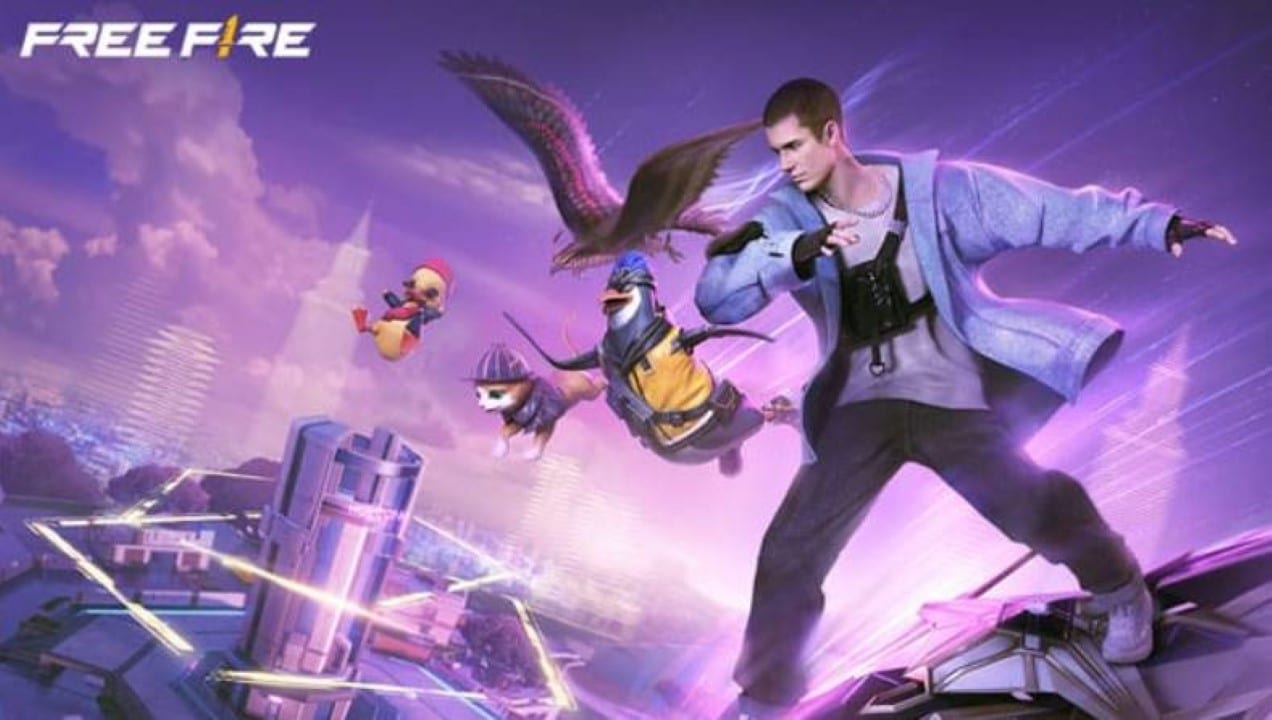
Users of Android devices with modest technical specifications have found the Kipas Tornado to be a new alternative to improve the experience on the Free Fire. The tool gained significant popularity throughout the year, promising to deliver visual quality close to cinematic mode, without sacrificing frame rate stability per second. Essa demand arises in a scenario where constant battle royale updates demand increasingly more from the hardware of mobile devices.
The software acts directly on operating system resource management, focusing on the intelligent allocation of RAM memory and processor use. Relatos of players indicate that, by prioritizing the game over secondary processes, it is possible to reduce crashes, even in moments of intense combat or when there are many visual elements on the screen. The search for fluidity has become essential for anyone who wants to compete at a high level without investing in high-end smartphones.

Mobile technology experts note that the use of these tools reflects the community’s need to keep up with the graphical evolution of games. With global collaborations bringing heavier textures and detailed particle effects, input devices struggle to maintain performance. Kipas Tornado therefore emerges as a technical response from the community to democratize access to smooth and visually pleasing gameplay.
Technical functioning and hardware management
The application works by fine-tuning the Android’s internal settings, often accessing parameters that are not available in the user’s default menu. The main focus is to avoid overheating, one of the biggest performance killers in long gaming sessions, ensuring that the processor maintains stable frequencies without going into “thermal throttling”. Além Furthermore, the tool tries to free up as much memory as possible, closing background applications that could compete for resources with Free Fire, creating an isolated and optimized environment for running the Garena application.
Impact on visual experience and gameplay
Players who use the tool highlight a noticeable difference in the rendering of textures and the fluidity of movements. The promise of a “cinematic” look refers to the ability to maintain high graphical fidelity without the stuttering that would normally occur on basic cell phones. Isso allows content creators to capture clips of their matches in professional quality, making it easy to share on social networks and video platforms.
In addition to aesthetics, the stability provided by the software directly influences competitive performance. In shooters, accuracy depends on a quick response to commands and a constant update of the image. By reducing lag, users are able to react more readily to ambushes and direct confrontations, leveling the battlefield against opponents who have more powerful devices.
Risks associated with using third-party software
Although the performance benefits are attractive, it is essential to consider the stance of the game’s official developer. Garena has strict policies against the use of unauthorized software that alters application or system behavior during gameplay.
Free Fire’s anti-cheat system is constantly updated to detect anomalies and external code injections. The use of aggressive optimizers can be interpreted by the system as an attempt at cheating or undue advantage.
Penalties for infractions of this type range from temporary suspensions to permanent account bans. Therefore, the community recommends extreme caution and, preferably, the use of secondary accounts to test new tools before applying them to the main account.
Personal data security is also a point of attention when installing applications outside the official store. It is necessary to check the origin of the file and the permissions requested at the time of installation to avoid malware.
Native and safe optimization alternatives
For those who prefer not to risk using external applications, there are native methods in Android and in the game itself to improve performance. The Free Fire settings menu offers granular graphics adjustments, allowing you to reduce shadows and effects to gain FPS.
Keeping the operating system updated and clearing the device’s cache regularly also helps maintain speed. Android has developer options that can legitimately limit background processes.
Another recommended practice is to play with the device connected to a stable power source and in cool environments. Excessive heat is the main cause of decreased performance on cell phones, regardless of the software used.
Community recommendations for stability
Free Fire forums and discussion groups often share lists of best practices to keep the game running well in 2026. Essas tips aim to maximize existing hardware without the need for risky software modifications.
The combination of manual adjustments and physical care of the device usually brings the most consistent results in the long term. Abaixo, some of the main guidelines shared by experienced players:
- Restart your device before starting ranked game sessions to clear temporary memory.
- Uninstall unnecessary applications that consume resources in the background, such as heavy social networks.
- Use the cell phone’s native “No Perturbe” or “Jogo” mode to avoid notification interruptions that cause lag.
- Monitor the device temperature and take breaks if the device becomes excessively hot.
Context of recent updates
Changes to the Free Fire graphics engine in 2026 brought significant visual improvements, but also raised the barrier of entry for older hardware. Novos maps and skins with dynamic effects require more GPU processing.
Garena continues to work on optimization patches to cover as many devices as possible. Enquanto official solutions are not enough, tools like Kipas Tornado fill this gap for part of the player base.