

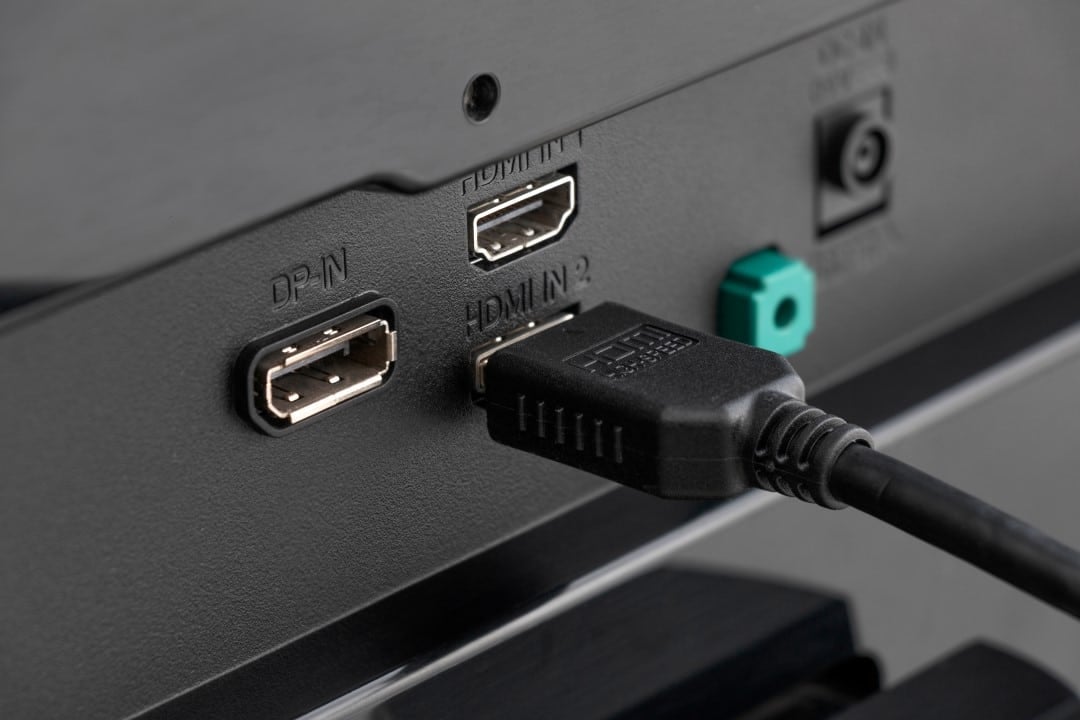
Many consumers invest in high-resolution televisions and advanced devices, such as PlayStation 5 or Apple 4K TV, expecting sharp images, intense colors and full HDR support. However, visual quality is often below expectations, even with modern equipment connected correctly. The main reason lies in a factory configuration of the HDMI ports, which prioritizes broad compatibility over maximum performance.
This limitation occurs because TVs leave the factory with the HDMI ports in standard or compatible mode. Esse tuning reduces the bandwidth available for signal transmission, ensuring that older or less demanding devices work without connection errors or black screens. As a result, features such as full HDR, greater color depth and high refresh rates end up restricted, resulting in images that look “just good”, but do not exploit the screen’s full potential.
The solution involves switching to enhanced mode (or equivalent, depending on the brand), which frees up the full bandwidth of the HDMI port. Essa change allows the signal to arrive with superior quality, activating 10-bit color, 4:4:4 chroma without excessive compression and full support for advanced formats. Usuários report immediate improvement in HDR highlights, sharper text in interfaces, and more accurate colors in varied content.
What happens in standard HDMI mode
Manufacturers adopt standard mode to avoid large-scale compatibility issues. Dispositivos Older or lower quality cables may fail to handle high demand signals, creating instability. Therefore, initial tuning sacrifices performance for universal stability.
Even 4K HDR content can be transmitted, but with technical limitations. The 4:2:0 chroma subsample is common in this scenario, which reduces fine details and causes banding in gradients. Consoles like PS5 or streaming boxes end up operating suboptimally, even with HDR activated in the device settings.
Benefits when activating enhanced mode
By selecting enhanced mode for the specific port used, the user frees up to 18 Gbps or more of bandwidth, depending on whether the port supports HDMI 2.0 or 2.1. Isso enables HDR with 10-bit color depth, improves dynamic contrast, and enables 120Hz rates in compatible games. The difference appears especially in dark or high-contrast scenes, where details stand out more.
Brands vary in nomenclature: Samsung uses Input Signal Plus or HDMI UHD Color, LG adopts HDMI Ultra HD Independentemente of the name, the effect is the same: the signal passes without artificial restrictions imposed by the standard mode.
How to activate adjustment in practice
Access the TV’s settings menu via the remote control, usually at Configurações > Entradas Externas or Imagem Avançada. Localize the HDMI or similar signal format section, select the port connected to the device and change it from standard to enhanced. Algumas TVs require individual port activation, which allows you to maintain default mode on inputs used by older sets.
After the change, check if the device recognizes the improvements. On consoles, go to video options to confirm support for HDR and high resolutions. Use certified high-speed HDMI cables to avoid instability, especially in setups with 4K at 120Hz.
Care when making the change
Not all older devices work well in enhanced mode and may experience signal cuts or loss. In Nesses cases, return to default mode for that specific port. Certifique Also make sure that the HDMI cable supports the necessary bandwidth, as older versions limit performance regardless of the setting on the TV.
Tests show that enabling resolves common complaints about a “washed out” or lackluster image in HDR. Adjustment does not require the purchase of new equipment, just quick navigation through the television menu.
Impact on different connected devices
New generation consoles, such as PS5, benefit enormously, as they access features such as VRR and ALLM combined with full HDR. Dispositivos streaming services, including Apple 4K TV, display content with Dolby Vision or HDR10 without excessive compression, improving the movie and series experience.
Gaming PCs connected via HDMI also benefit from higher refresh rates and lower visual latency. The optimized configuration ensures that the investment in a quality panel is reflected in the final image displayed.
Additional Tips for Higher Quality
Combine the adjustment with appropriate picture mode selection, such as Cinema or Filmmaker, to preserve the original intent of the content. Desative unnecessary processing, such as motion smoothing, which can interfere with natural fluidity. Verifique periodically updates the TV’s firmware as they improve compatibility with advanced formats.
These simple changes transform the visual experience at no extra cost. Most modern TVs support the feature, making it affordable to elevate the performance of your home entertainment setup.