

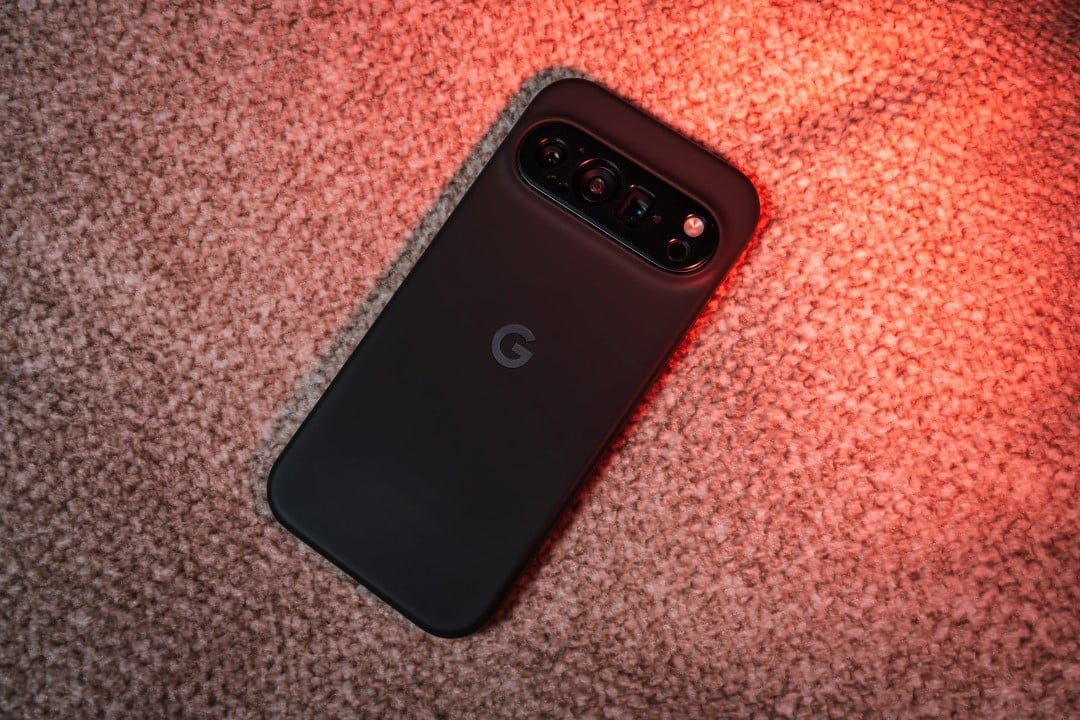
Pixel smartphone users experience persistent always-on display issues after installing the March 2026 update. Relatos indicate that Pixel 10 and Pixel 10 The problem extends to the lock screen in several cases, requiring a forced restart to regain normal operation.
The bug gained prominence in specialized forums and online communities, where owners describe situations in which the device completely freezes while using the Always-on Display. Alguns users notice that the device becomes responsive after a few seconds, but most have to resort to the force restart procedure by pressing specific buttons. Older Modelos, such as Pixel 8 and Pixel 7, do not present the same symptoms in a generalized way.
User reports and observed symptoms
Pixel 10 In similar situations, the lock screen is also inoperative when touched, preventing quick access to the device. Usuários try temporary solutions such as daily restarts, but the problem returns frequently.
The inconvenience affects everyday use, especially for those who rely on the Always-on Display for quick scans without unlocking the device. Alguns cases involve crashes during activities such as driving, which raises concerns about software reliability. The lack of an immediate fix leads many to disable the feature altogether.
History of similar problems on Pixel 10
The Pixel 10 series has already experienced difficulties with the Always-on Display in previous updates. Poucos days after the model’s launch, initial complaints emerged about instabilities in the feature. Posteriormente, the Android 16 QPR2, released in late 2025, brought a new wave of similar reports, partially resolved in specific fixes for the beta channel.
The reappearance of the bug in the March 2026 quarterly update reinforces the perception of recurrence. Usuários who participated in beta testing noted that Google had already released patches for variants of the issue in previous phases. Apesar Furthermore, the current stable version maintains the inconvenience for a significant number of affected devices.
Temporary alternatives adopted by users
Many owners choose to disable Always-on Display as a stopgap measure until a corrective update is released. Essa action eliminates freezes, but removes the functionality of quickly viewing information on the locked screen. Outros perform forced restarts regularly to mitigate crashes.
In extreme cases, some users resorted to restoring factory settings, although the procedure did not permanently resolve the bug. The most common recommendation among the community involves waiting for official positioning of Google, which historically addresses these types of flaws in subsequent security patches or feature drops.
Other impacts of the March update
The quarterly update also changed aspects of the recent apps interface, removing direct options to save images to the Fotos app or trigger Google Lens from that screen. Proprietários note that these changes reduce practicality in routine tasks involving capturing and editing visual content.
These modifications come in conjunction with new features introduced in March Pixel Drop, such as improvements to AI tools and customizations. Apesar of the benefits, the reported bugs generate frustration among users who expected a more stable experience after installation.
Recommendations while there is no official fix
While Google does not release a specific patch, disabling Always-on Display represents the most effective solution to avoid freezes. Manter updated software remains essential as future updates may include resolution. Monitorar official forums and communities help keep track of reports and possible shared workarounds.
The company’s track record demonstrates its ability to quickly fix recurring display bugs. Proprietários affected must report the problem through official channels to contribute to the diagnosis and acceleration of solutions.