

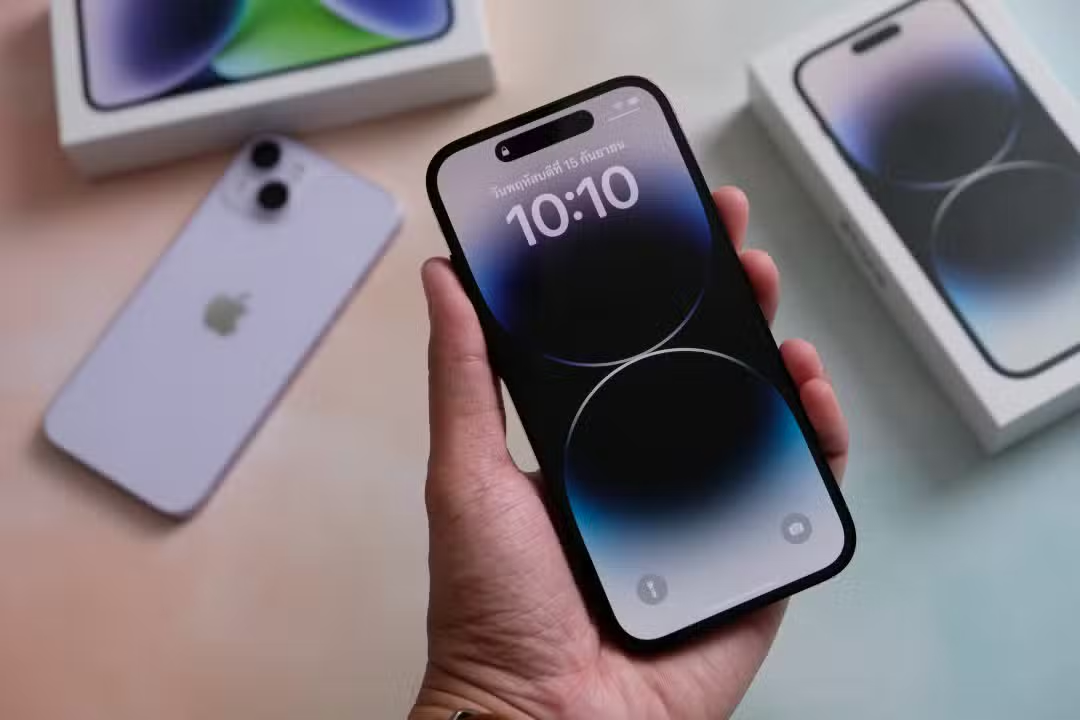
Modern smartphones deliver processing capacity that often ends up underutilized by owners, restricted to the use of social networks and instant communicators. The Apple operating system carries a series of built-in utilities in its source code that do not require the installation of third-party software. Essas functions operate in the background or within native applications, using the device’s physical sensors to deliver accurate data about the physical and digital environment.
Mobile device software engineering integrates the gyroscope, accelerometer, camera and microphone to create an ecosystem of precision tools. Access to these options occurs directly from the home screen or the control center, requiring only knowledge of the correct paths in the interface. Muitas of these features operate completely offline, ensuring data privacy and availability in areas without cellular network coverage.

Among the main utilities hidden in the system, practical operations that optimize the user’s time on routine tasks stand out. The integration between advanced hardware and native software allows complex commands to be executed with just a few touches on the glass screen.
– Conversão of currencies and measurements directly in the calculations interface.
– Mapeamento of surfaces and distances through the rear lenses.
– Verificação horizontal and vertical alignment of physical objects.
– Orientação geographic based on terrestrial magnetism.
– Controle decibels to preserve hearing health.
Native calculator delivers real-time financial and measurement conversions
The operating system’s default mathematical calculations application received silent updates that turned it into a universal unit converter. When accessing the main interface, the user finds a dedicated button that changes the traditional numeric keypad to a multiple conversion panel. Essa area allows the exact transition between different physical quantities, covering temperature, weight, speed, volume and distance, eliminating the need to search for this information in internet browsers during everyday activities or studies.
The functionality stands out especially when converting international currencies, operating with exchange rates that are automatically updated whenever the device establishes an internet connection. The system stores the last downloaded exchange rate, allowing travelers to perform conversion calculations even when they are in airplane mode or outside the mobile data coverage area. The clean interface displays the two selected currencies simultaneously, with inversion arrows that speed up price checking when shopping abroad, making the tool a highly accurate financial utility.
Rear lenses map physical environments with millimeter precision
The Medida app uses augmented reality technology combined with photographic lenses to calculate the exact dimensions of objects in the physical world. When starting the software, the system requests a brief movement of the device to calibrate the depth sensors and recognize the plane of the environment.
After calibration, a central point appears on the screen, allowing the user to mark the beginning and end of a straight line on any physical surface. The processor calculates the distance between points in real time, displaying the result in centimeters or inches directly on the image captured by the camera.
The software also has the ability to automatically recognize rectangular shapes, such as paintings, tables or monitors. By pointing the lens at these objects, the system suggests the complete measurement of the area, providing the height, width and total square meter with a single touch on the screen.
Motion sensors act as a digital level for interior organization
Within the same virtual measurement environment, the interface offers a secondary tab that transforms the phone into a highly sensitive digital spirit level. The internal gyroscope and accelerometer work together to detect the exact inclination of the device in relation to the force of Earth’s gravity.
When you rest the side or back of the phone on a shelf, table or board, the screen displays the degree of tilt in large numbers. Quando the surface achieves perfect horizontal or vertical alignment, the interface changes color, emitting slight haptic feedback to confirm that the object is completely straight.
Magnetic guidance operates independently of satellites
The digital compass built into the operating system provides accurate navigation data without any dependence on telephone antennas or internet signals. The hardware’s internal magnetometer detects the Terra’s magnetic fields to point to true north or magnetic north, depending on the user’s configured preference.
The application interface features a classic dial that rotates fluidly according to the movement of the body, displaying the exact degrees of the pointing direction. At the bottom of the screen, the system crosses the sensor data with the geolocation module to inform the exact latitude and longitude coordinates.
The software includes a route lock function, activated by simply touching the center of the display. Essa action creates a red band on the screen that serves as a visual guide, immediately alerting if the user deviates from the stipulated path during a walk in remote areas.
In addition to the direction, the application uses the device’s internal barometer to calculate the exact altitude in relation to sea level. Essa information updates in real time during mountain climbs or trails, providing vital data for orientation in outdoor environments.
Built-in microphones monitor sound exposure for hearing protection
Hearing health receives special attention through continuous decibel monitoring carried out by the device’s microphones and compatible headphones. The operating system analyzes the intensity of ambient sound and audio played directly into the ear canals, sending the encrypted data to the user’s central health application. Quando the volume exceeds the safe limit of eighty decibels for a prolonged period, the interface issues visual and tactile notifications warning of the risk of permanent damage to hearing. The control center allows you to add a real-time visual meter, which classifies the noise level into green and yellow colors, making it easier to immediately see the sound pressure at concerts, in heavy traffic or when using headphones at full volume. The history of these measurements is stored in detailed graphs, allowing sound exposure to be monitored over weeks and months in a fully automated way.
Quick access to utilities optimizes daily usage time
The location of these tools in the interface was designed to require as few taps as possible. The system’s main search bar instantly locates any of these applications by name, while the customizable control center allows you to pin direct shortcuts to the calculator, measurement magnifier and hearing monitor, ensuring immediate access even when the screen is locked.
Local processing ensures privacy of collected information
All measurements, calculations and audio captures performed by these native tools occur directly on the device’s processor, without sending data to external servers. The operating system’s security architecture isolates the information collected by sensors, preventing third-party applications from accessing the microphone or camera without explicit authorization.
This local processing approach ensures that noise monitoring does not record conversations and that room mapping does not record images of the interior of homes. The energy efficiency of these utilities has also been optimized to consume minimal battery power, allowing continued use of guidance and measurement functions during extended activities.