

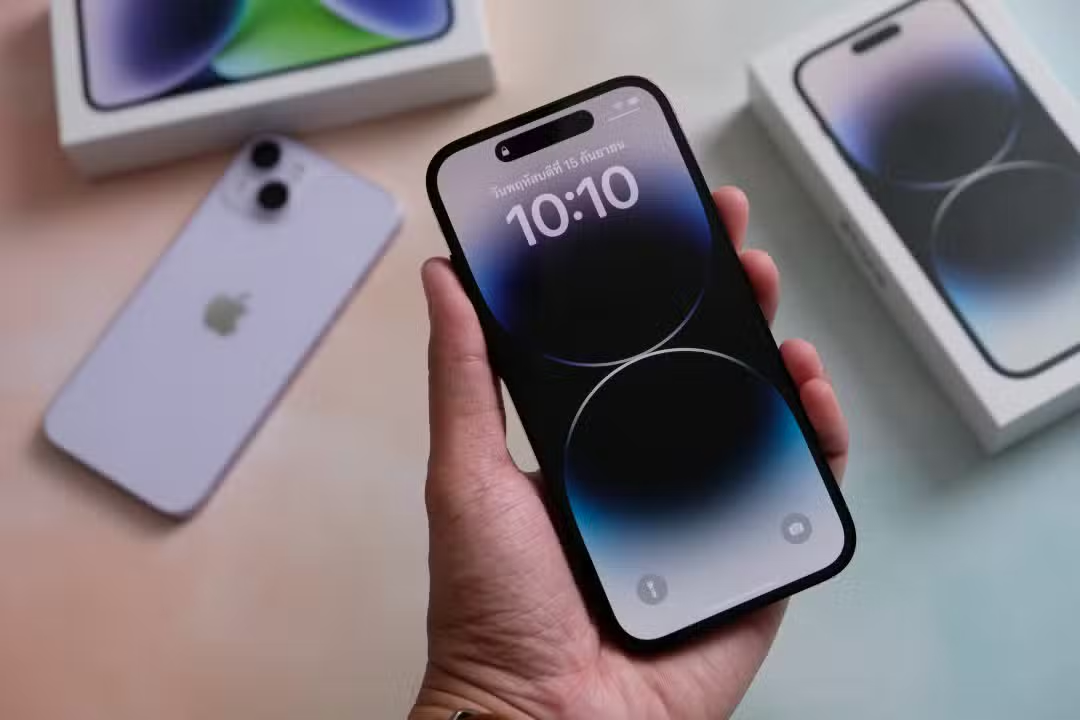
Many iPhone owners only use the device for calls, messages and basic internet browsing. However, the Apple device includes several native functions that go unnoticed by most users. Essas tools, available directly in the pre-installed applications, allow you to perform practical tasks without the need to download additional programs from App Store.
The calculator, for example, goes beyond simple mathematical operations and includes built-in conversions. The Medida app turns the camera into a precision instrument for everyday life. Essas options save time and simplify common activities, from home adjustments to quick orientation checks.
- The conversion tool in the calculator updates currency data via the internet
- The Medida app measures distances and areas with points defined by the camera
- Level mode indicates when a surface is perfectly flat
- Compass shows direction, coordinates and altitude without data connection
- Noise monitoring helps control audio volumes in headphones
Calculator conversion tool simplifies unit exchanges
The iPhone’s native calculator offers a conversion mode that many users have not yet explored. Basta open the application and access the dedicated option to transform values between different categories, such as temperature, weight, distance, area or currency.
Currency conversion data is automatically updated when there is an internet connection, which guarantees accuracy in exchanges. Usuários can quickly switch between drives with arrows on the interface, making the process straightforward and efficient. Essa function eliminates dependence on external applications for routine conversion tasks.
Anyone who travels frequently or performs domestic calculations will find this tool a practical ally. The feature maintains operation history and allows you to switch between basic, scientific and conversion modes without hassle.

Measure app turns camera into precision instrument
The Medida app uses the iPhone’s camera to calculate lengths, areas and distances in the real world. By opening the app and tapping the plus symbol, the user defines starting points and directs the device to the desired object. The system connects these points and displays the measurements on the screen immediately.
In addition to linear measurements, the feature allows you to save information or capture photos with dimensions superimposed. Essa functionality is especially useful when renovating, assembling furniture or checking spaces. The app works best in environments with good lighting and well-defined surfaces.
Built-in spirit level helps with home adjustments
Within the same Medida app, there is level mode that turns the iPhone into a digital bubble instrument. The user can position the device horizontally or vertically to check whether a surface is flat. The screen turns green when the alignment is perfect, offering clear visual feedback.
This option makes tasks such as hanging pictures, installing shelves or aligning furniture easier. You can set a zero point by touching the screen to measure angle deviations from a specific reference. The resource operates independently and does not require an internet connection.
Native compass guides without depending on signal
The Bússola iPhone app provides magnetic steering even offline. Ele displays the current location, geographic coordinates and altitude above sea level. Usuários can create a direction marker by touching the screen, and the system alerts if there is a deviation from the defined course.
This tool is useful on trails, trips or situations where the GPS may temporarily fail. The interface shows true north and allows for quick orientation in any environment. The app maintains accuracy thanks to the sensors integrated into the device.
Noise monitoring protects hearing in everyday life
The iPhone allows you to monitor environmental noise levels, with more complete integration when paired with an Apple Watch. Após activates the Ruído app on the watch, the data is available in the Saúde app on the iPhone.
Additionally, you can add headphone level control to Central of Controle. Essa function monitors volume in real time when using AirPods or other compatible headphones. The feature helps avoid prolonged exposure to loud sounds and contributes to preserving hearing health.
Built-in features extend iPhone’s usefulness
These five features demonstrate how the iPhone goes beyond basic communication functions. The combination of sensors and native apps creates a versatile assistant for practical tasks. Usuários who explore these options usually discover greater efficiency in daily use of the device.
Apple continues to improve these features in iOS updates, maintaining integration between hardware and software. Quem tests the tools and reports greater use of the investment in the device.
Quick access to hidden functions
To activate the conversion in the calculator, simply tap the appropriate icon in the top or bottom corner, depending on the iOS version. In the Medida app, switching between measurement and level occurs directly in the main interface.
The compass is available in the Utilitários folder or by searching in Spotlight. Noise monitoring requires initial configuration on Apple Watch for complete data. Todas the functions operate with the sensors already present in the iPhone, at no additional cost.
These tools are present in recent models and work consistently in most situations. Regular practice helps to incorporate the resources into your routine without extra effort.