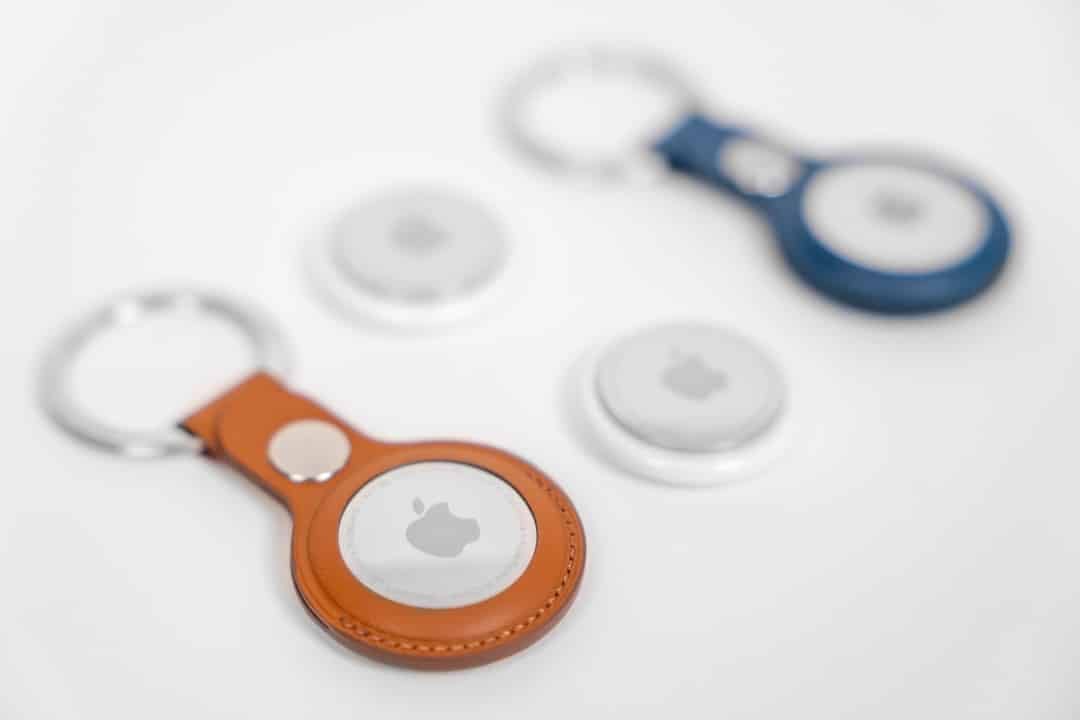
Apple started rolling out the first firmware update for the AirTag 2 this Tuesday, March 31, 2026. The new version, identified as 3.0.45, replaces build 3.0.41 that accompanied the device since its launch on January 26, 2026. The update occurs automatically and without the possibility of manual installation by users.
Item tracker owners receive the package gradually depending on the region and device usage. The company has not released official release notes regarding the exact content of the update. Especialistas indicate that the focus should be on bug fixes identified during the first few weeks of actual use and performance tuning.
- Checking the current firmware version is done directly in the Buscar Meu application.
- The process requires opening the app, accessing the Itens tab, selecting the AirTag and tapping the device name.
- The serial number and installed firmware version appear on this screen.
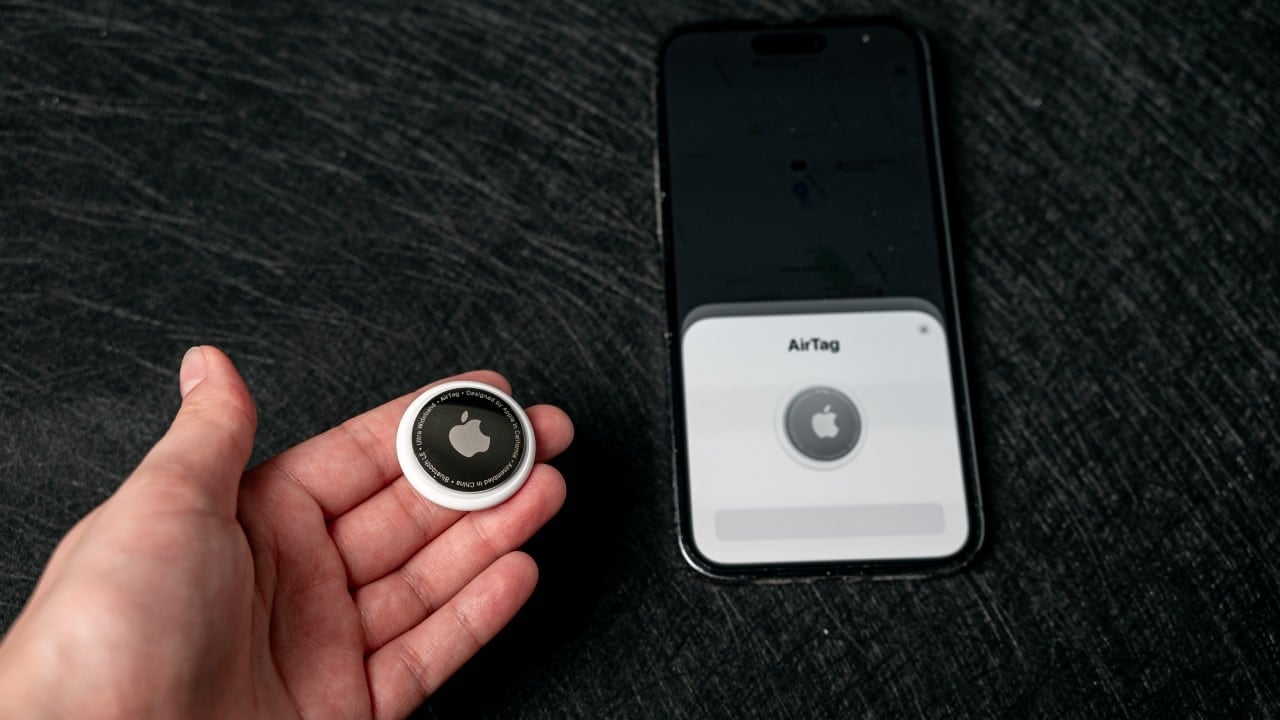
AirTag 2 Automatic Update
Automatic distribution follows the standard adopted by Apple in accessories from the Find My line. Não there is an option to force installation, which means that users need to wait for delivery via the network. The update rolls out progressively to avoid server overload and ensure stability.
Many AirTag 2 owners reported minor instabilities in the first few weeks after launch. The arrival of this first update meets the expectation of software refinement for the improved hardware. The device was launched with a second-generation Ultra Wideband chip, which extends the range of the Precision Finding.
The speaker also received reinforcement, becoming up to 50% louder compared to the previous generation. Essas hardware improvements depend on stable firmware to deliver the full performance promised by the manufacturer.
Expected improvements in performance
While specific details have not been revealed, the update should optimize battery consumption and Bluetooth expanded connectivity. The AirTag 2 already offers greater location range thanks to the updated chip and improved Bluetooth. The new firmware version tends to consolidate these gains in everyday scenarios.
Users who travel frequently or track objects in complex environments should notice gains in accuracy and stability after installation. Apple often refines these aspects in initial updates of newly launched products.
How to check the installed firmware version
The procedure to check if the 3.0.45 update has already reached your AirTag 2 is simple and quick. Basta open the Buscar Meu app on your compatible iPhone or iPad. Then tap on the Itens tab and select the specific tracker.
When you tap the name of the AirTag, the screen displays detailed information, including the serial number and current firmware version. If version Caso is still 3.0.41, the device should receive the update automatically soon.
Compatibility with recent devices
AirTag 2 requires iPhone running iOS 26 or later to take advantage of all features, including extended Precision Finding. Modelos compatible with the second generation Ultra Wideband chip, such as iPhone 15 or newer, provide the best location performance.
The firmware update does not change hardware requirements, but ensures that the software keeps up with the capabilities introduced in the January release. Proprietários of packs of four units receive the update individually for each item.
Protections against unwanted tracking maintained
AirTag 2 retains advanced protections against misuse, with cross-platform alerts and frequently changing identifiers Bluetooth. The firmware update should reinforce this layer of security without compromising user privacy.
Apple continues to emphasize that the accessory is exclusively used to locate personal objects. The combination of modern hardware and regular software updates helps maintain the Find My line’s standard of reliability.
AirTag 2 launch in January 2026
The device hit the market on January 26, 2026, with a price maintained compared to the previous generation: $29 for an individual unit or $99 for a pack of four. Free personalized Engravação is available on the official website and Apple Store.
Since launch, the focus has been on expanded range and greater sound power. The first firmware update marks the beginning of the software support cycle for the product, which tends to receive periodic refinements over the next few months.
Apple simultaneously released an update for the new AirPods Max 2, demonstrating the company’s commitment to keeping all recent accessories up to date. Usuários of the ecosystem Find My should periodically check their devices to ensure they are running the latest firmware versions.
