

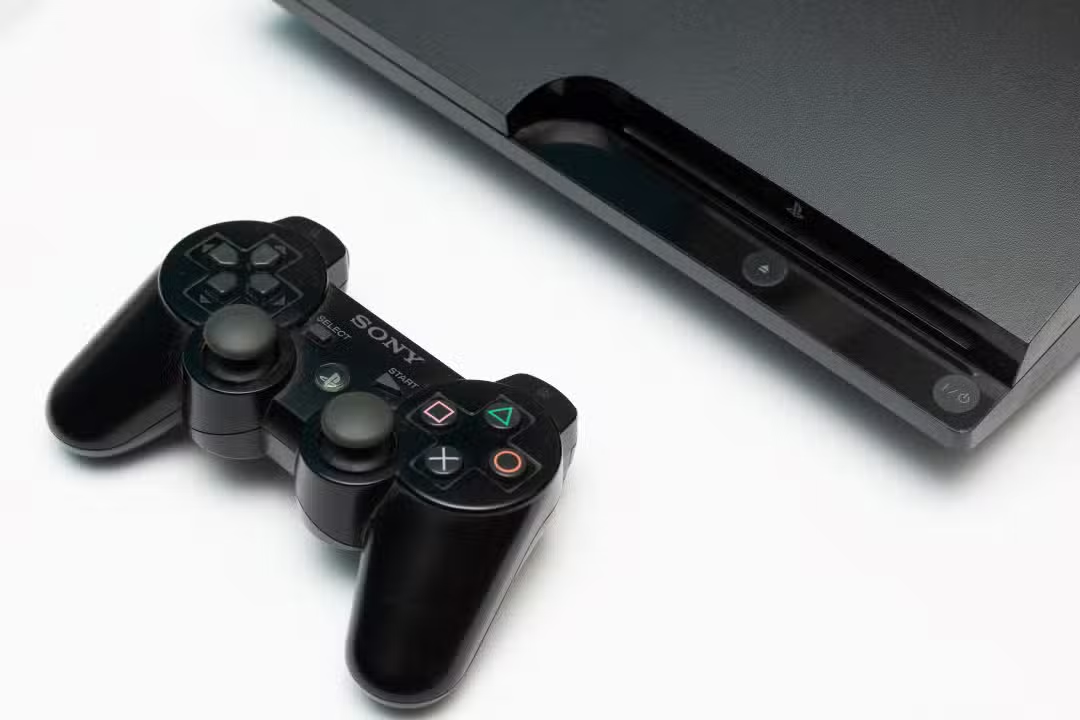
The development team responsible for the RPCS3 software has released the new official system requirements for running PlayStation 3 games on computers. The technical update aims to clarify component compatibility for users by establishing exact parameters for different machine profiles. The announcement reflects recent advances in the open source program’s code, which has undergone several revisions to optimize the use of the central processor and graphics card when rendering titles.
Specifications have been segmented into four distinct categories, ranging from basic configurations with legacy parts to high-performance builds aimed at technology enthusiasts. The restructuring of the technical guidelines comes after years of work by the programming community to overcome the complexity of the original Sony console architecture. The emulator now features greater operational flexibility, allowing a wider range of equipment to process the library of classic games with stability.

Categorização technique guides users on expected performance on different machines
The new requirements table was designed to eliminate frequent doubts about each computer’s ability to handle the processing load required by the software. Emulating complex systems requires constant translation of hardware instructions, which historically required extremely powerful machines. With recent optimizations, developers have been able to accurately map the program’s behavior in different usage scenarios.
Official guidelines established by the development team divide required hardware into the following usage categories:
- Nível Mínimo: Focado in the basic compatibility and bootability of the emulator operating system.
- Nível Recomendado: Ideal for a stable experience, with frame rates similar to the original console.
- Nível Otimizado: Proporciona performs better than the PS3’s native hardware, with visual improvements.
- Máximo Desempenho: Destinado for users looking for 4K resolutions and extreme frame rates without stutter.
Tiering allows players to adjust their expectations before starting to configure the software. The technical team reinforces that the final experience will always depend on the specific title chosen, since some games require much more raw processing than others, regardless of the category the user’s computer falls into.
Old Componentes maintain compatibility at the minimum system requirement level
Support for legacy hardware represents one of the most notable aspects of the new technical documentation released by the project. Computadores equipped with older processors, such as the Intel Core 2 Duo or the AMD Athlon 64 X2, are still able to launch the program and perform basic tasks. Essa backwards compatibility demonstrates the level of efficiency achieved by programmers in reducing operating system resource consumption.
In the graphics processing sector, entry-level video cards such as the Nvidia GT 420 and the ATI Radeon HD 5450 are the acceptable starting level. Apesar of this wide range of support, the minimum configuration requires the presence of 8 GB of RAM memory to avoid system crashes during data allocation. The developers point out that the use of traditional hard drives (HDDs) or SD cards is possible in this category, but they warn of long loading times and possible stutters during the transition between scenarios in games.
Recommended Configuração requires modern processors to sustain frame stability
Para users looking for constant fluidity and performance that equals or surpasses the original PlayStation 3 experience, the technical demands rise considerably. The main focus of emulation is on the central processing unit, due to the need to simulate the console’s Cell Broadband Engine architecture. Para this task, the developers indicate the use of processors such as the AMD Ryzen 5 5600 or the Intel Core i5-10400.
The visual part also demands more robust components in the recommended profile. The Nvidia GeForce RTX 2060 and AMD Radeon RX 5600 XT graphics cards are listed as the ideal hardware to maintain graphical fidelity without performance drops. Neste level of demand, the installation of 16 GB of RAM becomes mandatory. The use of an SSD storage unit also becomes a fundamental requirement to ensure that fast reading of textures and audio files does not create bottlenecks when playing titles.
Busca for 4K resolution demands high-end hardware and NVMe storage drives
The maximum performance level was structured for enthusiasts who want to overcome the technical limitations of the seventh generation of consoles. Para achieve high resolutions, such as 4K, and maintain extreme frame rates, the demands fall on the latest technologies on the market. The RPCS3 team points to the AMD Ryzen 7 9800X3D processor as the main choice to handle the massive instruction load without experiencing synchronization losses.
Graphics recommendations for this profile scale to high-end graphics cards such as the Nvidia GeForce RTX 4070 or the AMD Radeon RX 7800 XT. Além of raw processing power, the maximum configuration requires the exclusive use of NVMe SSD type storage units. Esses components offer substantially higher data transfer rates than traditional SATA standards, allowing the application of graphical enhancements, advanced texture filters and visual modifications without compromising the stability of the emulator.
Atualização expands operating system support and optimizes interface for portable computers
The 2026 technical documentation also highlights the ongoing effort to keep the emulator accessible across different software platforms. RPCS3 currently has stable and optimized versions for the operating systems Windows 11, Linux, macOS 14 and FreeBSD 1.4. The expansion of support ensures that users from different digital ecosystems can access the tool without the need to use virtual machines or secondary partitions.
A recent addition to the project was the redesign of the graphical interface to serve the growing market for gaming-oriented portable computers. The software now has a specific viewing mode for smaller screens, making it easier to navigate the menus and configure the integrated controls for these devices. Visual adaptation improves the program’s ergonomics and reduces the need for external peripherals during initial configuration.
The emulator also implemented dynamic rendering resolution adjustment, allowing for real-time changes without restarting the application. The tool includes official support for resolutions below 720p, the original standard for most Sony games. Essa function is vital for portable devices as it allows you to balance image quality with power consumption, prolonging battery life. The developers recommend that all users, regardless of hardware category, keep their video drivers updated to ensure correct communication between the CPU and GPU during the emulation process.