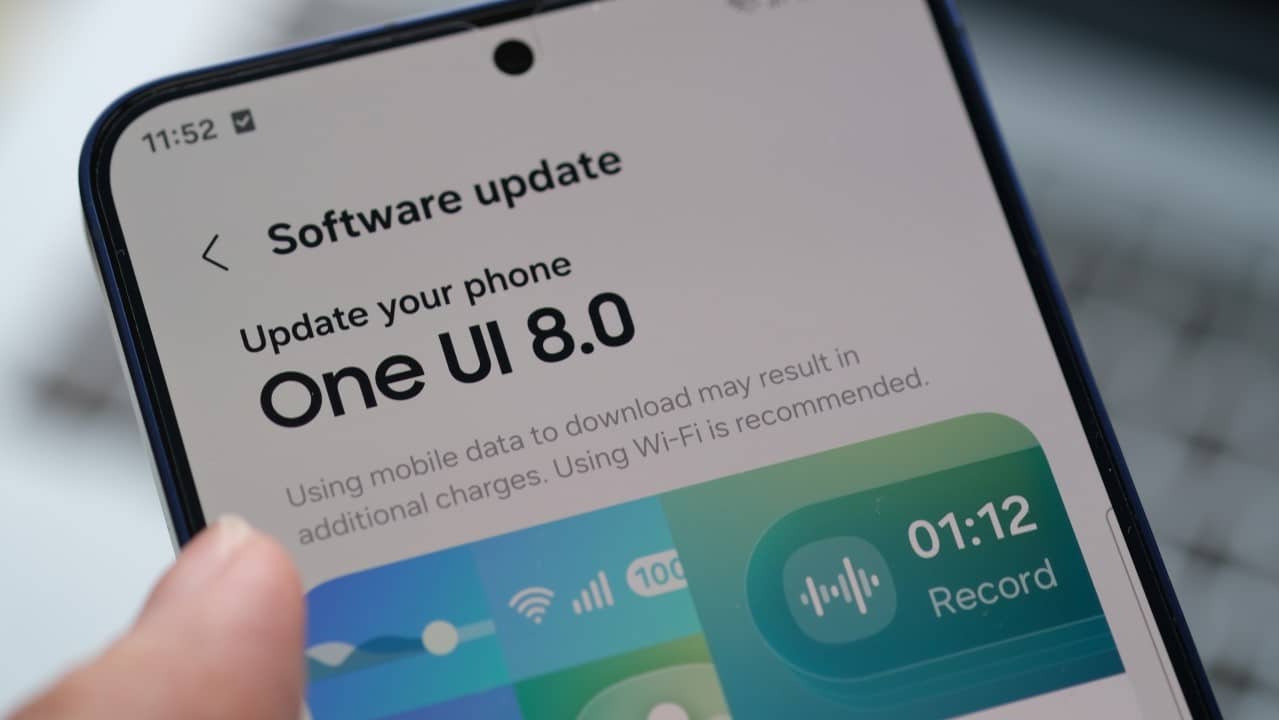
The latest update to the Samsung operating system, One UI 8.5, currently in the testing phase, is generating a series of complaints among users of its foldable smartphones. Relatos indicate that the new version of the software introduced significant flaws that directly affect the usability of essential functions, such as the quick notification panel and the camera application, compromising the experience on premium devices in the Galaxy Z line.
The problems appear to be concentrated in the beta version of the update, distributed to a select group of users before the official launch. One UI 8.5 was expected to bring performance improvements and new customization features, but current flaws have overshadowed the potential benefits, raising concerns about the software’s stability before its mass distribution.
Samsung, which invests heavily in the foldable cell phone segment, now faces the challenge of correcting these bugs so as not to compromise consumer confidence in its most innovative products. The user community awaits an official position and a quick solution to the inconsistencies that make everyday tasks frustrating.

Issue details in the quick dashboard
One of the components most affected by the unstable One UI 8.5 update is the quick panel, one of the most used tools on a daily basis to access settings such as Wi-Fi, Bluetooth, airplane mode and notifications. Usuários report that after installing the beta version, the panel becomes intermittent and, in many cases, stops responding to touch. The difficulty in simply sliding the notification bar and activating or deactivating a basic function has been a central point of criticism. In some situations, the dashboard freezes completely, displaying outdated information or simply not appearing at all. Essa crash forces users to restart the device or close all open applications in hopes of restoring functionality, a temporary workaround that hampers the productivity and fluidity of the operating system that is a hallmark of the Galaxy experience.
Inconsistencies in camera functionality
The camera system, one of the main attractions of the Galaxy Z line, was also severely impacted by the bugs in One UI 8.5. Failures are not limited to minor crashes; they affect important software modules such as Camera Assistant. Esta tool, which allows more granular control over camera settings, started to generate unexpected conflicts in foldable models. The instability prevents users from taking advantage of exclusive features of these devices, such as the ability to use the rear camera for selfies with the external screen or the Flex mode, which splits the application interface when folding the device.
These problems turn the photographic experience, which should be a strong point, into a source of frustration. The transition between the main, ultrawide and zoom lenses is delayed, and in some cases the camera app closes unexpectedly. Para a device whose high price is largely justified by its versatility and hardware innovation, the inability to fully utilize its cameras represents a critical flaw that the Samsung needs to urgently address.
The user experience at risk
The introduction of severe bugs in a beta release, while expected to some extent, raises questions about Samsung’s quality control process. The reported flaws are not trivial and affect the core user experience.
Consumer confidence in future updates can be undermined if issues persist or are not communicated transparently. Users of high-end devices expect a superior level of stability.
For Samsung, maintaining a polished and reliable software image is as important as innovating in hardware. The public’s perception of the One UI is a decisive factor in the fierce competition of the Android smartphone market.
The company’s response to this crisis, even if restricted to a group of testers, will be fundamental in demonstrating its commitment to quality and customer support.
What is One UI 8.5 and its promises
One UI 8.5 was announced as a natural evolution of the Samsung interface, focused on optimizing performance and improving the artificial intelligence integrated into the system. Entre the promised news included new customization options for the lock screen, improvements in battery management and greater integration between devices in the Galaxy ecosystem.
The goal was to refine the user experience, making interaction with the smartphone more intuitive and efficient. However, current problems directly contrast with this promise, showing that the complexity of adding new features can sometimes compromise the stability of already consolidated functions.
Impact on newer models
Reports indicate that the first to receive the trial version and, consequently, the most affected, are the owners of the recently launched Galaxy Z Fold 6 and Z Flip 6.
These devices are often purchased by technology enthusiasts and consumers looking for maximum innovation, an audience that tends to be more demanding regarding software performance and stability. A negative first impression can impact the perception of the product’s value.
Failure to ensure a solid software experience from the start could create an unfavorable narrative around these releases, which are crucial to Samsung’s leadership strategy in the foldables market. The company needs to act to protect the reputation of its main products.
Samsung positioning and schedule
Although Samsung has not yet issued a detailed public statement about the flaws, the expectation is that a fix will be released in the next beta builds. Fontes indicate that the stable version of One UI 8.5, with the bugs already fixed, is scheduled for release in March, ensuring that large-scale distribution will only occur when the system is fully functional.
Temporary solutions and recommendations
For users who are part of the beta program and are experiencing these problems, the main recommendation is to report each failure in detail through the Samsung Members application. Esse Feedback is essential for developers to identify and fix bugs more quickly and accurately.
Those who rely on the device for critical tasks may want to consider rolling back the update to the previous stable version of the One UI. Contudo, this process, known as downgrade, is technically complex and can result in data loss if not carried out correctly, and is recommended only for advanced users.
