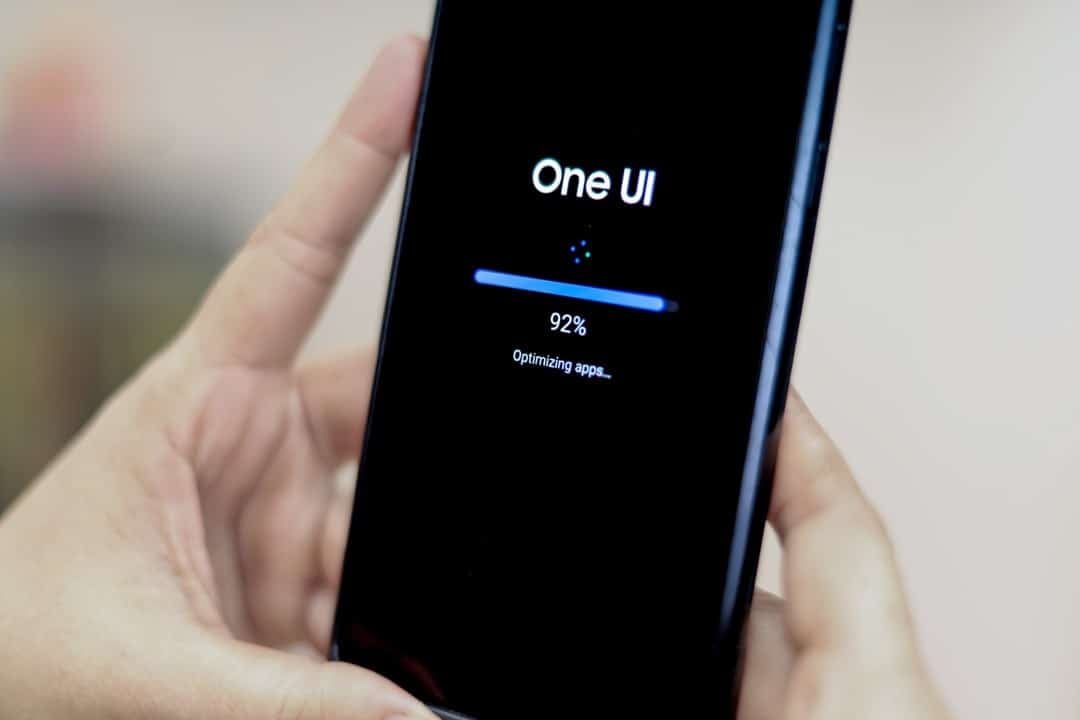
Samsung sets the stage for a new era of interaction on your devices with the development of One UI 8.5. Esta mid-range update, which maintains the foundation of Android 16, focuses on refining the user experience through advanced artificial intelligence tools and in-depth customization options, promising greater control and fluidity for the Galaxy lineup.
The official launch of the stable version is strategically aligned with the arrival of the Galaxy S26 series, scheduled for the end of February 2026. The new family of high-end smartphones will be the first to ship with the factory system, serving as a showcase for all the innovations implemented by the South Korean giant.
After debuting on the S26 models, the update will be distributed gradually and in waves to other compatible devices. The company will follow its traditional timeline, prioritizing the latest premium devices such as the S, Z and Tab S lines, before expanding availability to select mid-range models.
One UI 8.5 offers a refreshed AI image editing screen with improved animations.pic.twitter.com/aqAS7Mg6wp
—One UI (@OneUIBeta)October 19, 2025
User interface and customization innovations
One of the most anticipated changes in One UI 8.5 is the introduction of an even more flexible quick panel. Users will have the freedom to completely rearrange icons and widgets, creating shortcuts that fit seamlessly into their daily workflow and making it easy to access essential functions with a single tap.
Visual customization reaches a new level with improvements to the Good Lock modules. QuickStar, for example, will allow you to apply custom images to each of the buttons on the quick settings panel, while LockStar receives a renewed interface to adjust elements of the lock screen with greater precision.
The floating bar, already present in some applications, will be expanded to more native system apps. Essa tool was designed to optimize navigation on larger screens, especially on tablets and foldables, allowing quick switching between tabs and functions without the need for complex gestures or reaching to the top of the screen.
The Theme Park application has also been enhanced to provide more granular control over the appearance of the system. Agora, it will be possible to create more detailed and cohesive themes, integrating color palettes, icon packs and wallpapers in a harmonious way, reflecting the user’s visual identity in every corner of the interface.
Artificial intelligence enhancements
Artificial intelligence is the central pillar of One UI 8.5, driving a number of innovative features. Image editing, for example, evolves into a continuous, real-time process, where AI automatically suggests and applies improvements, in addition to allowing the removal of unwanted objects with a simple gesture, displaying the result instantly. The Bixby assistant has also been improved, now capable of processing more complex and contextual commands with greater efficiency. Outra New is the Now Bar, a smart notification bar that provides contextual alerts, such as alternative route suggestions when detecting traffic congestion or reminders based on the user’s location. Ferramentas of productivity like pop-up windows become more intuitive, with AI-facilitated resizing for a smoother multitasking experience, especially on foldable devices. The screen recording function has also been improved, allowing you to capture specific areas with high precision, a useful feature for creating tutorials or sharing only relevant information.
New privacy and security tools
Responding to a growing demand for greater control over personal data, One UI 8.5 introduces the “Privado Album” feature in the photo gallery. Essa functionality allows users to hide sensitive images and videos in a secure folder, which requires an extra layer of authentication, such as a password or biometrics, to access.
Interruption management has also been refined with selective blocking of notifications. The system now offers granular settings to silence alerts from specific apps during user-determined periods, ensuring moments of focus or rest without the need to activate “No Perturbe” mode for the entire device.
Performance optimization and battery management
Device autonomy will receive a significant boost with advanced power saving modes. One UI 8.5 implements more aggressive management of background applications, identifying processes that consume resources unnecessarily and suspending them to extend battery life, especially during heavy use.
Samsung also fine-tuned the operating system kernel to improve the overall responsiveness of the interface. Essas optimizations promise gains in fluidity in screen transitions and when opening applications, benefits that will be noticeable even on older devices that will receive the update.
Along with the new features, the update package integrates the latest security patches for Android. The company reinforces its commitment to keeping the Galaxy ecosystem protected against the latest vulnerabilities, ensuring the integrity of user data.
Details about the release schedule
Prior to the global launch, Samsung will open a beta program for the Galaxy S25 series in select markets. Usuários registrants will have the opportunity to test the new features first-hand and provide valuable feedback to the development team, helping to polish the final version and fix any instabilities before mass distribution. Attendance is generally limited and announced via the Samsung Members app.
After debuting with the Galaxy S26 line in February 2026, the update will follow to the latest foldables, such as the Galaxy Z Fold and Z Flip. Next, it will be the turn of tablets from the Tab S line and flagships from previous generations, such as the S25, S24 and S23 series. Distribution can take anywhere from a few weeks to months, depending on region and operator.
Devices compatible with the new version
The Samsung extended support policy ensures that most devices that received One UI 8 will be eligible for version 8.5. The list of compatible devices includes the Galaxy S series from S23 onwards, recent foldables from the Z line, premium tablets from the Tab S9 line onwards and selected mid-range models from the Galaxy A and M lines, such as the A56, A55 and A35, which have active software support.
The complete official list will be released by the company closer to the launch date. It’s important to note that some features, especially those that depend on specific hardware, may not be available on all models. Samsung maintains its commitment of up to seven years of upgrades to premium lines, one of the longest policies on the Android market.
Procedure for installing the update
When One UI 8.5 is available for your device, a notification will be sent automatically. Caso Otherwise, users can check manually by going to the “Settings” menu, selecting “Software Update” and tapping “Download and Install”. The process is simple and guided by the system itself.
