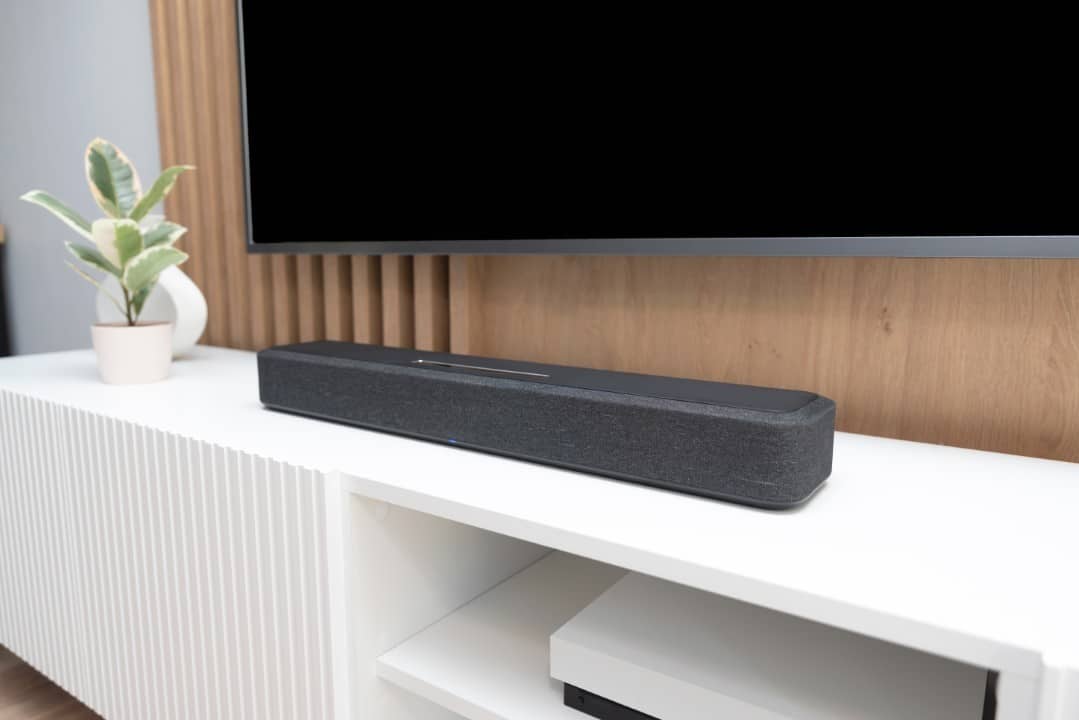
When purchasing a new soundbar, many users turn on the equipment and accept the factory default settings. Essas options, however, do not always deliver the best possible performance, as manufacturers include automatic features that can interfere with the original audio quality.
Audio technology experts point out that small manual adjustments make a significant difference in clarity, balance and sound immersion. Essas changes apply to models from different brands and price ranges, helping to avoid distortions common in films, series, music and games.
The most recommended adjustments involve disabling artificial effects and customizing bass and dialogue levels. Essa approach allows the equipment to reproduce sound more faithfully to the original intention of the content producers.
- Disable virtual surround modes to avoid excessive processing.
- Turn off aggressive dialogue enhancement that alters the overall balance.
- Manually adjust bass and subwoofer according to the environment.
- Check audio formats and enable full passthrough.
- Disable automatic volume leveling to preserve dynamics.
Disabling virtual surround
Virtual surround modes use psychoacoustics techniques to simulate rear channels from the front speakers. Esses features promise greater immersion, but often distort the sound image in modern music content or mixes.
Many users notice that music loses naturalness with these modes activated, while dialogue in films can become inconsistent. The general recommendation is to keep virtual surround off by default and only activate it for specific game sessions or selected movies.
Excessive dialogue enhancement
Manufacturers include dedicated functions to increase the volume of voices in series and films. Essas tools appear as a solution to the common problem of muffled dialogue in recent productions, but implementations in more accessible models tend to change the entire sound balance.
The enhancement may conflict with similar features present on TVs or streaming apps. Especialistas suggest prioritizing subtitles or adjustments to the content platform itself, thus preserving the original mix of the work.

Manual bass adjustments
Wireless or built-in subwoofers come with preset bass levels that don’t always suit individual preferences. In many cases, the bass is calibrated in a generic way, resulting in excessive vibrations or a lack of impact in action scenes.
Manual adjustments allow you to balance bass, medium and treble depending on the positioning of the equipment in the environment. Colocar the subwoofer close to rigid surfaces enhances the sensation of rumble in cinematic content without causing unwanted resonances.
This process requires testing with different types of content. Reduzir slightly bass avoids vibrations in nearby furniture, while moderate boost improves impact on explosions and intense soundtracks.
Audio formats and passthrough
Televisions often convert an audio signal to basic formats like PCM or stereo before sending it to the soundbar. Essa conversion prevents the equipment from directly decoding advanced standards such as Dolby Atmos or DTS:X.
Enabling passthrough in your TV settings allows the soundbar to receive and process the original signal. Essa change reveals notable difference in compatible content, with greater channel separation and more precise spatial effects.
Checking the HDMI port used also matters. Conexões eARC supports high-quality formats without compression, while conventional ARC has bitrate limitations.
Automatic volume leveling
Features like night mode or dynamic compression reduce sudden variations between silent scenes and explosions. Essas functions serve apartment residents or night sessions, but eliminate part of the dynamics intended by the directors.
Turning off leveling preserves full dynamic range in films mastered for cinema. The result offers more impactful transitions between calm and intense moments, elevating the home theater experience.
Positioning and initial calibration
The physical placement of the soundbar directly influences the final sound quality. Posicionar equipment at ear height and centered in relation to the screen avoids unwanted reflections and improves the stereo image.
Many brands offer apps with automatic calibration tools via the smartphone’s microphone. Esses systems analyze room acoustics and adjust delays and levels for each channel to compensate for irregularities in the room.
- Center the soundbar below or above the TV.
- Avoid closed niches that muffle sound.
- Test different subwoofer positions for maximum impact.
- Use quality HDMI cables for stable connections.
Advanced Settings on Premium Templates
Soundbars supporting Dolby Atmos require extra attention to the virtual height setting. Canais simulated tops rely on ceiling reflections, making unobstructed positioning above the bar essential.
More advanced models include detailed multi-band equalizers. Ajustes fines on these controls allow you to correct specific room resonances, such as excess mids in rooms with lots of furniture.
Benefits of Custom Tuning
Customizing a new soundbar transforms standard equipment into a high-fidelity system adapted to everyday use. Usuários report greater clarity in dialogue, more controlled bass and superior immersion in varied content after these adjustments.
The approach of starting with neutral settings and adding features selectively avoids excessive processing. Esse method reveals the real potential of hardware without artificial layers that mask limitations.
Maintaining firmware updates also ensures access to improvements implemented by manufacturers. Muitas audio corrections arrive via updates, resolving problems identified after launch.
Final Maintenance Tips
Regular cleaning of speakers prevents dust buildup that affects frequency response. Testes periodicals with reference content help identify the need for recalibration after changes in the environment.
Investing time upfront in these adjustments saves future frustration. The result is a consistent and pleasant sound experience across all types of content consumed on TV.
