
Keeping your smartphone’s wireless connection activated uninterruptedly, even when you have no intention of using it, has become an automatic habit for the vast majority of mobile technology users around the world. However, international cyber defense authorities warn that this apparently harmless practice creates a silent gateway for digital criminals, who exploit the devices’ automatic search for known networks to intercept private communications and capture sensitive information without the victim noticing any anomaly in the device’s functioning.
The alert comes from renowned bodies, such as Agência of Segurança Cibernética and Infraestrutura of Estados Unidos (CISA) and Centro of Resposta to Incidentes of
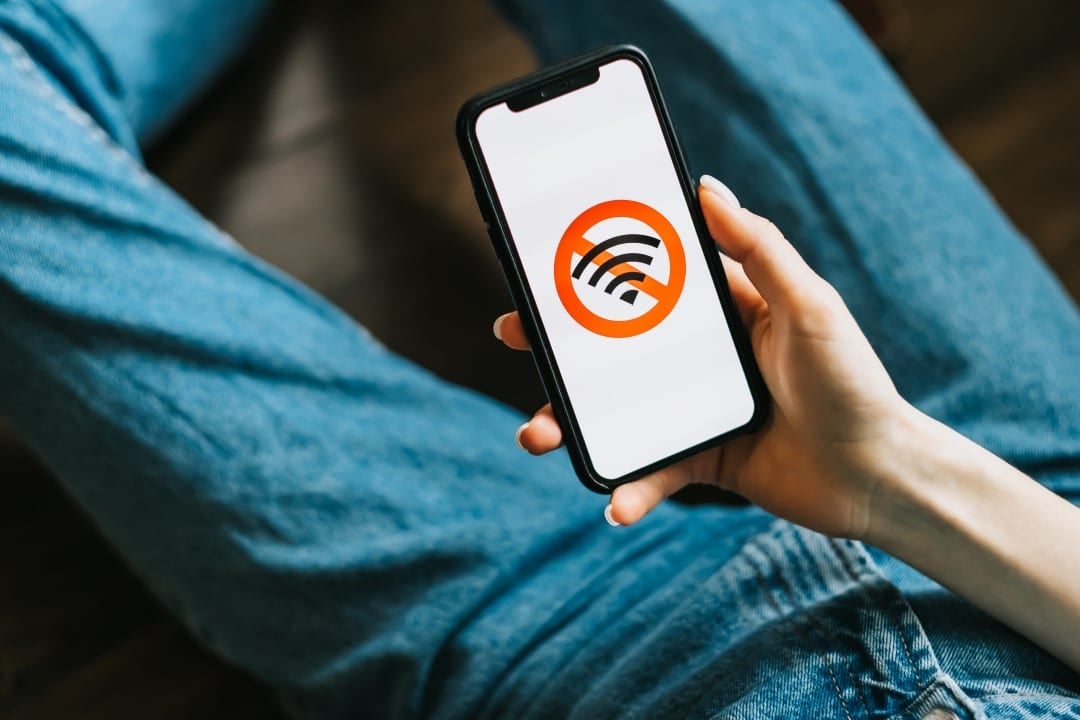
Experts reinforce that preventive action is simple, costs nothing and eliminates sophisticated attack vectors that depend only on physical proximity to the target in high-traffic locations.
Attack mechanisms in public environments
The main vulnerability exploited by attackers lies in the way modern operating systems manage connectivity. Quando the feature is active, the cell phone emits constant signals — called “probes” — asking if previously used networks, such as those at home or work, are available nearby. Criminosos use portable equipment to “listen” to these calls and respond affirmatively, tricking the device into connecting to a malicious device controlled by the attacker.
Once this fraudulent connection is established, what is technically called a “Man-in-the-Middle” attack occurs. The user’s data traffic starts to flow through the criminal’s equipment before reaching the internet. Isso allows the capture of login credentials, reading unencrypted emails and even redirection to fake banking and payment service websites, all while the user believes they are browsing a legitimate connection or using their mobile data.
Another common tactic is the creation of “Mal Twins” (Evil Twins), which are access points configured with names identical to those of legitimate commercial establishments, such as “Wi-Fi Aeroporto” or “Café Cliente”. The absence of robust security protocols in these open networks facilitates the massive interception of data from multiple victims simultaneously.
Official guidelines and prevention
Recommendations from security agencies are clear regarding the need to change behavior in external environments.
To mitigate risks, basic protocols were established that must be adopted in daily routine:
- Manually disable the Wi-Fi icon when leaving secure environments (home or office).
- Configure the device to not automatically connect to open or unknown networks.
- Use the mobile data network (4G/5G) for banking transactions or accessing corporate emails when you are on the go.
- Adopt the use of VPNs (Privadas Virtuais Networks) if connection to a public network is strictly necessary.
These measures create additional layers of difficulty for attackers, making the device a less attractive target in a crowd.
Privacy Tracking and Exposure
In addition to the direct risk of credential theft, keeping network scanning active compromises user privacy through location tracking. Lojas of retail, shopping centers and even urban infrastructures use the signals emitted by smartphones to monitor the flow of people, creating heat maps and consumer behavior profiles without the citizen’s explicit consent.
Each device has a unique MAC address, which acts as a hardware fingerprint. Embora newer operating systems, such as the current versions of By disconnecting the connection, the user stops this signal emission and regains part of their anonymity in the physical space.
Impact on device autonomy
There is a secondary, tangible benefit to adopting this safety practice: preserving battery life. The process of continuous scanning through new networks requires that the device’s radio remains energized and processing information uninterruptedly, which drains the load quickly, especially in areas with high signal density.
When deactivating the function, the system enters a state of lower energy consumption. Testes practical data indicate that the device’s autonomy can be significantly extended throughout the day, reducing the need for frequent recharges and, consequently, reducing the chemical wear of the battery components in the long term.
Physical risks at charging stations
Concern about mobile security is not just limited to wireless connections, it also extends to the physical ports of devices. Autoridades warn of the danger of “Juice
The standard USB cable has separate paths for power and data transmission. On a compromised port, data flow is activated without permission, allowing exfiltration of photos, contacts, and files. The recommendation is to always use your own plug charger, portable batteries (power banks) or “data blocking” cables that physically prevent the exchange of information, only allowing the passage of electrical current.
