
An alarming situation is unfolding in the Apple ecosystem at the beginning of the year, where aesthetic resistance and concerns about privacy are overcoming caution about digital security. Proprietários of iPhones are deliberately avoiding updating to iOS 26.2, leaving their devices exposed to critical flaws already known to cybercriminals. The reason for the boycott is not technical, but rather visual and behavioral: the rejection of the new “Liquid Glass” interface and the fear of automatic activation of the Apple Intelligence.
Refusal to update the operating system leaves devices vulnerable to two serious errors in the WebKit engine, the technology that powers the Safari browser and renders web content in several other applications. Apple has already confirmed that these holes have been fixed in the latest version, but the slow adoption of the software creates a dangerous window of opportunity for hackers who actively exploit these weaknesses on outdated devices.
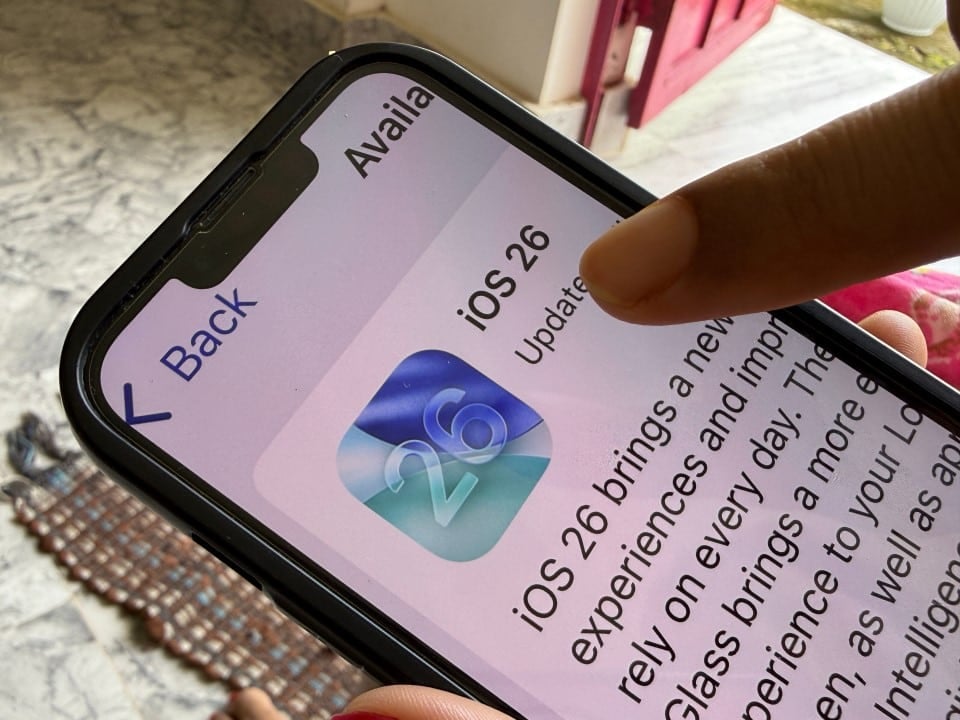
Cybersecurity experts warn that the decision to postpone the update is risky. The vulnerabilities in question allow the execution of malicious code just when visiting a compromised web page, without the user having to download files or click on suspicious buttons. Device protection, in this scenario, depends exclusively on installing the correction package provided by the manufacturer.
Invisible risks in the navigation engine
The two flaws fixed in iOS 26.2, identified as CVE-2025-43529 and CVE-2025-14174, attack the heart of iPhone data processing. The first vulnerability involves incorrect memory management, allowing external agents to execute arbitrary commands on the device. Isso means that an attacker could, in theory, take control of device functions or steal sensitive data just by exploiting this processing flaw.
The second flaw, discovered in collaboration with Google Threat Analysis Group, also allows the execution of malicious code and already has a history of use in real attacks. Quando a user ignores the update notification in the settings, he keeps these “ports open” in the system. WebKit is a core component of iOS; therefore, the flaw is not just restricted to the use of the Safari browser, but can affect any application that displays web pages internally, such as social networks and email clients.
The gravity of the situation is amplified by the fact that the tools to exploit these flaws are already in circulation. Diferente of theoretical vulnerabilities, these are practical threats that have already been detected in the wild, targeting users still operating versions prior to iOS 26.2.
The aesthetic dilemma and resistance to artificial intelligence
Despite the risks, the user community has expressed strong discontent with the visual changes introduced in iOS 26. The new design language, dubbed “Liquid Glass” (Glass Líquido), abuses transparencies, blurs and translucent layers. Para many, this change made reading and usability difficult, making the interface confusing and visually cluttered compared to the solid design of previous versions.
In addition to the visual issue, there is a trust barrier related to the implementation of artificial intelligence. The fear that Apple Intelligence will begin to operate autonomously, analyzing personal data and behavior without explicit consent, has been a decisive factor in blocking updates. Muitos consumers prefer the stability and perceived privacy of iOS 18 or intermediate versions over having to deal with AI features they didn’t request.
However, technicians point out that it is possible to reconcile the security of the new system with users’ personal preferences. iOS 26 offers accessibility tools and privacy settings that allow you to reverse most of the controversial visual changes and completely disable artificial intelligence features, ensuring that the device remains protected against hackers without compromising the user experience.
Manual adjustments allow you to balance security and usability
For those who have upgraded and want to mitigate the “Liquid Glass” effect, the system offers paths in accessibility settings that reduce transparency and increase contrast. Essas changes transform translucent elements into opaque surfaces, restoring the legibility and visual comfort of previous versions. The process involves navigating to the accessibility menus and adjusting the “Screen and Tamanho of Texto” options.
Among the possible modifications, the user can activate the “Reduce Transparência” option. In doing so, the system replaces frosted glass backgrounds with solid colors in critical areas such as the control center, application dock and folders. Isso eliminates the visual effect that has caused so much criticism and instantly improves contrast for reading.
Another important customization concerns the lock screen. The new system allows you to change the style of the clock and widgets to more traditional formats, removing the excessive depth that characterizes the new default design. By selecting solid colors and more robust fonts, the interface returns to a more familiar and functional appearance.
Procedures to disable unwanted features
To address the issue of artificial intelligence, iOS 26.2 keeps control in the user’s hands, even though features are enabled or suggested by default. It is possible to fully opt-out of the Apple Intelligence’s functionality through the system menus, ensuring that AI processing does not occur in the background.
Below are the recommended steps to configure your device after the security update, ensuring protection without visual or AI intrusions:
– Para remove the glass effect: Acesse Ajustes > Acessibilidade > Tela and Tamanho from Texto. Ative the “Reduce Transparência” key. Isso will make folder and menu backgrounds solid again.
– Para disable excessive animations: In the same menu as Acessibilidade, go to “Movimento” and activate “Reduce Motion”. Isso eliminates parallax effects and transitions that can cause discomfort.
– Para disconnect to Apple Intelligence: Vá in Ajustes > Apple Intelligence and Siri. Verifique if the main AI option is disabled. If the icon is gray, the feature is inactive and will not collect data or process information.
– Para check the secure version: Vá in Ajustes > Geral > Sobre. Confirme if the software version is 26.2 or higher. If it is lower, the device is still vulnerable to WebKit attacks.
The final recommendation from technology experts is clear: the interface can be adjusted, but there is no way back from compromised security. The update must be prioritized to close security holes, and system customizations must be made immediately afterwards to adapt the iPhone to the user’s tastes.
