
The resistance to adopting the latest version of the Apple operating system has created an alarming cybersecurity scenario for thousands of smartphone owners around the world. The impasse does not arise from technical problems in installing the update, but rather from a massive rejection of the new visual identity and the artificial intelligence resources integrated into the software package. Especialistas in digital security warn that the decision to keep devices outdated to avoid aesthetic changes leaves the door open for attackers to exploit serious vulnerabilities that have already been fixed by developers in the most current version.
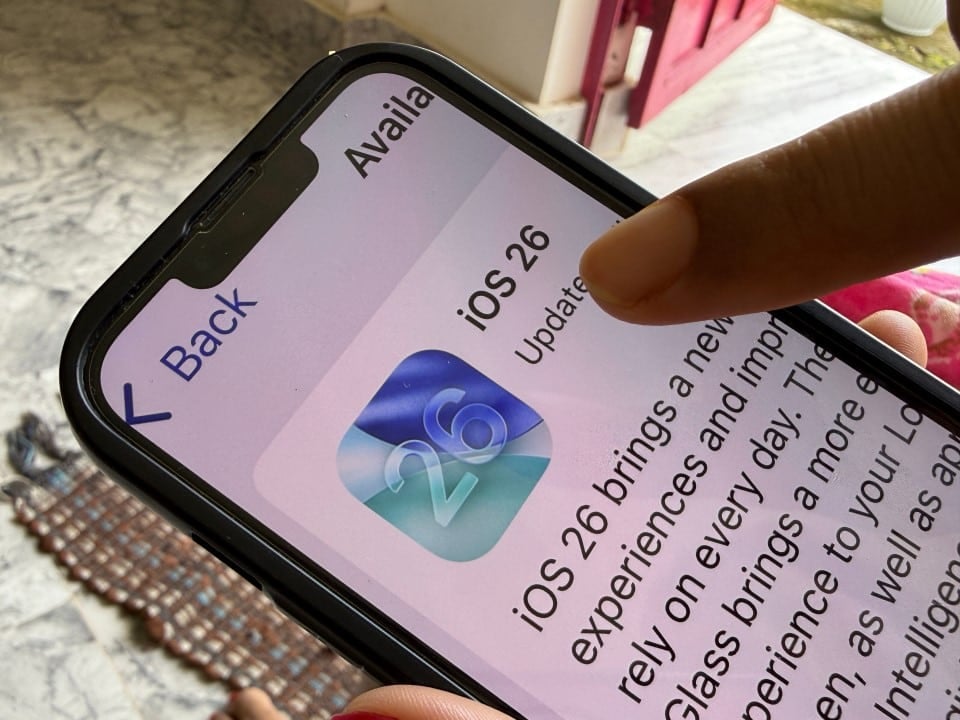
The focus of the controversy revolves around the iOS 26.2 package, which introduced a complete user interface overhaul and deep integration with AI-based automation systems. However, by ignoring update warnings, users fail to apply vital fixes to WebKit, the engine that renders web pages in the Safari browser and many other ecosystem applications. The manufacturer confirmed that the flaws present in previous versions allow malicious agents to execute arbitrary codes on devices, simply by the user accessing a compromised web page.
Industry analysts point out that this behavior reflects a growing dilemma in the digital age: the balance between user preference and the imperative need for data protection. Enquanto discussion about the beauty of icons or the transparency of windows dominates technology forums, cybercriminals take advantage of the window of opportunity to target devices that, theoretically, should already be protected against known attacks.
Critical vulnerabilities in browsing engine threaten data
The security fixes included in iOS 26.2 specifically address two high-risk flaws, technically cataloged as CVE-2025-43529 and CVE-2025-14174. Ambas The breaches affect the iPhone’s processing core and have been classified as critical due to the potential for damage. The first vulnerability involves incorrect memory management, which allows a remote attacker to execute commands on the device without any authorization from the owner.
In practice, this means that simply browsing a malicious website can compromise the entire system. The flaw does not require the user to download a file or install a suspicious application; loading web content in the vulnerable browser is enough to activate the malicious code. Once inside the system, the attacker can have access to sensitive data, bank passwords and personal information, in addition to being able to control certain functions of the device.
The second flaw discovered and fixed lies in the input validation logic, which could also be exploited to corrupt data or crash the operating system. Grupos of threat analysis indicates that there are active exploits — attack-ready code — circulating on dark web forums that specifically target these outdated versions of iOS. Refusal to update the system turns the device into an easy target, eliminating the defense barriers that the update aims to erect.
Controversial aesthetics and fear of artificial intelligence
The reason behind this widespread refusal to update is not common negligence, but an active aversion to the changes implemented by Apple. The user community has expressed strong discontent with the new design language dubbed “Liquid Glass” (Glass Líquido). Esta aesthetics rely heavily on transparencies, blurs and translucent layers which, according to many reports, make reading and usability difficult, even causing visual discomfort and motion sickness in more sensitive people.
In addition to the visual issue, there is a palpable privacy concern related to Apple Intelligence. The new system promises proactive automation, analyzing personal data and behaviors to suggest actions even before the user requests them. Para a significant portion of the consumer base, this “help” is seen as an unacceptable intrusion. The fear that AI is constantly monitoring activities to feed its algorithms has led many to choose to remain on the old version of the operating system, which they consider safer from a privacy perspective, even though it is technically vulnerable to hackers.
The “Liquid Glass” interface has been criticized for making screen elements confusing, especially on complex backgrounds. The lack of contrast and over-reliance on modern visual effects were singled out as a step backwards in accessibility. Usuários report that the attempt to modernize the look ended up sacrificing the functional clarity that has always been a trademark of the company’s products.
Methods to ensure security without compromising usability
Technology experts argue that it is possible to reconcile system security with personal preferences, without the need to expose the device to unnecessary risks. The operating system offers, within its accessibility settings, robust tools that allow you to reverse most of the unwanted visual changes, bringing the user experience closer to previous versions.
To mitigate the effects of the “Liquid Glass” design and disable intrusive AI features, users can follow a manual adjustment roadmap after the update. Essas modifications affect graphical rendering and smart assistant permissions directly, ensuring that the system core is protected against WebKit flaws, while the interface remains user-friendly and privacy preserved.
– Para eliminate excessive transparency effect: User must navigate to Ajustes, select Acessibilidade, and then Tela and Tamanho from Texto. Enabling the “Shrink Transparência” option removes the glass effect, making folder and menu backgrounds solid and opaque, instantly improving contrast and readability.
– Para disable animations that cause discomfort: In the same menu as Acessibilidade, the option “Movimento” allows you to activate the “Reduce Motion” feature. Isso replaces complex transitions and parallax effects with simple dissolves, eliminating the feeling of vertigo and making navigation more direct and less nauseating.
– Para block analysis of Apple Intelligence: It is necessary to access Ajustes, enter the Apple Intelligence and Quando the function icon appears gray, meaning that behavioral data processing has stopped, ensuring that information collection does not occur in the background.
– Para check the integrity of the update: Após perform the adjustments, it is recommended to go to Geral and Sobre to confirm that the software version is 26.2 or higher. If the version number is correct, the device is immunized against WebKit attacks, regardless of visual modifications made by the user.
