
WhatsApp has started distributing a significant update for users of the Apple CarPlay system, introducing a native and independent interface for the automotive environment. The new feature allows drivers to access lists of recent conversations, manage favorite contacts and view call history directly on the vehicle’s multimedia center. Até Then, interaction with the Meta messenger in cars depended almost exclusively on voice commands via Siri, with extremely limited visual functionality.
The new version of the application was designed to offer more intuitive and safer navigation, reducing the need to handle the iPhone during the journey. With the implementation of specific tabs, the user can switch between different functions with quick touches on the panel screen. The interface now displays contact icons and clear flags for unread messages, making it easier to identify priorities without distracting from traffic.
- Simplified access to incoming and missed call history.
- Automatic synchronization of the favorite contact list configured on iOS.
- Optimized interface for the Apple system’s light and dark modes.
- Dedicated button to start new conversations through dictation.
Improved navigation and new visuals
The restructuring of WhatsApp for the automotive ecosystem at Apple focuses on visual organization to ensure that the driver has control over communications in an agile way. The main panel now features three main divisions that segment pending conversations, frequent contacts and the detailed record of internet phone calls. Essa Separation eliminates previous confusion where all interactions were mediated by auditory responses from the virtual assistant.
When selecting a specific chat, the system displays basic contact information, allowing the driver to choose between listening to incoming messages or starting an immediate voice call. The design follows CarPlay’s visual standards, maintaining aesthetic cohesion with other navigation and music applications already consolidated on the platform.
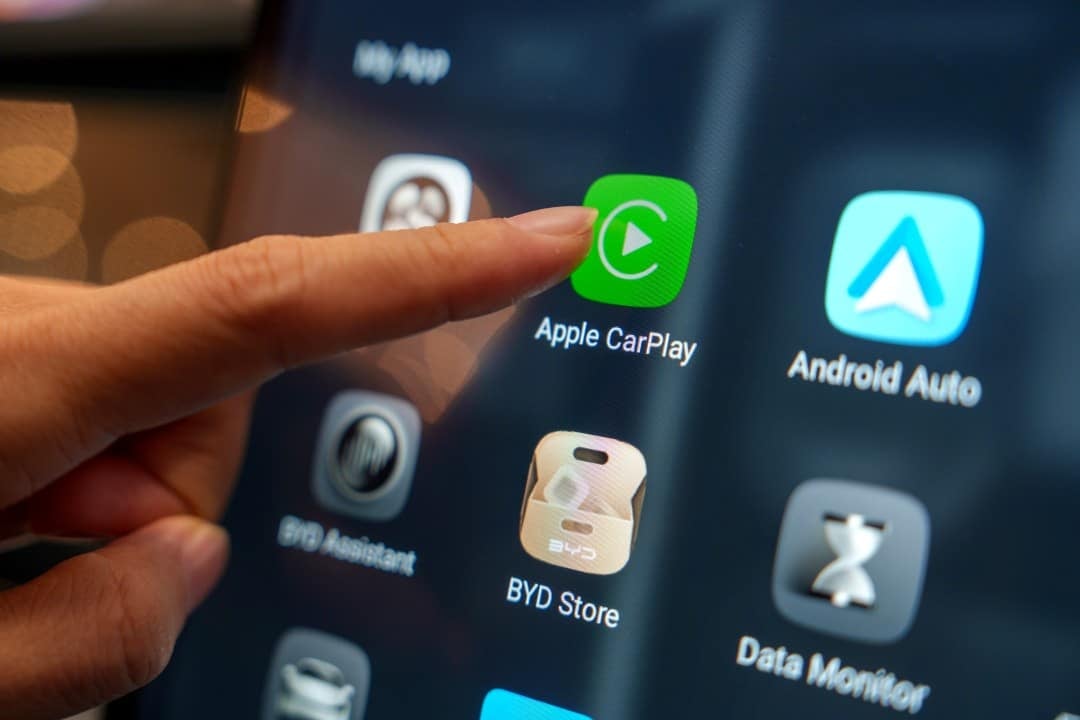
Driving Safety and Restrictions
Road safety remains the central pillar of this update, which is why WhatsApp has maintained strict restrictions to avoid fatal distractions. Não It is not permitted to type texts directly on the car screen under any circumstances, keeping voice dictation as the only method of sending messages. The system uses voice recognition technology to transcribe what is said and allows for quick revisions before final submission.
In addition to the keyboard lock, the display of media content, such as photos and videos, remains disabled in the CarPlay interface to prevent the driver from taking their eyes off the road. Notifications are presented discreetly at the top of the screen and can be silenced or read aloud by the system according to the preference configured by the user in the privacy settings.
Intelligent noise cancellation on calls
In parallel with advances in the automotive system, WhatsApp also implemented new noise cancellation technology for voice and video calls. The feature uses artificial intelligence algorithms to isolate the speaker’s voice and eliminate unwanted environmental sounds, such as traffic noise, wind or side conversations in public places. Essa functionality is especially useful for those who use the car’s speakerphone, ensuring greater clarity in communication.
Audio processing occurs locally on the device, ensuring that end-to-end encryption is not compromised during sound filtering. Users can enable or disable this feature directly from the call settings menu, although the default is to keep it on to optimize the sound experience in noisy environments.
Availability and system requirements
WhatsApp’s new native interface for CarPlay is gradually being released to users who have the latest version of the application installed on their iPhone. Para To access the improvements, the device must be running iOS 16 or higher and the vehicle must have official support for the Apple system, either via cable or wireless connection.
Although most of the functions are already available to the general public, some specific channel management and quick response tools are still undergoing final adjustments in test versions. Meta confirmed that it will continue to monitor driver feedback to apply stability and performance corrections in the coming weeks, aiming for an increasingly fluid integration between the smartphone and the car.
Favorites and contacts management
The favorites system was one of the most requested additions by users and now occupies a prominent place in the panel interface. Esta section allows starred contacts on your cell phone to appear as quick shortcuts, making it easy to quickly dial without having to scroll through long lists of names while the car is in motion.
The update also brought improvements to the identification of waiting calls. Caso the driver receives a second call while already in a conversation, the CarPlay screen shows clear options to switch between calls or end the current one, all with generously sized buttons to facilitate precise tapping.
Call history and notifications
Call history now accurately reflects all activity performed, including video calls that were answered as in-car audio only. The log shows the local date and time of the call, allowing the user to return important contacts with a single click as soon as they park the vehicle or when they are safely stopped.
