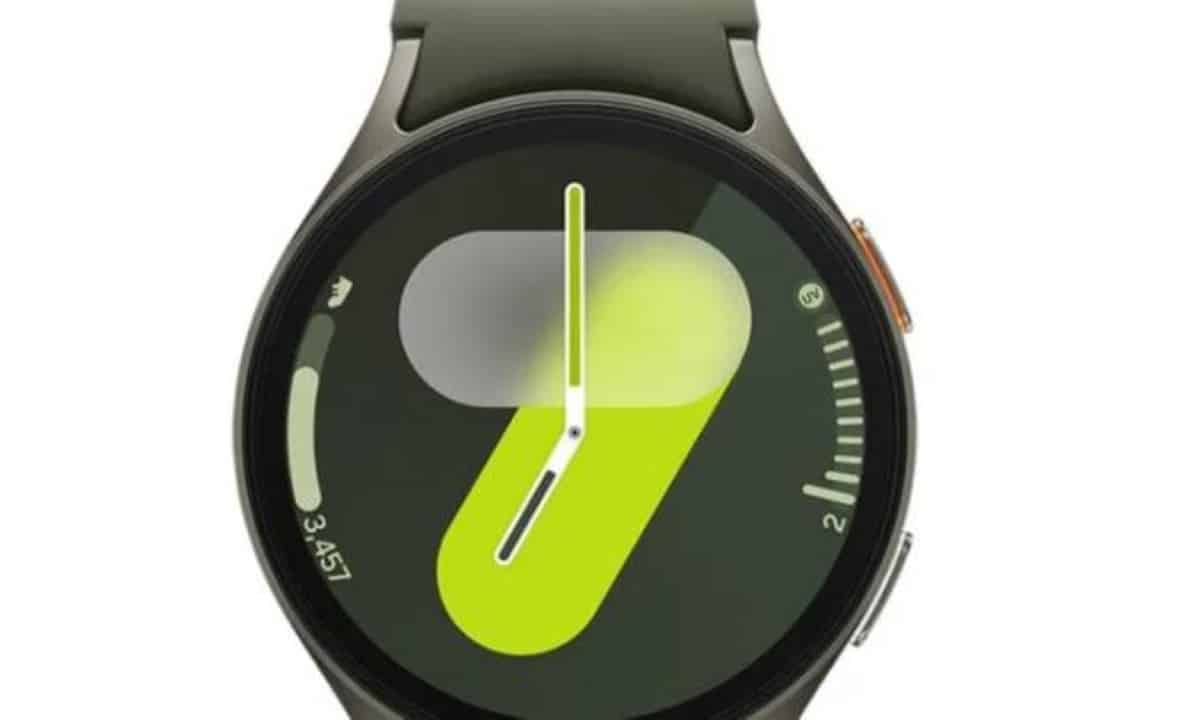
Samsung has started rolling out a new firmware update for the Galaxy Watch 7 and Galaxy Watch 8 smartwatches. The package brings the May 2026 security patch and Wear OS system stability optimizations.
The release started in South Korea. The Galaxy Watch 7 models receive the build that ends in BZE1, while those in the Galaxy Watch 8 line now have the version ending in AZE1. The download size varies depending on the watch variant, generally being between 150 MB and 200 MB.
The main focus of the update is security fixes. Samsung confirmed the closure of 39 vulnerabilities identified in Android and the interface adapted for watches. While the exact amount of code changes may vary between models, the basis of protection is the same for all eligible devices.

In addition to the fixes, the package includes internal maintenance routines. The update automatically clears the cache and removes accumulated temporary files, which helps reduce crashes and improves overall performance during use.
With the more fluid system, health and physical activity monitoring sensors tend to deliver more accurate readings. This is especially relevant for users who rely on their watches to track daily metrics like heart rate, sleep, and exercise.
Quarterly updates keep old line relevant
Samsung follows a policy of periodic updates for wearable devices, with new firmware every quarter. This round follows the March distribution, which brought the February patches.
The market expects the rollout to gradually expand to other regions in the coming weeks. Older models, such as the Galaxy Watch 6, Watch 5, Watch 4 and Galaxy Watch Ultra families, should join the same update stream soon.
How to install the new version
Watch owners can check and install the package directly from the device’s settings or via the Galaxy Wearable app on the paired smartphone. In the app, simply access the watch settings, select software update and search for the download.
The recommendation is to carry out the procedure with the watch charged and connected to a stable Wi-Fi network to avoid interruptions.
