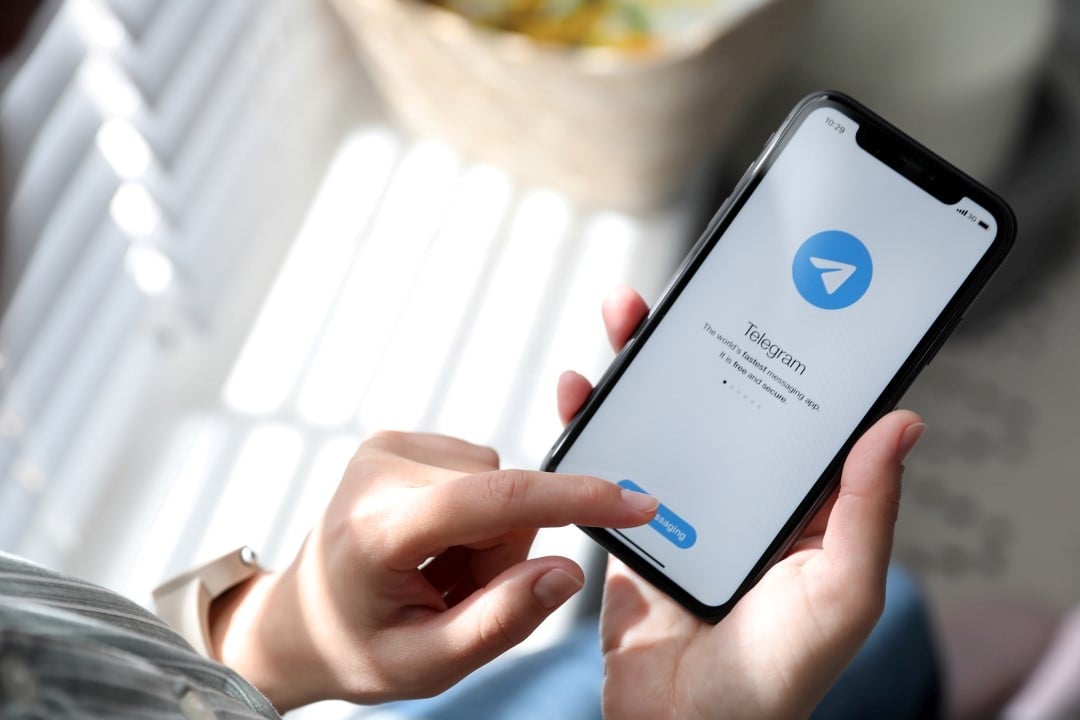
Users from different parts of the planet face difficulties accessing Facebook and Instagram this Friday due to widespread technical failures. With the sudden shutdown of platforms controlled by Meta, Telegram emerges as the immediate escape route to ensure the continuity of work conversations and personal interactions. Operating under a completely separate infrastructure, the messenger has a history of absorbing multitudes of orphaned internet users whenever rivals go offline, repeating the phenomenon of 2021, when it gained 70 million accounts in a single blackout day.
The first complaints about the instability emerged early in the morning, ranging from the inability to update the timeline to the blocking of sending private messages. The technical defect simultaneously affects access via computer browsers and mobile versions for Android and iOS systems. Due to the unified architecture of the company led by Mark Zuckerberg, WhatsApp runs the risk of suffering cascading instabilities, further motivating the urgent search for other communication options.

Immediate impacts of disconnection and the importance of having a plan B
The choice for the paper airplane application is justified by its decentralized data architecture, spread across multiple servers around the globe. In practice, a failure located on one continent does not knock down service in other regions of the planet. Keeping this tool previously configured on your smartphone acts as a true insurance policy against virtual silence, ensuring that sales and negotiations do not stop due to the fault of third parties.
Technology professionals warn of the dangers of concentrating the interactions of approximately three billion individuals under the umbrella of a single corporation. An interruption of this magnitude generates instant financial losses for entrepreneurs who depend on these virtual storefronts to make money. By delivering robust features that go beyond simply sending texts, the alternative messenger is able to accommodate this commercial flow and keep the economy moving.
Essential steps to install and create a profile on the alternative messenger
Starting your journey on the new platform takes just a few minutes and requires only a phone line capable of receiving text messages. The software can be downloaded at no cost directly from the official repositories of mobile operating systems.
- Access your device’s virtual store, whether the Play Store on Google’s system or the App Store on Apple.
- Use the search field to search for the messenger’s name and click on the checked option.
- Press the download button and wait for the file transfer to complete.
- Launch the newly installed program and tap the center button to launch settings.
- Please provide your full cell phone number, remembering to include the local area code.
- Enter the security number sequence that will arrive in your SMS inbox.
- Choose how you want to be called on the network and, if you want, upload a personal image.
After completing registration, the system quickly reads your phone book to find out which people you know already have an active account, displaying these profiles immediately in the main interface.
Crucial adjustments to shield your personal data against intruders and curious people
Protecting one’s digital identity becomes a top priority when adopting a new chat environment, especially during the chaos generated by the fall of internet giants. The software provides advanced defense barriers that need to be turned on as soon as the user enters the application for the first time.
- Open the main menu by tapping the top three dashes on Android or the gear icon on iOS.
- Navigate to the tab dedicated to data protection and privacy controls.
- Modify the exposure of your phone number, restricting viewing to people you know or blocking it to everyone.
- Turn on two-step authentication by creating a fixed password that will be required in addition to the code via text message.
- Determine exactly which groups of people will be allowed to view your photo and when they were last accessed.
- Block the ability of third parties to add your profile to unknown communities without your prior consent.
Applying these restrictions ensures that confidential information does not fall into the wrong hands and protects your account against unwanted invitations to mass chain messages, something common on heavy traffic days.
Practical methods for finding friends and exploring virtual communities
One of the great advantages over competitors is the possibility of finding people and forums using just a public nickname, completely eliminating the need to exchange phone numbers in advance.
- Tap the magnifying glass symbol located at the top of the main interface.
- Write the nickname of the person, company or news portal, always putting an @ at the beginning.
- Select the correct profile from the list of results to start a private conversation.
- If you want to follow a public channel, just click the subscribe button at the bottom of the screen.
- To create your own discussion environment, access the creation icon and choose between forming a group or a channel.
- Include participants manually or generate a virtual address to spread the invitation across the internet.
Mass broadcast tools operate like large bulletin boards where only the space owners have an active voice. This format is perfect for influencers and brands to keep the public informed during the Meta network blackout.
Exclusive tools that help optimize your work routine
The system delivers a package of utilities designed to organize complex dialogs and transfer heavy documents, bypassing the technical barriers often imposed by Mark Zuckerberg’s services.
- Transferring heavy media:The platform supports sharing movies, spreadsheets and compressed folders up to 2 GB in size each.
- Cloud Sync:The complete history of chats and attachments is saved on the company’s servers, saving your smartphone’s internal storage.
- Note space:There is an exclusive chat for the user, serving as a digital vault to save useful links and daily reminders.
- Organization by folders:The application allows you to separate conversations into thematic tabs, dividing professional and family topics to keep the screen clean.
- Text correction:It is possible to modify the content of a message sent with typographical errors for a period of up to two days after sending.
Mastering these extra functions helps drastically reduce the damage caused by the global failure of dominant social networks, ensuring that the exchange of crucial data continues to flow normally until stability returns to the rival ecosystem.
