

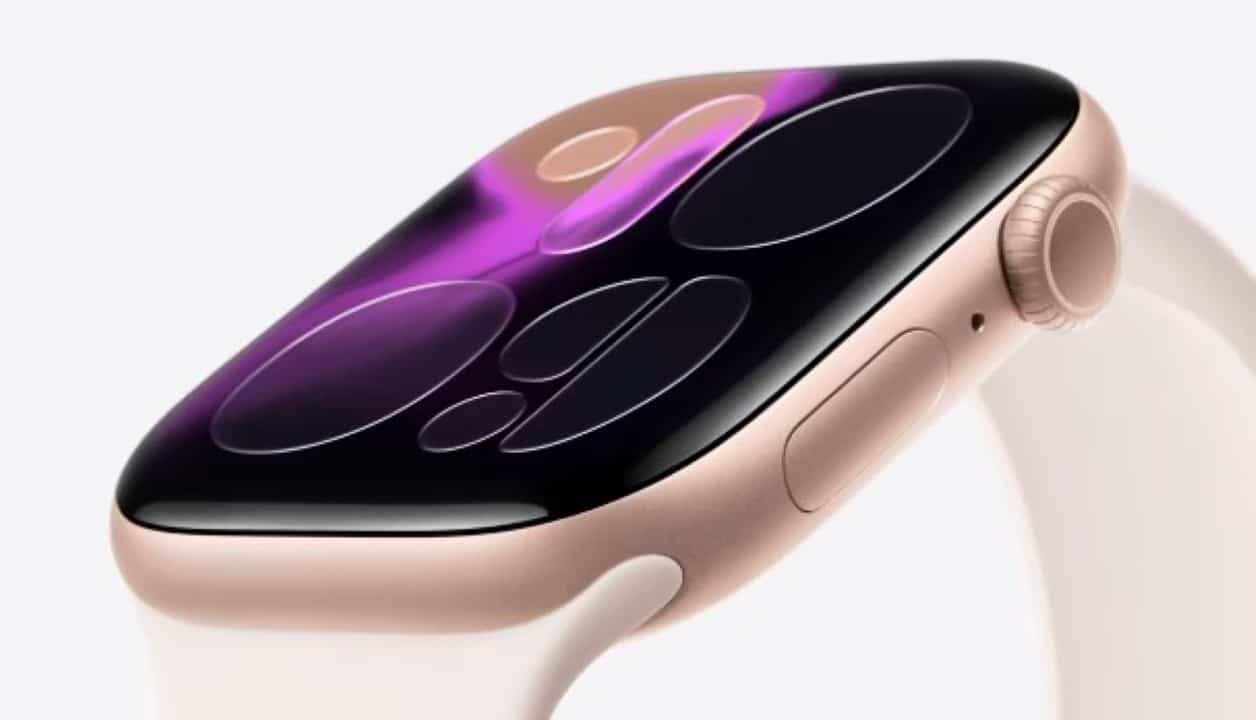
Wearable technology has transformed the way people understand the quality of nighttime rest, with the Apple Watch positioning itself as a central tool in this health analysis process. Para that the device delivers reliable metrics on sleep stages and physical recovery, it is not enough to just wear it on your wrist at night; It is necessary to make specific technical adjustments to the operating system. The accuracy of biometric sensors directly depends on the correct configuration of parameters that often go unnoticed by users.
Advanced heart rate sensors, accelerometers and oximeters integrated into the smart watch have the ability to distinguish between light, deep and REM sleep, but operate with a margin of error if they are not calibrated. Customizing settings transforms raw data into actionable health reports, critical for anyone looking to improve sleep hygiene or monitor medical conditions.

Technology and health experts recommend periodically checking your device settings to ensure all tracking features are active. The main changes involve physical and software adjustments that maximize data collection:
- Enabling priority tracking on the watch via the app.
- Ergonomic strap adjustment for uninterrupted contact with the skin.
- Activation of pulse detection to read heartbeats in the background.
- Configuring respiratory health and apnea detection features.
- Power management with automatic charge reminders.
- Passive monitoring of basal body temperature.
Initial Setup and Data Priority
The first step to ensuring information fidelity is to establish the watch as the primary source of data collection. Muitos users keep tracking dependent on the iPhone, which only generates estimates based on the time the cell phone is not in use. Para To fix this, you need to access the Watch application on the iPhone, navigate to the “My Relógio” tab and select the Sono option.
By activating the “Track Sono with Apple Watch” function, the system ignores passive estimates and focuses on the real biometric data captured by the wrist sensors. Essa simple change automatically synchronizes information with the Saúde app and ensures that sleep stage graphs are built based on real heart movements and variations.
More on this story: Essential Apple Watch Settings Improve Sleep and Health Tracking Accuracy
Bracelet adjustment influences sensor capture
Hardware accuracy is irrelevant if physical contact with the skin is inconsistent. The positioning of the watch on the wrist is one of the most critical factors for the functioning of photoplethysmography, the green light technology that measures blood flow. If the band is too loose, light from the sensors escapes and the heart rate reading fails, creating gaps in the final report.
A firm but comfortable fit is recommended, leaving approximately two fingers’ space above the wrist bone. Durante sleep, involuntary movements can displace the device; therefore, wristbands with continuous adjustment, such as velcro or sports silicone, tend to offer better results than metal links or rigid leather for this specific purpose.
Importance of Pulse Detection and Security
An often overlooked setting is located in the “Code” section within the watch management app. The “Pulso Detection” function must be activated for anyone looking for complete health data. Embora may seem like a feature aimed only at automatically locking the device, it is essential for reading heart rate in the background.
On the same topic: Galaxy Watch has improved Samsung Health to monitor sleep with advanced AI in 2025
When turned off, the watch saves battery power by turning off continuous monitoring sensors, which prevents heart rate variability (HRV) data from being collected. HRV is one of the main indicators of physical recovery and stress; Without it, the analysis of sleep quality loses depth and the calculation of rest stages becomes inaccurate.
Advanced monitoring of respiratory disorders
The latest models of the device, specifically from the Series 9 and Ultra 2, have introduced respiratory interruption detection capabilities. Para For the algorithm to work, the user must enable the “Oxygen at Sangue” measurements to operate during sleep focus mode. The system analyzes breathing patterns using the accelerometer and oximeter to identify signs compatible with sleep apnea.
The feature requires a calibration period, requiring data collected over ten nights within a thirty-day interval. Caso the algorithm detects consistent anomalies or abrupt drops in oxygen saturation, a notification is sent suggesting that the user seek medical attention. It’s a preventative tool that turns your watch into a passive health screening device.
Battery management and charge reminders
Battery life remains a point of attention for continuous nighttime monitoring. Para To prevent the watch from turning off in the middle of the night, resulting in the total loss of that night’s data, Apple implemented a charging reminder system. Essa function can be activated in sleep settings and alerts the user if the battery drops below 30% close to the scheduled bedtime.
Learn more: Apple Watch sleep score gets more accurate with Apple’s new watchOS 26.2 update
Establishing a strategic charging routine is vital. Muitos users take advantage of moments of low activity, such as while taking a shower or reading before bed, to quickly charge the device. With fast charging available on newer models, just a few minutes are enough to provide power for a whole night of monitoring.
Thermal analysis and body temperature variations
Starting with Series 8, wrist temperature monitoring has added a new layer of data to health analysis. Diferente point fever measurement, this feature tracks the variation in basal temperature throughout the night. The human body naturally reduces its temperature to induce deep sleep; deviations from this pattern may indicate the onset of illness, alcohol consumption or hormonal changes.
Data is collected automatically if Sono mode is configured, and the information appears in the “Corpo Measurements” section in the Saúde application. Long-term analysis of these variations helps understand individual circadian rhythms. The user can identify, for example, how the temperature of the room or the time to go to bed influence the stability of sleep and the feeling of rest upon waking up.
Sleep focus integration to reduce distractions
The last step to an optimized experience is correctly setting your sleep and wake times in the Saúde app. Isso automatically activates “Focus
In this mode, the clock screen turns off and only turns on with a deliberate touch, preventing the light from waking the user when moving in bed. Além Additionally, notifications are silenced on all devices in the Apple ecosystem connected to the same account. Essa forced digital hygiene contributes to an environment more conducive to rest, allowing technology to work invisibly and efficiently.