

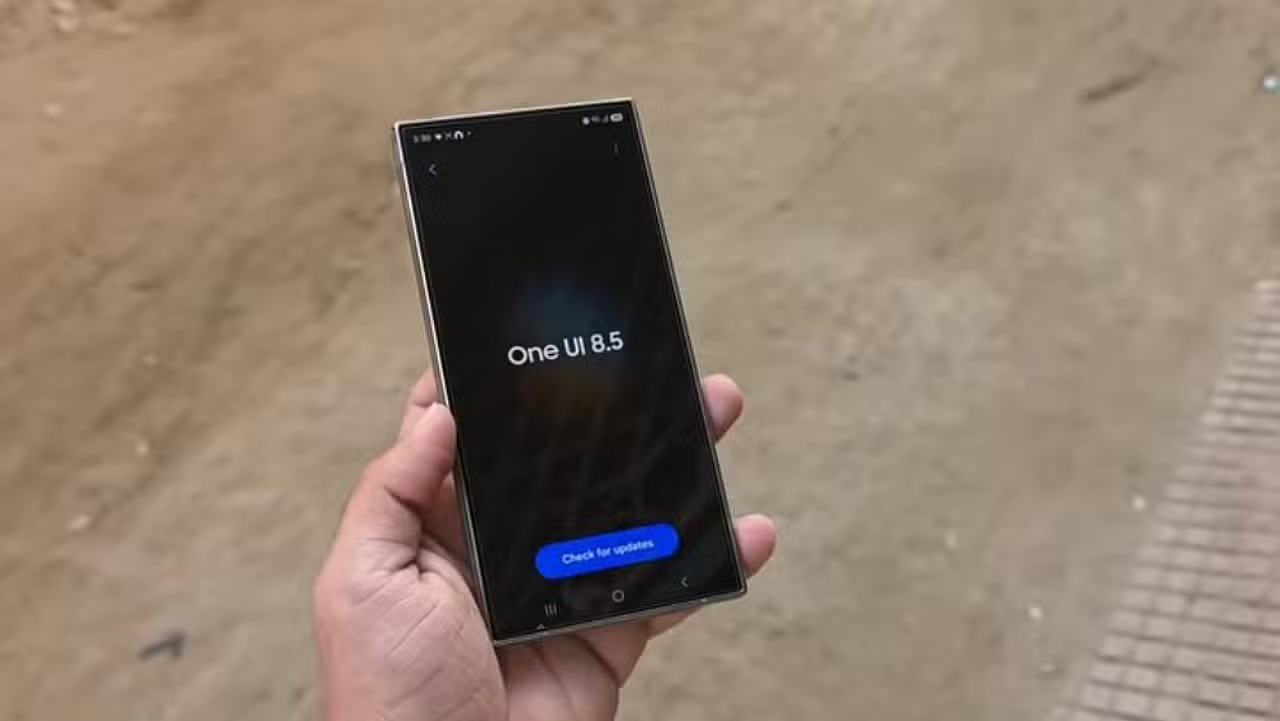
The complete document with the changes to the new interface for the Galaxy S25 line appeared on specialized technology forums this week. The list details the new tools that will integrate the next major update to the South Korean manufacturer’s operating system. The suite focuses heavily on integrating automated tools for everyday use. Market expectations grew considerably after the leak.
Especialistas from the mobile industry has been monitoring the advancement of this software for several months. The recent leak confirms a profound aesthetic redesign, in addition to significant advances in image processing and connectivity between devices. Owners of the latest models are waiting for the official distribution of the data package. The schedule points to the start of updates at the end of April 2026. Distribution will begin through Ásia before reaching other continents.

Reformulação visual prioritizes fluid navigation and organic elements
The system’s graphical architecture has undergone a complete overhaul to offer a more natural user experience. The developers applied transparent blur effects to several layers of the screen. Essa technique creates a sense of depth that makes information easier to read. Floating icons and buttons now react organically to screen touches. The tactile response follows the movement of the fingers.
The practical result of this change is a much cleaner and more intuitive browsing environment. The configuration menus have lost the rigid look of previous versions. The transition between open applications occurs without visual hiccups. The company’s classic software identity remains recognizable, but with a considerably more sophisticated finish. Telas lock gained dynamic widgets. Local pollen index and rainfall graphs automatically appear to the user.
Image editing Ferramentas receive commands via text
Automated photo processing represents the biggest technological leap of this generation of software. Consumers will be able to modify their catches using only written instructions. The user types what they want to change, and the system performs the task instantly. You can change background colors, insert virtual objects into the scene or correct lighting flaws with extreme ease. Processing takes place in a few seconds.
The native gallery application has incorporated functions that previously required professional editing programs on the computer. A smart cropping tool lets you extract a person from a photo and paste them into another scene with perfect edges. The photo assistant has expanded its ability to apply artistic filters to any type of image. The exclusive restriction for portrait mode is over.
The creation of visual content gained a dedicated space called Estúdio Criativo. The shortcut to this desktop is highlighted in the smartphone’s application drawer. The environment offers resources for generating exclusive wallpapers and digital stickers.
- Geração continuous imaging without the need to save intermediate steps.
- Seleção of elements with long touch on the screen side handle.
- Criação of personalized avatars for social media profiles.
Todas these innovations aim to reduce the time spent by users on handling media files. Artificial intelligence works in the background to ensure edits look natural and professional. The device’s hardware processes most requests locally. Isso guarantees more privacy and speed when creating artwork.
Virtual Assistente understands colloquial language and translates calls
The device’s native voice command system received an update to its language model. The assistant now interprets phrases spoken informally. The user does not need to memorize specific robotic commands. The software analyzes the context of the conversation and finds the exact setting the owner wants to change in the phone’s menu. The interaction flows like a real dialogue.
The communication interface also presents an interaction history on the side panel of the screen. A new phone call screening function converts the caller’s voice into text in real time. The cell phone owner reads the transcript before deciding whether to answer the call. The simultaneous translator gained automatic language detection. Conversas with foreigners is much more dynamic and precise.
Câmera quickly scans documents and displays color prediction
The image capture module optimized routine work and study processes. The recognition of paper documents has become significantly faster in this version of the system. A scan button appears on the screen as soon as the lens focuses on a printed sheet. The software automatically removes shadows, reflections and fingerprints. The final file in PDF format has flatbed scanner quality.
Video content creators will also find new features in quick camera shortcuts. Simultaneous recording with the front and rear lenses requires just a touch of the screen. Professional shooting mode displays a preview of the final colors before recording even begins. The intelligent photo sensor detects movement in the scene. The camera only records moments of action to save space on the device’s internal storage.
Connectivity Ecossistema integrates devices from competing brands
The exchange of files between electronic devices has reached a new level of compatibility. The smartphone folder manager now displays content stored on tablets and computers connected to the same user account. Heavy data transfer takes place within a few seconds over the local wireless network. Screen mirroring gained a shortcut directly on the home page.
The biggest surprise in the update package involves communication with equipment from other manufacturers. The quick sharing system now works natively with Apple devices that use AirDrop technology. Consumers can also create family groups to share their mobile data plan and cloud space with extreme ease. Audio transmission via Bluetooth allows you to send sound to multiple headphones simultaneously.
Power management and data security close the list of operating system improvements. The battery dashboard displays detailed weekly graphs about the consumption of each installed application. A new theft protection protocol blocks access to the screen after multiple incorrect password attempts. Alertas privacy warnings warn the user about applications that request dangerous permissions. Controles dedicated hearing aids Bluetooth ensure greater accessibility for people with hearing impairment. Screen recording now allows you to select only a portion of the display.