

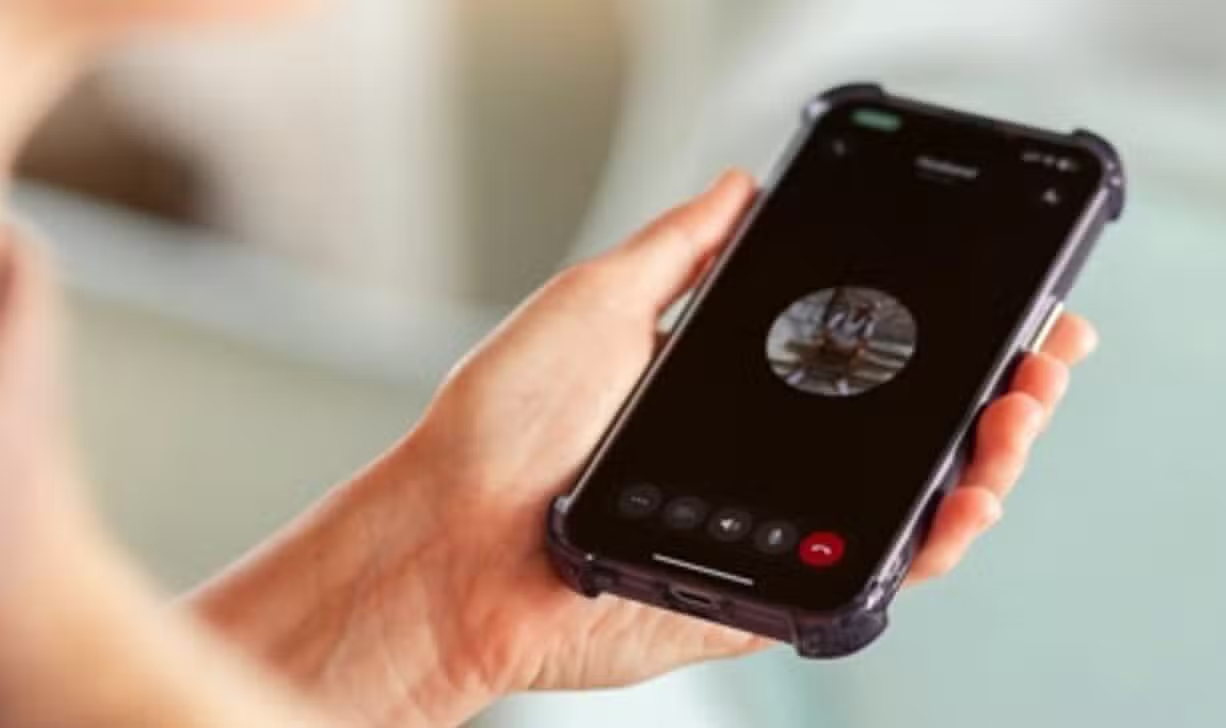
WhatsApp Messenger offers the possibility of exchanging messages and making or receiving voice and video calls. A practical feature, often unknown to users, allows you to continue text interaction with the contact even during an ongoing call. Este feature enhances communication by allowing quick sending of important notes or files without interruptions.
The tool is especially useful for situations where additional data is needed while discussing a topic live. Ela avoids the need to end the call to share an address, a link or any other relevant document. The integration between communication modalities demonstrates the platform’s focus on offering a more fluid and complete experience to its millions of users.
WhatsApp’s Funcionalidade facilitates multitasking communication
The ability to switch between a call and a text conversation within WhatsApp significantly optimizes digital communication. Muitos users were faced with the dilemma of how to share written information or a file without having to end the call or use another application. The solution implemented by WhatsApp meets this demand, allowing for more efficient management of time and resources.
Desenvolvedores’s platform included this option to ensure users can stay focused on the interaction. Seja during a work call to share a document or in a personal conversation to send an image, the transition is made intuitively. Usability is a key point, with call controls remaining accessible for easy switching.
Como manage active conversations and calls
Utilizar’s feature for rejoining the conversation during a call is a simple and quick process designed to not detract from the user experience. Ele requires few touches on the screen, ensuring that the user’s attention can be divided between spoken communication and the exchange of written information. Este mechanism is accessible to everyone who has the updated application.
Para to take advantage of this functionality, follow the steps below:
- Inicie or answer the call:With the app open, make or answer a voice or video call as normal with the desired contact.
- Acesse the conversation:Enquanto the call is active and you are on the call screen, look for and tap the icon represented by two arrows, usually located in the upper left corner of the screen.
- Envie messages:When you tap the icon, you will be directed to the text conversation window, where you can check previous messages or send whatever you need. The mute and end call icons remain visible at the top, allowing you to manage the call simultaneously.
Otimização of user experience on the platform
The constant evolution of features like this reaffirms WhatsApp’s commitment to providing an optimized and multifunctional user experience. The possibility of managing calls and text conversations in parallel eliminates common barriers in digital communication, making the platform even more versatile for various purposes. The integration of these tools is crucial for everyday life.
Empresas and individuals can benefit from the agility provided, avoiding the loss of context when having to pause or resume interactions. The functionality reflects an in-depth understanding of the needs of modern users, who often need to perform multiple communication tasks. Assim, the app continues to solidify its position as an essential tool in digital life.