
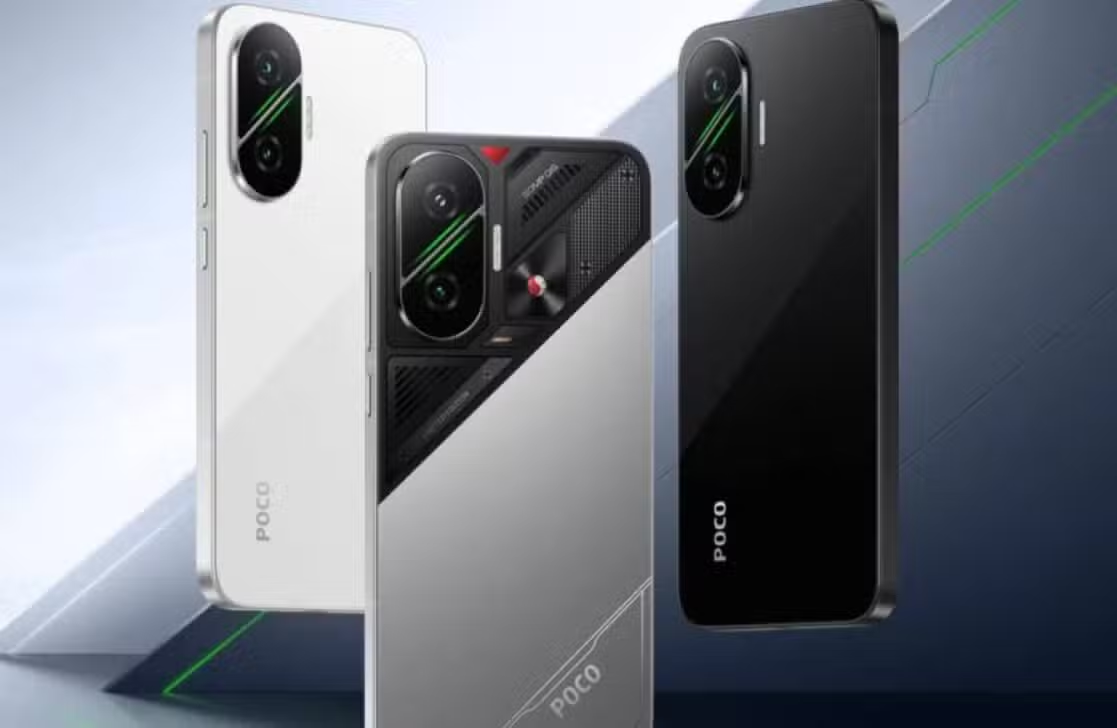
Chinese manufacturer Xiaomi intensified the distribution of its new operating system packages during the month of June, reaching a wide range of devices from the Xiaomi, Redmi and POCO families. Consolidated firmware records up to June 16, 2026 show that the company incorporated Android 16 — Google’s version that introduced stricter privacy controls and better background battery management — as the foundation for devices such as the POCO F7, POCO X7, Redmi Note 14 Pro 5G, POCO X6 5G and the Xiaomi 14T Pro.
The release process for these software improvements, however, follows a fragmented schedule. This dynamic occurs because the company develops specific system variants for different geographic areas, using exclusive codes that separate markets into categories such as Global, Europe, India, Indonesia, Taiwan, Russia and Turkey.

Because of this strategic division, a consumer who purchased their phone in the Brazilian market will face a completely different waiting list to that experienced by users who purchased the same hardware in European or Asian stores.
Which brand smartphones already have the new software installed
Among the installation files recently detected by the servers, the OS3.0.301.0.WOLIDXM compilation stands out, designed exclusively for the POCO F7 sold in Indonesia. This file carries the Android 16 framework and started appearing in public databases in mid-June.
Other devices included include the Redmi Note 14 Pro 5G and the POCO X7, which started running version OS3.0.301.0.WOOTRXM in Turkish territory. This unification of files happens because the manufacturer usually uses the same programming base for both models in selected markets.
The Taiwanese public also entered the company’s radar with the arrival of the OS3.0.301.0.WNRTWXM variant, built specifically to optimize the performance of the Redmi Note 13 Pro 5G and POCO X6 5G.
At the same time, the premium Xiaomi 14T Pro model gained a software edition dedicated to Taiwanese users, while the rest of the manufacturer’s portfolio slowly progresses through the different phases of the regional distribution schedule.
Details of the most recent builds can be seen in the following summary:
- POCO F7: Indonesia market (build OS3.0.301.0.WOLIDXM)
- POCO X7 and Redmi Note 14 Pro 5G: Turkey market (build OS3.0.301.0.WOOTRXM)
- POCO X6 5G and Redmi Note 13 Pro 5G: Taiwan market (build OS3.0.301.0.WNRTWXM)
- Xiaomi 14T Pro: Taiwan market (build OS3.0.301.0.WNNTWXM)
How to decipher the complex codes behind the HyperOS 3.1 system
Reading version numbers tends to raise frequent questions among consumers. Even though the community treats the new product commercially as HyperOS 3.1, the global installation files often display numerical sequences like OS3.0.301.0 on the phone’s screen.
This visual mismatch simply reflects the internal organization methodology adopted by the Chinese brand’s engineers. For this reason, the technical recommendation is that users analyze the complete file string, the built-in Google operating system generation and the official list of modifications, leaving aside concern about the first numbers displayed.
Another point of attention involves the technical difference between software ready for the end consumer and a file that still circulates in testing laboratories. Finding a record of an update on the company’s servers does not mean that the download via wireless network (OTA) will happen immediately on your device.
Visual and performance changes coming with the new interface
Built on the Android 16 code, HyperOS 3.1 delivers a noticeable leap in quality when compared to its third generation. The development team’s focus was on eliminating crashes, ensuring smoother screen transitions, refined animations and intelligent consumption of the equipment’s RAM.
The package of innovations includes adjustments to the behavior of Xiaomi HyperIsland, a redesign of the screen that displays recently opened applications, new tools within the photo application and faster, wireless communication between cell phones and tablets from the same brand.
The manufacturer is keen to warn that the complete experience varies depending on the equipment in hand. The release of specific functions directly depends on the cell phone’s processor, the region where it was activated, the programs installed and the physical limitations of each hardware.
The files distributed throughout June also carry vital fixes against cyber vulnerabilities. However, the level of the security package fluctuates between devices, making it impossible to guarantee that all customers have received the exact protections for the months of May or June 2026.
Why changing the country in settings doesn’t speed up the download
An old trick among technology enthusiasts consists of changing the country in the cell phone options to force the search on foreign servers, but this practice has lost its effectiveness and does not guarantee early delivery of the software.
The real trigger for receiving the news depends exclusively on the digital signature of the factory-installed ROM. A phone running the global system will never turn into a European or Indian unit just because the owner changed the time zone or location in the main menu.
There is also the barrier of the Mi Pilot program, which restricts the first downloads to a closed group of volunteer testers. Mass distribution to the general public only gets the green light weeks later, if this initial team does not report serious crashes or excessive battery consumption.
Safe step by step to get the new software on your phone
The official, risk-free way to check package availability requires the user to open the Settings app, navigate to the “About phone” tab, click on the current system logo and press the button to check for new versions.
Before starting any transfer, the device must be plugged in or have a high charge, in addition to having sufficient space in internal memory. Technicians also strongly recommend creating a cloud or computer backup to protect personal photos and documents.
Anyone who decides to download the file from the internet and force manual installation takes the risk of rendering the device unusable if the document does not correspond exactly to the original model and region. Corrupted files often lock the phone at the boot screen, making waiting for automatic notification from the system the most prudent choice for the average consumer.