

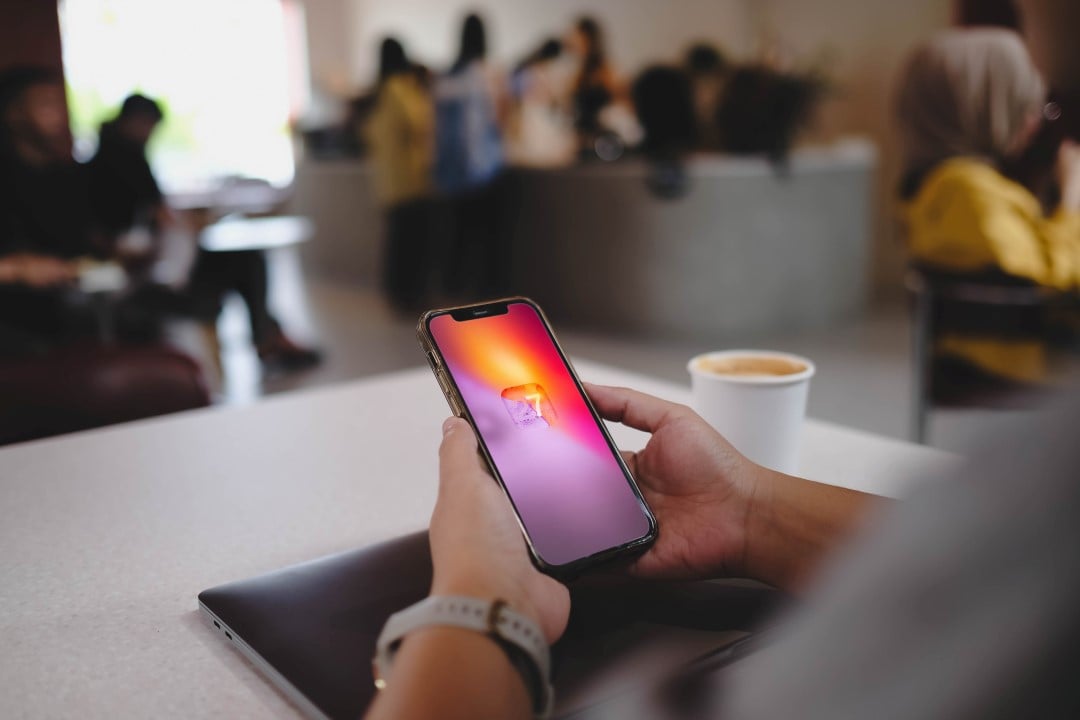
The new version of Apple’s operating system, iOS 27, expands the possibilities for customizing the iPhone lock screen. The update introduces several features, including new customization options and wallpaper adjustments.
New features to expand your lock screen wallpapers
iOS 27 integrates new image editing tools powered by Apple’s artificial intelligence directly into the Photos app. Among the new features are an improved version of the Clean Up function and the addition of Reframe. Additionally, an innovative option, called Extend, allows you to intelligently expand the image to adjust proportions, align horizons or simply add more area to the edges.
On the same topic: IPhone users gain full control over the lock screen with iOS 27 and new customizations
This Extend function will also be available directly from the iOS 27 lock screen. If a photo doesn’t fit the iPhone’s aspect ratio or isn’t cropped ideally for a wallpaper, the system will automatically suggest using Extend to make the necessary corrections. The feature uses artificial intelligence to generate extra content around the edges of the image, offering greater freedom in choosing and applying photos as wallpaper.
Create your own wallpapers using artificial intelligence
Apple’s Image Playground app, which enables the creation of images through artificial intelligence, receives major improvements in iOS 27. The innovations in Image Playground also extend to the iPhone’s lock screen. Now, it is possible to generate wallpapers directly from the wallpaper selector, both in the settings and on the lock screen itself.
In the wallpaper selector, a new “Image Playground” option will be presented. This functionality can create stylized versions of photos from your library, such as “Retro Illustration” and “Animation”. Furthermore, the user can design a personalized wallpaper from scratch, just by describing what they want in natural language.
More on this story: Apple system update allows resizing lock screen clock and enlarges widgets
Adjust clock position on lock screen
iOS 27 finally makes it possible to reduce the size of the clock on the iPhone’s lock screen. Although Apple has been offering watch size customization options for a few years now, this update goes a little further. You will now be able to move the clock to the top row of widgets on the lock screen.
This change frees up space on your lock screen, allowing more of your wallpaper to be visible. However, this flexibility comes at a cost: viewing the timetable remotely may be compromised. For many users, the main purpose of the lock screen is to display the wallpaper, and iOS 27 makes that intention even easier.
Remove ‘Now Playing’ widget from lock screen with a gesture
With iOS 27, you can now swipe and remove the Now Playing widget that appears on your iPhone’s lock screen. Even when dismissing the widget, the media that is playing will continue to play normally.
Learn more: IPhone users gain freedom to change watch dimensions in the new version of the system
This feature is especially useful for those who tend to accidentally tap the “Now Playing” widget while their device is locked.
iOS 27 is currently accessible to developers and participants in the public beta testing program. The final version will be released to all users later this year, reinforcing Apple’s commitment to meeting the growing demand for more customizable and expressive user interfaces.