

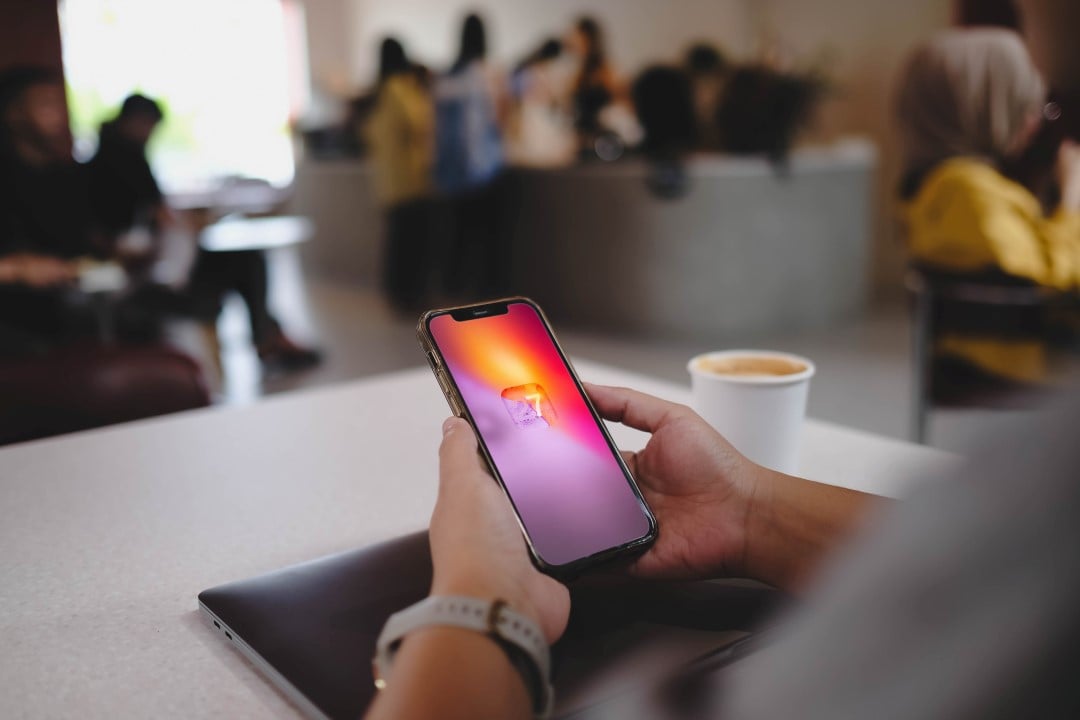
Apple is preparing the launch of iOS 27 for September, bringing a series of new features that promise to improve the experience of iPhone users, with emphasis on the deep integration of artificial intelligence. The updates focus on both refining the system and introducing smart tools, driven by the new Siri and Apple Intelligence. The changes aim to make the device more intuitive, personalized and efficient in everyday life.
The impact of artificial intelligence on new iPhone functions
Artificial intelligence is at the heart of many innovations in iOS 27, elevating iPhone’s ability to understand and react to user needs. Apple Intelligence, in particular, reshapes Siri for a generative era, enabling more natural and contextual interactions. These tools not only simplify tasks, but also open doors to new forms of customization and productivity.
More on this story: New iOS 27 interface prioritizes Siri and changes gestures for Notification Center after 15 years of use
Check out 30 new features coming to your iPhone with iOS 27:
- Expansion of Lock Screen Photos and Wallpapers:The system uses Apple Intelligence to automatically expand photos beyond their original limits, filling the lock screen more naturally and avoiding aggressive cropping.
- Organization of Safari tabs by topic:Safari organizes open tabs into theme-based collections, like “shopping” or “travel,” making them easier to navigate and manage.
- Using natural language for reminders and calendar entries:You can create reminders and calendar events by typing simple phrases, and artificial intelligence automatically fills in the date, time and location details.
- Inline replies to messages from Android users:It is now possible to respond to specific messages from Android users (green bubbles) within the Messages app, expanding a function previously exclusive to iMessage.
- Update of Wallet app passes:The Wallet app gains an improved design for different types of passes, such as membership and gift cards, with new layout options, background image and quick actions.
- Creating shortcuts by description:Apple Intelligence lets you build shortcuts by explaining what you want in natural language, making the process more accessible and intuitive.
- Apple Maps Flyover Improvements:The Flyover feature on Maps receives visual improvements, with textures, sharper details and improved lighting effects for selected cities.
- Siri in camera mode for visual recognition:The Camera app gains a new “Siri” mode that uses visual intelligence to identify objects in the frame, such as plants, animals or food, and provide information about them.
- Compact clock mode on locked screen:A new layout option lets you move the lock screen clock to a smaller format, aligned with the date and widgets, for a cleaner look.
- Generation of photorealistic images with Image Playground:Image Playground receives a major update, enabling the creation of high-quality images, including photorealistic options, identified by a SynthID watermark.
- Liquid Glass opacity adjustment:A new slider in settings lets you control the translucency of Liquid Glass interface elements, offering more visual customization options.
- Creating slideshows from any album:You can create slideshows directly from photo albums or selections, with transition, duration, and music customization options.
- Easy switching between Siri and ChatGPT:The new Siri app allows you to switch between Siri AI and ChatGPT, offering flexibility in choosing your assistant without transferring the context of the conversation.
- Creating browser extension with a prompt:Safari now lets you create extensions describing what you want in simple language, with suggested ideas for productivity, focus, and creativity.
- AI-powered HomeKit camera footage summaries (iCloud+ only):The Home app can generate written summaries for motion alerts from HomeKit Secure Video cameras, grouping footage and highlighting important recordings.
- Adjustable EQ controls for AirPods:iOS 27 finally introduces adjustable equalizer controls for compatible AirPods models, letting you customize bass, mids, and treble.
- Siri Voice Customization:A more powerful version of the Apple Intelligence on-device model for iPhone 17 Pro, iPhone 17 Pro Max, and iPhone Air lets you customize the expressiveness and rhythm of Siri’s speech.
- Star Photo Rating:The Photos app now lets you assign one- to five-star ratings and keywords to photos and videos, making it easier to organize and filter your library.
- Questions about the environment with Live Recognition:A new Accessibility section, Live Recognition, uses the iPhone camera to identify and describe people, objects, and surroundings in real time, as well as answer questions.
- Automatically updating weak passwords:The Passwords app can now automatically change weak or compromised passwords using Safari and Apple Intelligence.
- Saving a video frame as a photo:The Photos app lets you extract and save a single frame from a video as a separate photo, eliminating the need for screenshots.
- Independent volume for alarms:A new section in Sound and Haptic Adjustments lets you set a dedicated volume for alarms and timers, independent of ring volume.
- Location sharing by custom duration:Find My now offers custom durations for location sharing, allowing you to set an exact end date and time.
- Simultaneous display of two cameras in FaceTime calls:On iPhone 17 and iPhone Air models, you can use the front and rear cameras at the same time during a FaceTime call, showing your face and surroundings.
- Drawing in the Messages app:A new feature allows you to send sketches and drawn notes directly in the Messages app, using an interface similar to the Markup tool.
- Notification about changes to web pages in Safari:Safari can monitor web pages and notify the user when changes occur, useful for tracking in-stock products, for example.
- “Reframe” feature for photos:A new feature in Photos lets you change the perspective of a photo and adjust the angle of people or objects using spatial information and artificial intelligence.
- Spending insights in the Wallet app:A new “Insights” feature in the Wallet app lets you add connected accounts to monitor spending habits, trends, and other details.
- Context during phone calls:“Call Context” proactively displays relevant information during business calls, such as flight confirmation codes, working on the device.
- Local trends on Apple Maps:A new “Local Lists” section in Maps uses smart insights into what’s trending around you to suggest popular and interesting places to visit, with a focus on privacy.
The innovations in iOS 27 demonstrate Apple’s commitment to integrating smart features that improve usability and connectivity, transforming iPhone into an even more powerful device that adapts to user demands.