

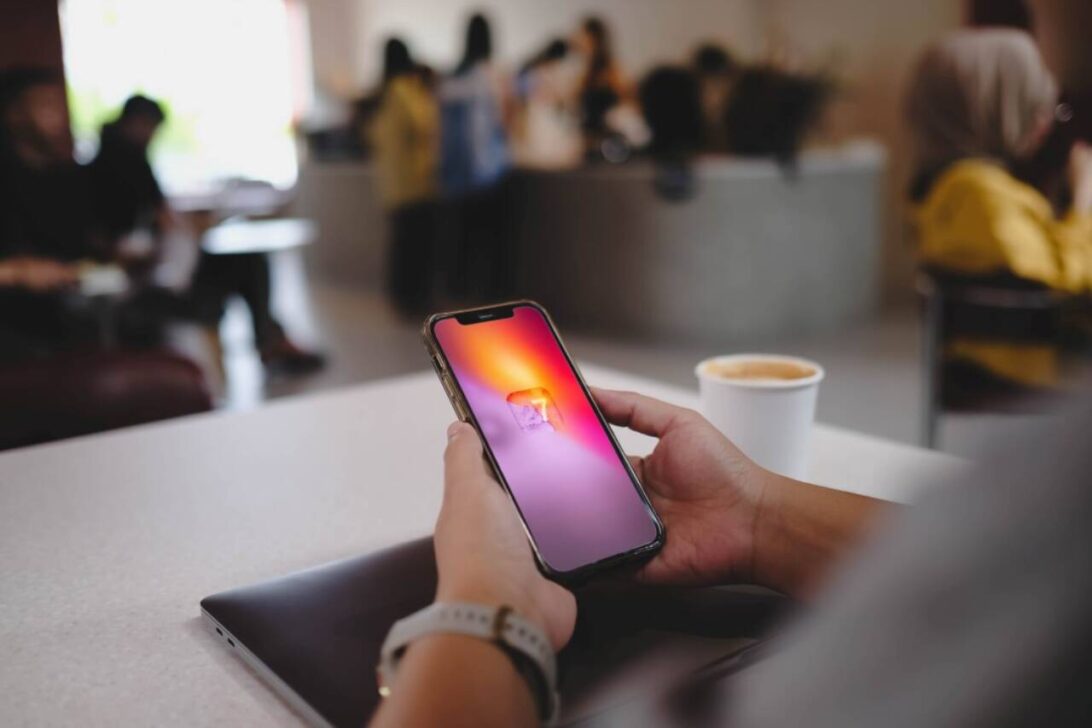
Apple released the iOS 27 update for compatible iPhone models on September 14, 2026, at 13:00. The mobile rollout enables owners to modify interface transparency, isolate alarm audio levels, and manage network transitions directly through native menus.
iOS 27 requires manual configuration.
Interface transparency controls in Liquid Glass
Apple modified the graphical interface by replacing the fixed preset options from iOS 26 with a dedicated transparency slider inside the display configuration menus.
While iOS 26 restricted users to predefined transparency options across standard screens, the new slider in iOS 27 allows owners to either amplify the glass texture or increase background opacity to substantially improve text and icon legibility across daily viewing conditions.
Device owners access this modification by launching Settings, tapping Appearance, and selecting Liquid Glass to drag the slider.
Independent volume levels for clocks and incoming calls
The iOS 27 platform divides the audio controls between alarms, timers, and incoming call ringtones. Users previously lowered alert volumes whenever they decreased ringtone audio, but the new configuration decouples both functions to keep morning wake-up alerts audible.
Configuration requires opening Settings, entering Sounds and Haptics, and disabling the option to combine audio with ringtone volume. An autonomous on-screen slider then manages alarms and timers without altering telephone ringers. Apple maintained these separate controls alongside existing vibration parameters.
Network transition tools and voice commands
The software update incorporates three additional capabilities:
- Connectivity Assist improves the connection handoff between Wi-Fi and mobile cellular networks.
- Shortcuts now operate with natural language commands created by users.
- Apple Wallet supports custom digital passes added directly to iPhone storage.
System management and migration details
The release follows previous operating software generations including iOS 18 and iOS 26 on supported Apple hardware. Users manage these five functions directly through device software menus after installing the operating update.