New Wallet function in iOS 26 allows you to fill in credit card details in any app By Janderson Luiz
5 min read
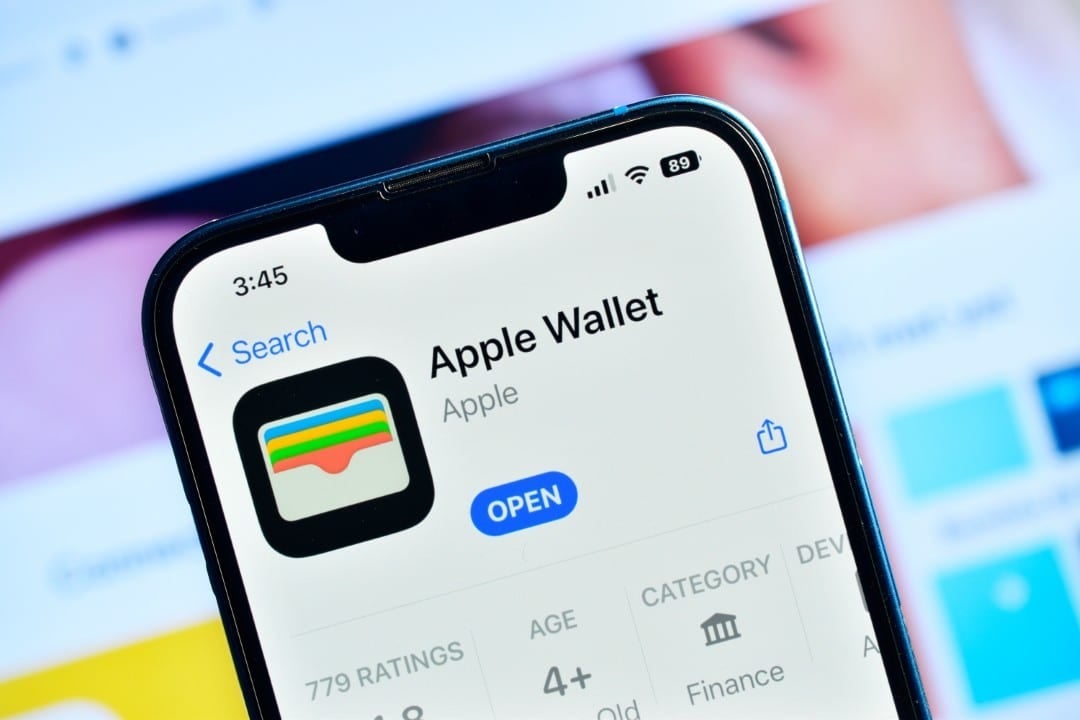 |
An update implemented by Apple with the release of iOS 26 is transforming the way iPhone users make payments and fill out forms online. The AutoFill, or Preenchimento Automático, feature has been expanded to allow use of credit cards stored in the Wallet application in any operating system environment, no longer limited to just the Safari browser.
This change represents a significant advancement in convenience for millions of people, eliminating the need to repeatedly enter the card’s 16 digits, expiration date and security code. The functionality now operates seamlessly in third-party applications and other browsers, speeding up purchase and registration processes with a simple tap and biometric authentication.

Direct integration with Wallet centralizes the management of payment methods, offering a more fluid and secure experience. The new feature is available for all devices compatible with the latest version of the system, reinforcing the Apple ecosystem by improving a common and often tedious digital task.
How the new functionality operates in the system
The main evolution of AutoFill in iOS 26 is its universality. Anteriormente, the ability to autofill credit card information was largely restricted to Safari. Isso forced users to manually enter information into other applications, such as e-commerce, delivery or subscription services, or to use third-party password managers that offered similar functionality.
With the new version, whenever the system detects a form field intended for payment information, it offers the option to use AutoFill. When tapping the field, a suggestion appears above the keyboard, allowing the user to select “Fill Cartão from Crédito”. Após choice, the system requests authentication via Face ID or Touch ID to release the data and fill in the fields instantly, ensuring that only the device owner can access this sensitive information.
Activation and configuration on Apple Wallet
To use the new feature, credit cards must be properly registered in the Wallet application. The configuration process is simple and can be carried out in a few minutes, following an intuitive path within the application itself.
The first step is to open Wallet and access the AutoFill settings, usually located in an options menu. Ali, the user will find the option “Add Cartão”, which starts the registration process for automatic filling.
The system offers two ways to enter data: using the iPhone’s camera to scan the information printed on the physical card, which automates the capture of the number and expiration date, or by entering all the details manually. Cartões that were already configured for use in Apple Pay or that were previously saved in Safari are automatically migrated to this new section, without the need for new registration.
Once added, the card is synced with the user’s iCloud account through iCloud Keychain. Isso means information becomes available on all Apple devices connected to the same account, such as iPad and Mac, ensuring a consistent experience across platforms.
Practical advantages for everyday life
The expansion of AutoFill to the entire operating system brings direct benefits that positively impact the digital routine. The main advantage is saving time and reducing effort in online transactions. Processos checkout times in online stores or service subscriptions become almost instantaneous, reducing friction and the possibility of cart abandonment due to long forms.
In addition to agility, the functionality significantly minimizes the occurrence of typing errors, a common problem when entering long numerical sequences manually. A single incorrect digit can invalidate a transaction, leading to frustration. Automation ensures data accuracy, making purchases more efficient.
Another relevant point is the convenience of not needing to have a physical card on hand to make a purchase. Seja at home or on the go, the user can complete a transaction securely with just their iPhone, which adds a layer of practicality and security, avoiding exposing the card in public places.
Security and privacy as pillars of the resource
Apple built the new AutoFill functionality on the same security foundations that underpin Apple Pay and other sensitive iOS tools. User privacy is a central element, and the company ensures that credit card data is stored with multiple layers of protection. Information is encrypted and maintained locally on the Secure Enclave, a dedicated security coprocessor that isolates critical data from the rest of the operating system. Nem even Apple has access to the full card numbers or security codes. Biometric authentication, whether by facial recognition (Face ID) or fingerprint (Touch ID), is a mandatory step to authorize the filling of data, preventing unauthorized access even if the device is unlocked. It is important to note that this function is used exclusively to fill out forms and does not carry out a transaction via Apple Pay; The objective is to facilitate the insertion of data on platforms that are not compatible with the brand’s contactless payment system.
Advanced saved card management
The Wallet application is consolidated as the central hub for controlling all payment methods. Dentro from the AutoFill section, users can view a list of all registered cards, facilitating organization and management.
You can edit a card’s information, remove it from the list, or add a custom description for each card. Essa The last function is especially useful for those who have multiple cards, allowing them to be quickly identified as “personal”, “work” or by the name of the bank, for example.
What changes compared to previous versions
The fundamental difference from previous versions of iOS is the breaking of the Apple application ecosystem barrier. What was previously an almost exclusive benefit for those who used Safari as their main browser, has now become a native and universal tool. Essa change eliminates dependence on third-party applications for a consistent and secure autofill experience across the iPhone, simplifying the user’s digital life with a solution integrated directly into the system.