

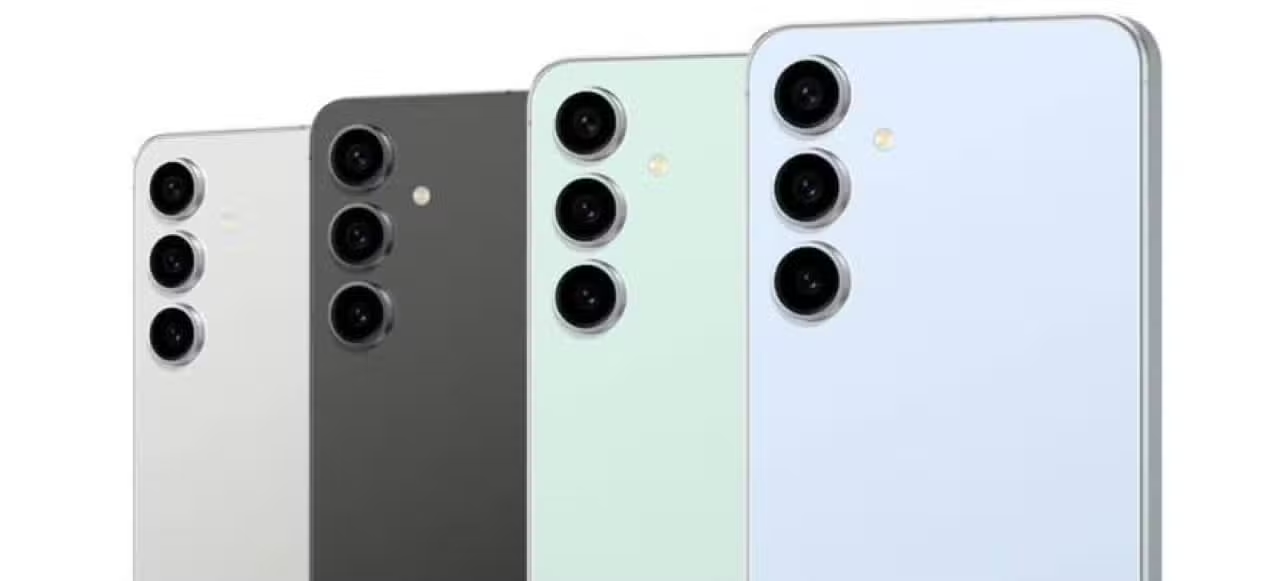
The South Korean manufacturer has officially announced the arrival of the One UI 8.5 interface for its line of mobile devices. The platform operates under the Android 16 architecture. The software focuses its innovations on the extensive use of artificial intelligence applied to the system’s native applications. Aparelhos from the Galaxy family sold from 2024 onwards will receive the update package gradually. The change replaces the previous generation and establishes a new interaction standard for the Asian brand’s consumers.
The strategic move reflects the technology market’s tendency to automate everyday tasks through complex algorithms. Desenvolvedores prioritized optimizing performance and enforcing privacy policies during software design. The integration of intelligent functions occurs natively. Isso does not require the installation of third-party programs to execute advanced commands. The mobile ecosystem is undergoing a profound transformation with the arrival of these tools embedded directly into the device’s source code.

Improved Segurança and detailed power consumption control
Blocking unwanted calls gains significant reinforcement with the implementation of the smart filter. The system analyzes the originating number even before the phone rings. A real-time transcript displays the likely reason for the call on the device’s screen. The engine identifies patterns associated with financial scams and abusive telemarketing instantly. The connection is automatically closed if the risk is confirmed. The smartphone owner does not need to take any manual action to block the contact attempt. Concern about digital security shapes the new development guidelines of the telecommunications industry. Proactive blocking prevents vulnerable users from falling into social engineering traps.
Power management has also undergone a complete restructuring in the new version of the operating system. The battery control panel provides accurate estimates of remaining usage time. Detailed Gráficos shows the consumption history of the last few days clearly. The software points out which applications require the most processing and drain the load quickly. Usuários can restrict the operation of background processes with just a few taps on the screen. The increased visibility into energy behavior allows you to extend the device’s autonomy during intense work or leisure routines.
Ferramentas algorithm-based visual creation and text editing
The generation of visual content receives special attention through a creative studio integrated into the system. The tool transforms text descriptions or simple sketches into elaborate images. The individual can create unique wallpapers and personalized graphics within a few seconds. Generative artificial intelligence offers multiple design variations for the same request. The process takes place entirely within the mobile environment. The dependence on professional graphic editing software decreases drastically with this facility built into the system.
The writing assistant acts as a ubiquitous proofreader in all typing fields on the device. The feature analyzes sentence structure and suggests instant modifications. The tool understands the context of the conversation or document being prepared. Natural language processing capabilities include the following practical functions:
- Correção spelling and grammar applied in real time while typing
- Reestruturação of complex paragraphs to improve reading fluidity
- Condensação of extensive articles in objective and structured summaries
- Message tone Adaptação for corporate or casual environments
The organization of the personal image collection gains a highly efficient semantic search mechanism. The gallery app eliminates the need for manual tagging or organization by folders. The owner enters specific characteristics of the scene being sought. The algorithm scans thousands of files and finds the exact photograph based on the description provided. Locating old memories becomes an intuitive and quick process, eliminating endless scrolling through the timeline.
Advanced Processamento for still photos and video audio optimization
Photo manipulation reaches a professional level with the introduction of the image assistant. The feature allows you to select unwanted objects and remove them from the scene perfectly. The empty space is filled with textures generated by artificial intelligence that respect the original lighting. Elementos can be resized or moved to different positions within the frame. Comandos text adds new visual components to the original composition. The complexity of these editions required powerful computers until recently. The smartphone’s processor makes changes almost instantly.
The sound quality of video recordings receives specific treatment to eliminate unwanted noise. The audio cleaning tool isolates the lead voice and suppresses ambient interference. The wind, traffic or side conversations disappear from the final soundtrack. Produtores of content for social networks find great use in this acoustic enhancement function. Clarity of communication improves considerably in materials recorded in public and noisy places.
The scanning of physical documents gains surgical precision with the new visual recognition algorithm. The camera automatically identifies paper edges on any surface. The system corrects perspective distortions caused by the lens angle. Sombras designed by hands or by the device itself are eliminated from the final file. The result resembles the material produced by desktop equipment dedicated exclusively to this corporate function.
Conectividade expanded across platforms and unified file management
Breaking down barriers between competing ecosystems represents one of the biggest advances in this software update. File sharing now supports the protocol used by Apple devices. The transfer of documents, photos and videos occurs directly between the two platforms. Sending data to iOS devices does not require the use of third-party applications or cloud storage services. The standardization of communication protocols reflects a long-standing consumer demand for greater freedom of choice. The ease of information transit directly benefits daily productivity in academic and corporate environments.
The native file manager expands its reach beyond the main device’s internal memory. The application centralizes access to data stored on other devices of the same brand connected to the local network. The user views and moves folders from a tablet to a smartphone without cables or complex configurations. Unified navigation simplifies the management of the growing volume of personal digital information.
The development strategy focuses on the practical usability of the implemented technological innovations. The learning curve remains gentle for consumers already accustomed to the manufacturer’s interface. Access to advanced functions occurs organically during routine use of the equipment. The update consolidates the smartphone as an intelligent processing center capable of anticipating needs and automating complex solutions silently.