

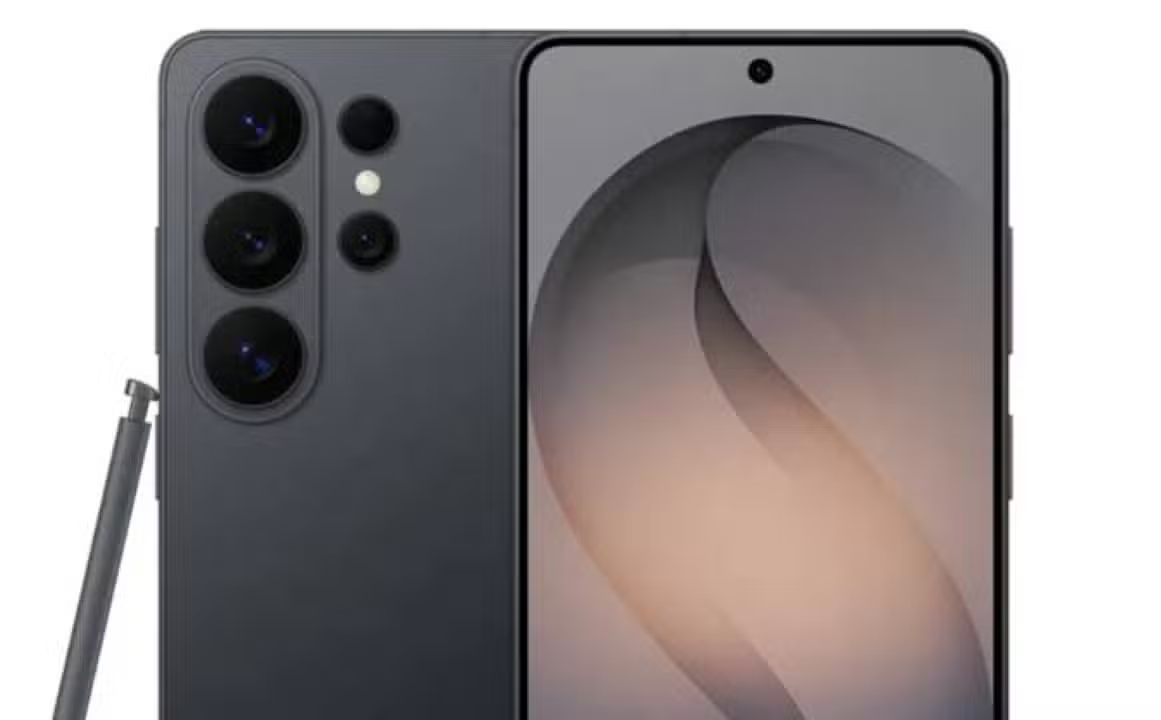
South Korean manufacturer Samsung has started the official distribution of the stable version of the One UI 8.5 interface for Brazilian users. The arrival of the new operating system occurred early on the national market. The company had not established a public schedule for the local launch at this time. Owners of the premium models Galaxy S25, Galaxy Z Fold 7 and Galaxy Z Flip 7 form the first group covered by the new feature.
The release process takes place gradually throughout the Brazilian territory. The company’s strategy foresees a staggered update, prioritizing high-cost devices in the first few weeks. Intermediate devices and input models will receive the data packet in the following steps. The manufacturer structured the shipment in batches to avoid overloading the servers and guarantee the stability of the software during the transition.

Detalhes technical and system rollout schedule
The installation file requires considerable space on the phones internal storage. The package is approximately 4GB in size and carries the firmware ID S931BXXU9CZDP. The piecemeal release means the notification may take a few days to appear on all supported devices. The brand’s engineers subjected the platform to ten different phases of beta testing before authorizing the final version for the general public.
The security patch level remains fixed at the month of April. The company chose not to include additional vulnerability fixes in this particular round. The main focus of development was on improving the visual experience and fixing glitches identified during the experimental period. Compatibility with fast file transfer systems also received special attention from the programming team.
New Funcionalidades and integration with artificial intelligence
The new interface introduces the visual concept called Ambient Design. The aesthetic language brings changes to the general layout, applies unprecedented transition effects to the menus and provides more agile navigation between open applications. The notification management system has undergone a complete overhaul. The software now prioritizes important alerts and automatically silences programs that send excessive messages throughout the day.
Productivity tools gained improvements based on machine learning. The Samsung Notes application has incorporated the Math Solver feature, designed to solve mathematical equations directly on the screen. The Now Bar quick access bar received a native widget for alarm control. The image gallery implemented an automatic mechanism that hides sensitive data in photographs, increasing the level of privacy when sharing media.
Reforço on security and battery optimization
The Bixby virtual assistant provides more accurate responses after integration with advanced artificial intelligence models. The intelligent phone call filter can identify and block unwanted contacts more efficiently. Daily automation routines offer new configuration possibilities for users. The Quick Share feature expanded the ability to communicate with devices manufactured by other companies in the technology sector.
Power management has received deep tweaks to the source code. One UI 8.5 delivers superior battery life during everyday use, reducing the consumption of background applications. The device’s protection system has introduced an automatic restart function. The phone turns itself off and on after long periods of time without unlocking the screen, creating an additional barrier against unauthorized physical access attempts.
Relação complete list of smartphones eligible for the interface
The manufacturer’s support policy covers an extensive list of equipment sold in recent years. Distribution will reach dozens of devices divided between the brand’s main product families. Confira models confirmed to receive the update:
- Linha Galaxy S: Galaxy S25 FE, Galaxy S25, Galaxy S25 Plus, Galaxy S25 Ultra, Galaxy S25 Edge, Galaxy S24 Ultra, Galaxy S24 Plus, Galaxy S24, Galaxy S24 FE, Galaxy S23 Ultra, Galaxy S23 Plus, Galaxy S23, Galaxy S23 FE, Galaxy S22 Ultra, Galaxy S22 Plus, Galaxy S22, Galaxy S21 FE.
- Linha Galaxy Z: Galaxy Z Fold 7, Galaxy Z Fold Special Edition, Galaxy Z Fold 6, Galaxy Z Fold 5, Galaxy Z Flip 7, Galaxy 6, Galaxy Z Flip 5, Galaxy Z Fold 4, Galaxy Z Flip 4.
- Linha Galaxy A: Galaxy A73, Galaxy A56, Galaxy A55, Galaxy A54, Galaxy A53, Galaxy A36, Galaxy A35, Galaxy A34, Galaxy A33, Galaxy A26, Galaxy A25, Galaxy A24, Galaxy A15 5G/LTE, Galaxy A16 5G/LTE, Galaxy A06 5G/LTE, Galaxy A17 5G/LTE.
- Linha Galaxy M: Galaxy M56, Galaxy M55s, Galaxy M55, Galaxy M54, Galaxy M34, Galaxy M53, Galaxy M33, Galaxy M16, Galaxy M15, Galaxy M06.
The inclusion of older devices demonstrates the company’s strategy of keeping the ecosystem updated for an extended period. Owners of Galaxy A and Galaxy M series phones must wait a few additional weeks for shipping for premium models to complete. The company monitors software performance in each hardware category before expanding download reach.
Procedimento safe for installation and manual check
The operating system displays a pop-up notification on the home screen as soon as the file becomes available to the device. The user can force a search for the software through the phone’s settings menu. The path requires accessing the software update tab and tapping the download and install option. The device connects to the manufacturer’s servers and starts transferring data if the batch has already been released for that specific unit.
Preparing for system change requires basic care on the part of the consumer. Creating a complete backup of personal files prevents the loss of photos, contacts and important documents. The backup procedure can be performed in the cloud or on a physical computer. Installation requires a battery charge greater than fifty percent and a stable connection to a wireless network to ensure process integrity until final reset.