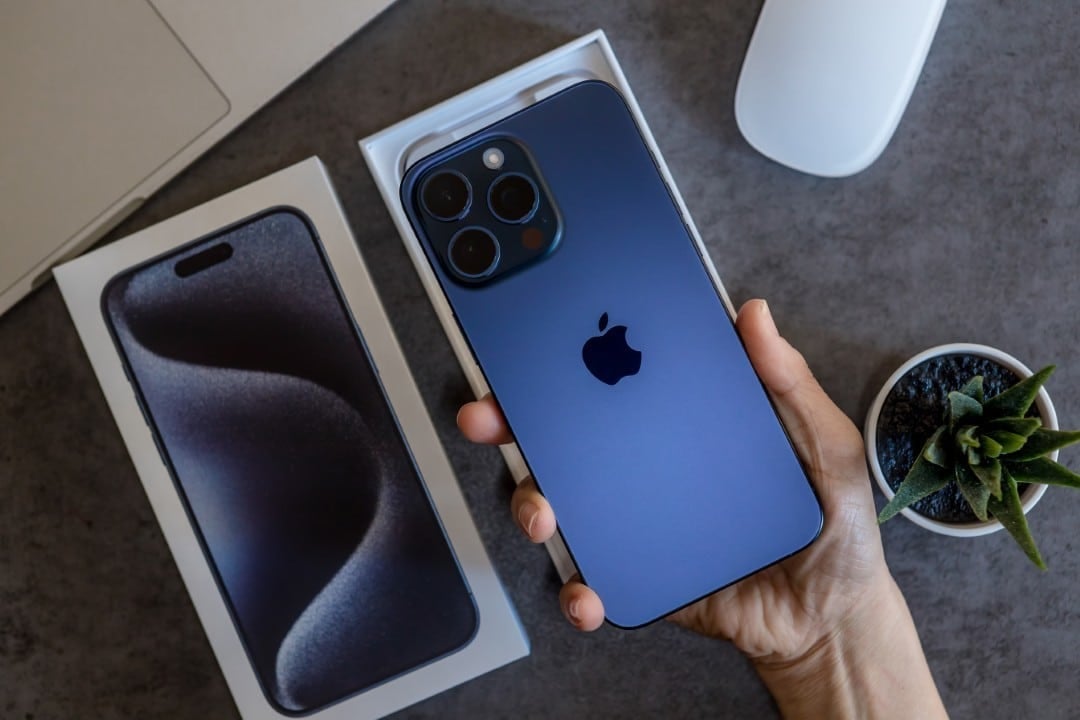
Apple is preparing to launch the long-awaited iOS 26.2 update, scheduled to reach devices between December 8th and 16th, 2025. The new software package promises to deliver at least 15 practical improvements for compatible iPhone and iPad models, optimizing users’ routines. As soon as the company’s servers release the download, installation can be done directly through the traditional route of general system adjustments.
This version of the operating system marks the second major evolution since the arrival of iOS 26, which occurred in September of the same year. The Cupertino giant’s main focus in this round of updates focuses on significant improvements in the areas of accessibility, data privacy and native application integration, responding to long-standing consumer demands.
- New smoother visual animation for the battery charging indicator.
- Generation of temporary codes in AirDrop to share with strangers.
- Displaying song lyrics on Apple Music even without an internet connection.
- Full screen visual alert option for accessibility notifications.
Precise lock screen adjustments
The device interface gained an exclusive slider dedicated to the digital clock display function. With this new feature, device owners can calibrate the level of transparency of the display on the home screen down to the millimeter, customizing the design according to personal preference.
This structural modification eliminates the old limitation of fixed options that hampered panel customization. Now, the visual transition allows you to go from an almost completely invisible appearance to a completely opaque and solid effect, ensuring greater legibility depending on the wallpaper chosen.
Secure sharing through AirDrop
The AirDrop file transfer mechanism in iOS 26.2 adopts a one-time password system to increase cybersecurity. This tool allows you to send documents to people who are not in your contact list, generating a code valid for 10 minutes. An unprecedented management panel makes it easier to control these temporary connections, preventing the device from being exposed to unwanted messages in public places.
Complete music experience in offline mode
Apple Music subscribers will now have access to song lyrics even when they are in areas without mobile network coverage or Wi-Fi. The textual tracking feature has been expanded to work perfectly with the entire catalog of tracks that the user has already downloaded to their cell phone’s memory.
The Podcasts app also receives innovations with the arrival of automatic chapter division based on artificial intelligence. The system creates intelligent tags throughout the episodes, allowing listeners to consult text transcriptions that accompany the audio in real time, making it easier to search for specific excerpts from interviews.
More robust and inclusive visual alerts
The accessibility menu has been enriched with a new full-screen flash setting to signal calls and messages. The brand’s customers can choose between using just the traditional LED flash on the rear camera, flashing the front screen itself, or a simultaneous combination of both methods.
Developed especially to assist people with hearing impairment, the function guarantees immediate recognition of any important notification. When activated, the light signaling works in conjunction with the vibration motors and audible alerts, creating an ecosystem of warnings that will hardly go unnoticed.
Expanded simultaneous translation in Europe
The AirPods live translation tool has finally been released to European Union countries, overcoming the regulatory obstacles that blocked the technology in the region. The software processes human speech instantly, converting supported languages in real time right in the headphones, while active noise cancellation works optimally during phone calls to ensure voice clarity.
Practical organization of applications and games
The library of applications focused on games gained an organization filter that allows you to sort the titles by the size of the installed file. This simple functionality solves a chronic storage problem by helping gamers quickly identify which heavy software can be uninstalled to free up disk space.
For tablet users, iPadOS 26.2 restores the ability to drag and drop elements directly from the Dock, Spotlight or App Library to Split View and Slide Over multitasking modes, restoring essential fluidity for those who use the device as a work tool.
Fine-grained control of passwords and notifications
The native password manager has introduced a section dedicated to listing sites where the user has opted out of auto-saving credentials, allowing you to remove domains from this block list at any time. Additionally, an exclusive center for security alerts was implemented, unifying critical warnings such as earthquake alerts, regional threats and location monitoring into a single control panel.
Concrete improvements to make everyday life easier
The Apple News app has undergone a redesign of its top buttons, shortening the path to direct access to favorite news categories. In the automotive environment, the CarPlay interface now allows you to disable pinned messages, offering the option to return to the classic, minimalist look of the navigation panel.
Exclusively for the Japanese market, the system prepares the ground to allow the replacement of the standard side button action with third-party application shortcuts, an unprecedented flexibility in the company’s hardware policies.
Apple Watch’s sleep tracking algorithm has been recalibrated to adjust score ranges, much more accurately reflecting the average quality of rest recorded by each user individually across the night.
The iOS 26.2 package consolidates several practical changes that have been requested by the developer and consumer community since the debut of line 26. The vast majority of these innovations will be ready for immediate use immediately after restarting the device, without the need for complex configurations.
