Samsung adds internet speed meter to the Galaxy S26 status bar; see how to activate


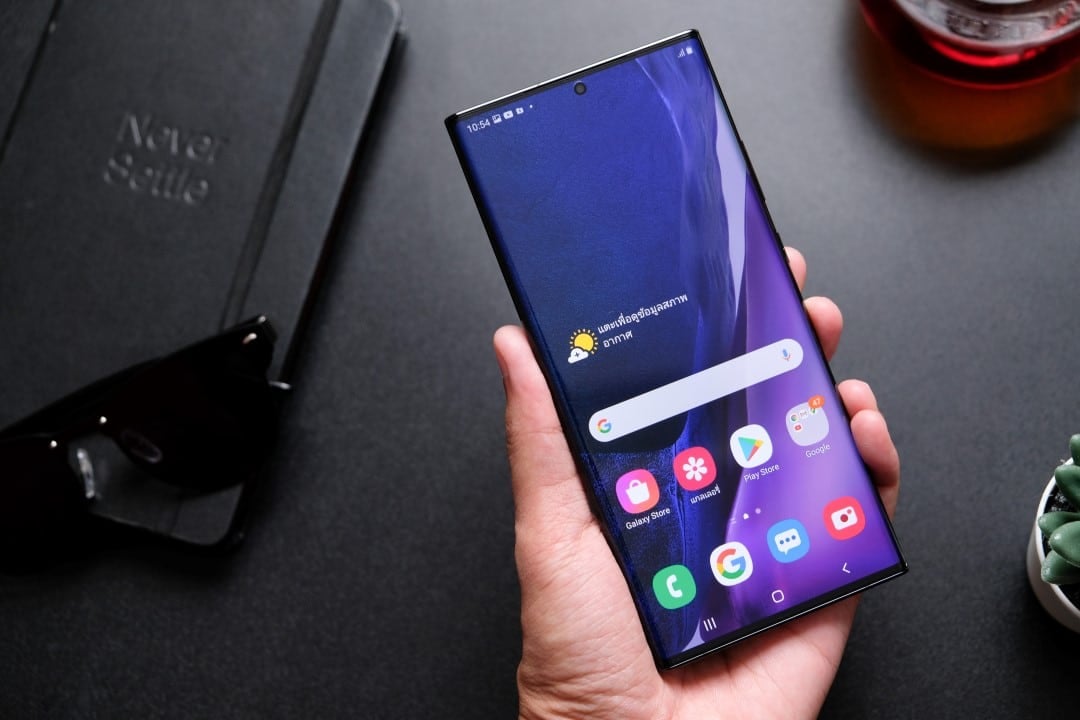
Samsung has introduced a new feature in the QuickStar module, part of Good Lock, that allows you to display real-time internet connection speed directly in the status bar of your smartphones. Previously, users had to use external applications to access this functionality, but now it is integrated into the operating system with One UI 9.0, based on Android 17. The new feature is initially accessible in beta version for Galaxy S26 line devices, offering more control and convenience without relying on third-party software.
How to enable network speed monitoring on Samsung cell phone
For the internet speed measurement feature to be displayed, it is essential that the Good Lock and QuickStar modules are updated to version 11.0.03.15. Additionally, the device must be running the beta version of One UI 9.0.
After carrying out the necessary update, the QuickStar module, which may previously appear as inactive or “gray” in the system, will be automatically activated for users who already have the compatible version installed.
Then, the process to activate the speed indicator in the status bar involves a few simple steps:
- Open the Good Lock app on your Samsung Galaxy device;
- Access the section designated as “Plugins”;
- Select the “QuickStar” option;
- Proceed with updating the module, if necessary;
- When the installation is complete, enter QuickStar settings;
- Activate the “Network speed icon display” functionality;
- Instantly, the speed rate of your internet connection will be displayed in the device’s status bar.
Other newly implemented features in QuickStar
In addition to the tool for measuring internet speed, the latest QuickStar update introduces other important new features focused on improving user interface customization. It is now possible to refine the display of weather information in the status bar, providing more readable data with better visual organization. Additionally, the option to disable the “Ongoing Chip” was included, an indicator that informs about applications that are running in the background.
These innovations reflect the continued evolution of Good Lock, a platform that constantly expands Samsung’s interface customization capabilities. The main objective is to give users greater control over which elements are shown at the top of the system screen, allowing them to choose between a cleaner or more detailed view, depending on their individual preferences.