Solid state disks (SSDs) have become standard in recent computers, surpassing HDDs in speed and reliability. However, the old recommendation of reserving 15% to 20% of free space, designed for hard drives, does not apply in the same way to SSDs, which operate with a different technology. Although they need some margin, the ideal amount is smaller: between 5% and 10% is enough, and 15% can be considered a generous limit. Completing storage will not cause immediate damage to your SSD, but internal operations tend to slow down.
It’s important to consider your SSD usage when determining how much free space you need. If the disk is used to back up files, photos or games that are accessed sporadically, less space will be sufficient. However, if the SSD serves as the main operating system drive, where Windows or macOS is installed, the demand for free space increases considerably. The operating system needs this area to manage cache, virtual memory and other essential background operations, in addition to internal functions of the SSD itself.
Understand why SSDs need available storage space
To understand the need for free space, you need to know how SSDs organize and dispose of data. Unlike an HDD, an SSD cannot overwrite information directly. It stores in “pages”, but deletion occurs in “blocks”, which are groupings of multiple pages. If a block contains valid data on some pages, the SSD needs to reallocate it to new blocks before erasing the entire block. This process, called garbage collection, is crucial to the functioning of the SSD, and the lack of space significantly impairs its performance.
Wear leveling, as the name suggests, evenly distributes the write and erase cycles between the different cells of the SSD, which is essential for extending its useful life. Storage cells have a finite number of program/erase (P/E) cycles, and exceeding them increases the risk of failure. By distributing these cycles, wear leveling prevents excessive wear on a single cell, and for this mechanism to operate efficiently, the SSD requires free space.
Even though an SSD can technically function when it is almost completely full, performance will be compromised due to the overload of its internal operations. With a margin of 10% to 15% free space, the device has the ability to perform its crucial tasks more efficiently. Additionally, on system units, this reserve allows enough space for future updates, the installation of new applications, and the management of cache and temporary files, optimizing the user experience.
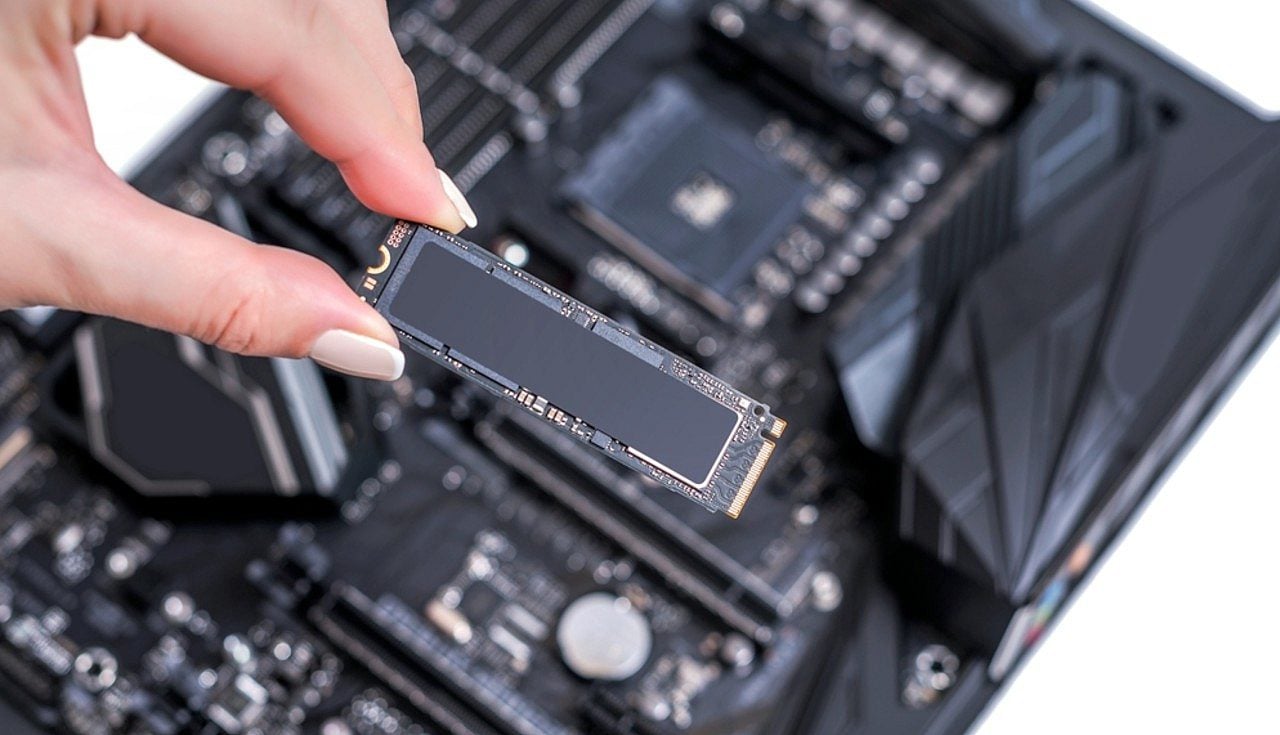
Practical tips for freeing up space on your SSD
Your SSD may contain more free space than indicated by the operating system, a phenomenon known as overprovisioning. This area is reserved exclusively for the internal operations and maintenance tasks already mentioned and is not available to the user. Overprovisioning helps optimize performance and extend SSD durability. However, even with this reservation, it is not advisable to fill the disk completely.
Freeing up storage space on your computer, whether Windows or macOS, is a relatively simple process. On Windows, tools like the Disk Cleanup Utility and Storage Sense, which automates cleaning, are effective. Additionally, uninstalling unused programs, deleting temporary files and application caches, and disabling hibernation are measures that create more space. On macOS, similar approaches work. On both systems, using cloud storage or transferring large files and games to an external hard drive are valuable alternatives.
It is important to remember that maintaining between 10% and 15% free space on your SSD ensures that it functions optimally and preserves its useful life. For secondary drives that are not as required, a lower percentage may be acceptable, but having a margin of available space is always beneficial to the health of your SSD and can even make it outlast the computer itself.