
Apple prioritizes iOS 26.1 as recommended update for iOS 18 users in strategic shift


Apple announced this Monday, December 2, 2025, a change in the software update interface for iPhones. Usuários who are still operating on iOS 18 now see iOS 26.1 as the primary recommended option on the Software Update screen in the Ajustes app. Anteriormente, iOS 18 updates appeared highlighted, while iOS 26 was listed as an alternative.
This change takes place at Cupertino, at Califórnia, the company’s headquarters, and aims to encourage the adoption of the most recent version of the operating system. The measure takes effect immediately for compatible devices, without forcing installation, but with iOS 26.1 positioned more visibly.
iOS 18.7.2, the latest version available for those who choose to remain on the previous line, is now displayed in a secondary position.
New features in iOS 26.1 drive preference
The iOS 26.1 version brings bug fixes and security improvements that justify prioritization by Apple.
These updates include optimizations for the new Liquid Glass design, which changes the iPhone interface with transparent icons and fluid animations.
Users report more stable performance on recent models such as the iPhone 16 and 17.
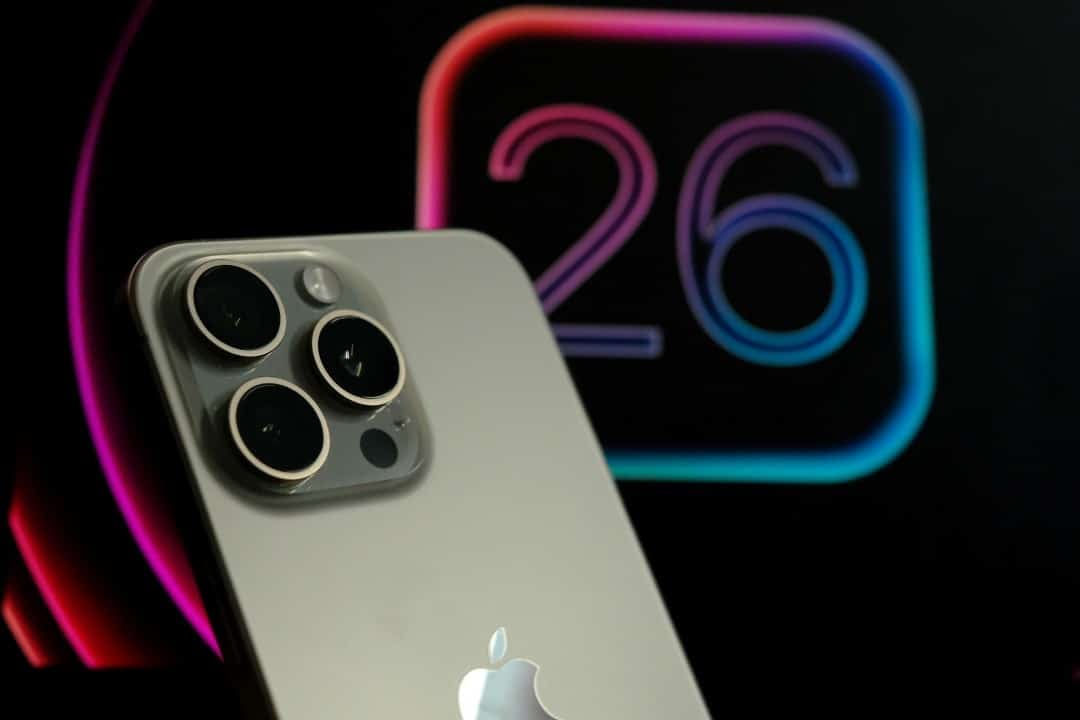
Reasons behind Apple’s decision
The company is looking to increase the adoption rate of iOS 26 before the release of iOS 26.2, expected in the coming weeks.
With the year-end corporate break approaching, Apple wants to solve possible problems for users with more time on their hands.
This strategy allows for expanded technical support during the testing period of the new version.
The change also reflects the gradual transition to features exclusive to iOS 26, such as advanced integrations with Apple Intelligence.
Exclusive features of iOS 26.1
iOS 26 introduces the Jogos app, which centralizes game updates and personalized friend-based recommendations.
- Challenges with leaderboards for direct competitions between users.
- Improved support for accessibility, including reading in Braille and reducing vehicle motion sickness.
- Flexibility in alarms, with snooze from 1 to 15 minutes.
These elements are not available in iOS 18, which reinforces the migration.
Visual Intelligence allows searches and actions directly on the iPhone screen, expanding daily usability.
Compatible devices and update process
Several iPhone models support iOS 26.1, ensuring broad coverage.
- iPhone 17, 17 Pro and 17 Pro Max.
- iPhone 16 series, including 16e, Plus and Pro.
- iPhone 15 and second generation iPhone SE.
To update, go to Ajustes > Geral > Atualização from Software and select the highlighted option.
The process requires a stable Wi-Fi connection and at least 50% battery, with an average duration of 20 to 40 minutes.
Initial reactions from users and experts
Online forums record divided opinions about the change, with some praising the fluidity of iOS 26.1.
Others prefer iOS 18 for its familiarity, citing its less disruptive design.
Technology experts see the measure as a Apple standard to speed up update cycles.
A report indicates that 40% of iOS 18 users have not yet migrated since the release of iOS 26 in September.
Impact on security and future support
iOS 26.1 fixes critical vulnerabilities such as memory leaks in image processing, similar to previous patches in iOS 18.6.2.
Apple is maintaining security updates for iOS 18 for a limited time, but plans to end them soon for supported models.
This prioritization protects data across an ecosystem with billions of active devices globally.
Corporate users, who manage fleets of iPhones, are waiting for iOS 26.1 for mass updates, avoiding initial risks.
Recommended preparation before migration
Before installing, check iCloud backups to preserve data.
Prior adjustments in iOS 18, such as prioritizing notifications via Apple Intelligence, make the transition easier.
The Action Button gains new functions, such as direct access to remote controls.
These steps prevent interruptions and optimize the post-update experience.
Visual and performance differences between versions
The Liquid Glass design in iOS 26.1 offers icons with transparency and free positioning on the home screen, breaking away from rigid grids.
Battery consumes more in some initial reports, but optimizations in version 26.1 mitigate this by up to 10%.
Photos gains a separate layout for collections, improving navigation in large libraries.
These innovations increase interactivity, although they require adaptation from users accustomed to iOS 18.
Apple estimates that iOS 26.1 will improve multitasking performance by 15%, based on internal testing.
Options for those hesitant to upgrade
Those who prefer iOS 18 can select version 18.7.2 manually from the list of alternatives.
However, downgrading to iOS 18 is not supported after installing iOS 26, requiring prior backups.
The company warns that security support for iOS 18 may end with iOS 26.1, encouraging the change.
This temporary flexibility meets conservative profiles, but prioritizes the evolution of the system.



