
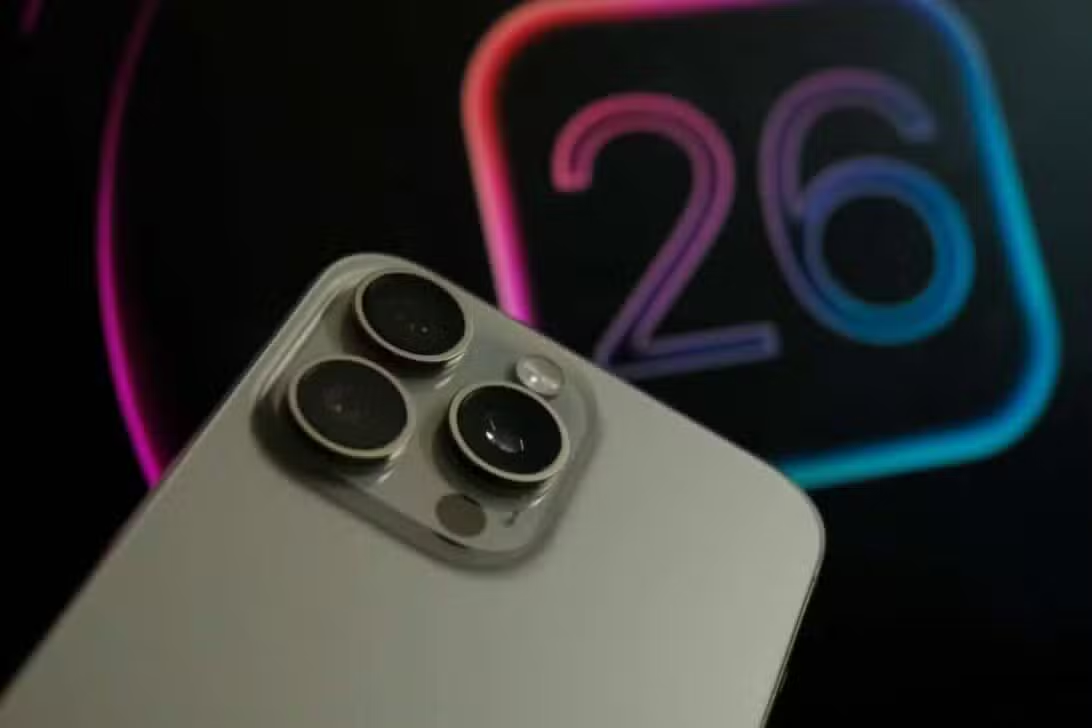
Millions of iPhone users around the world reported an increase in battery drain immediately after installing the iOS 26 update, which was officially released on September 15, 2025. The company clarified that the phenomenon is part of a background optimization process, essential for adapting the new operating system to the existing hardware, and that the higher energy demand is temporary and expected, returning to normal after the optimizations are completed.
This initial period is crucial for the iPhone to perform a series of adjustment tasks, ensuring the new features fully work. Entre these operations include indexing files for faster searches, downloading components for artificial intelligence resources and updating applications compatible with the new system.

Apple recommends that users keep their devices charged during this initial cycle in order to mitigate the impact on daily autonomy, and highlights that an AI-enhanced and automatically activated low power mode can improve autonomy by up to 15% during this critical phase.
System optimization and initial energy consumption
The background operations performed by the iPhone in the first few days after the iOS 26 update are intensive and can consume up to 20% more power than normal usage, as confirmed by initial tests. Este adaptation period is vital for the operating system to adjust to new configurations and functionalities, performing tasks such as processing data for intelligence resources, downloading necessary software and optimizing compatible apps. Enquanto older devices, such as the iPhone 11, may feel a greater impact due to less powerful hardware for these tasks, newer models with A17 Bionic chips or higher demonstrate greater efficiency, completing optimization in around 24 hours, and the company advises regular charging during this process.
Visual innovations: interactive dynamic widgets
iOS 26 introduces dynamic widgets, a new type of interactive component that displays information from various apps and services, with elements such as icons and text reacting to user interaction to create fluid animations. Essa visual change requires the device to adapt to a more complex widget system, impacting the fluidity of scrolling and requiring specific calculations to render custom interfaces.
Testing in beta versions indicated that, although developers positively evaluated the visual power of the new design, around 30% reported high GPU usage for interactive elements. The lock screen now supports animated widgets with 3D motion effects, integrating with dynamic ones for more immersive alerts, and native apps like Câmera and Safari have been redesigned for greater responsiveness.
Artificial intelligence at the heart of iOS 26
Apple Intelligence, significantly improved in iOS 26, integrates tools that process data directly on the device, ensuring user privacy by preventing sensitive information from leaving the device. Real-time transcription, for example, now supports more than 10 languages on apps like Mensagens and FaceTime, making communication and organization easier.
The system also analyzes the content displayed on the screen to suggest automatic actions, such as adding events to the calendar, and allows the creation of personalized emojis (Genmoji) and the generation of images (Image Playground) from textual descriptions. Essas features operate locally, ensuring privacy and minimizing data transfer risks.
Users report up to a 25% increase in productivity for everyday tasks like organizing calendars and managing emails, with the Atalhos app supporting AI actions for advanced automations.
Improved communication and user experience
The Mail app now offers a unified inbox that integrates multiple accounts, simplifying email management, while predictive text has been improved to suggest more relevant information before typing, optimizing decision making. Além Additionally, emergency alerts detect sudden collisions and notify users of the severity of the event, a crucial addition to safety.
In Mensagens, conversations can be separated into new files and advanced search is powered by AI for fast filtering, with AI-generated message summaries aligning with the tone of the conversation, which increases productivity. Essas updates aim to impact more than 40% of active users globally, helping combat information overload and simplifying daily tasks for professionals.
Advanced features and system requirements
The Apple Music now includes AutoMix, which uses artificial intelligence to create smooth transitions between tracks and simulate a DJ mix, while the Mapas remembers visited locations and suggests optimized routes, with the Wallet allowing split payments via Apple Pay and displaying flight information. The new Apple Games unifies titles, events and integration with Arcade, and AirPods function as a camera remote control, all of which require an iPhone 11 or later to install iOS 26, although some features of Apple Intelligence are exclusive to iPhone 16 and newer models.