
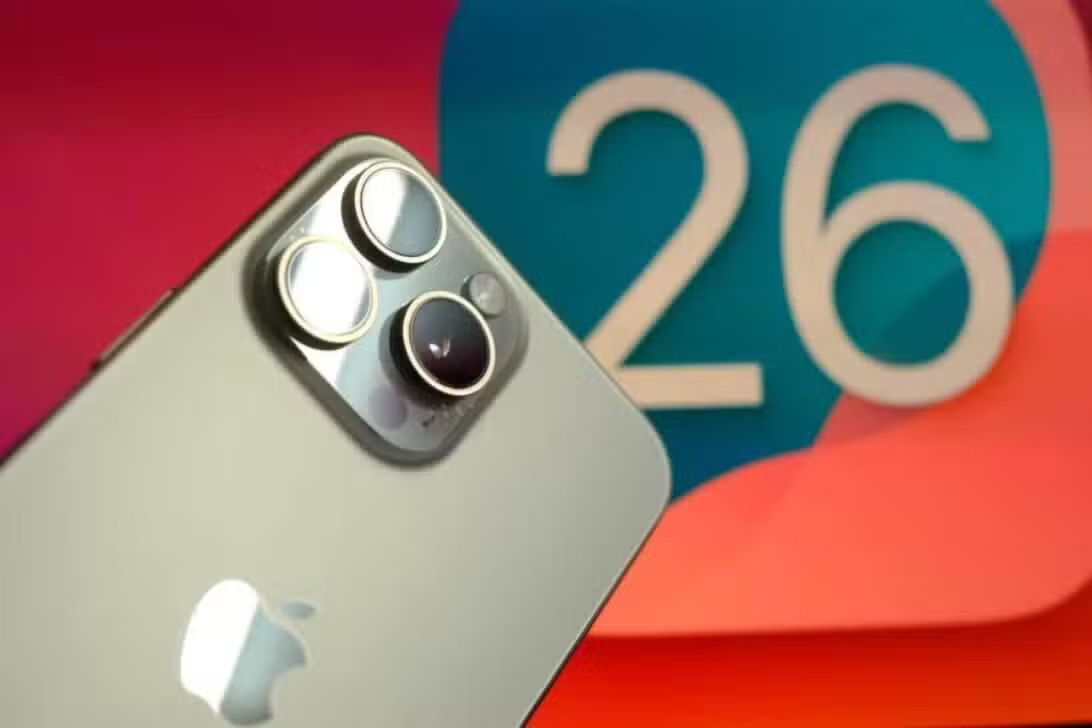
iPhone users in several regions reported a notable increase in battery consumption shortly after installing iOS 26, released in September 2025. Apple, aware of the situation, clarified that this variation is expected behavior in the first days following the operating system update, a period in which the device performs a series of intensive tasks in the background.
These operations are crucial for the complete adaptation of the new software to the specific hardware of each device. The process involves reindexing files for search optimization, downloading improved visual resources and artificial intelligence, as well as automatically updating applications to be compatible with new features.

All of these activities require additional chip processing, which naturally results in a temporarily higher energy demand. The company emphasizes that the impact on battery performance is transient and that consumption returns to normal levels once these optimization processes are completed.
Initial battery consumption after iOS 26 update
Older iPhone models, such as the iPhone 11, tend to feel the effect of high consumption more pronouncedly. Isso occurs due to the lower efficiency of these devices in handling multitasking and processing-intensive tasks.
In contrast, devices equipped with A17 chips or higher demonstrate an improved ability to manage artificial intelligence data indexing. Essa Superior efficiency contributes to shortening the break-in period, which can be completed in less than 24 hours for the latest models.
To minimize interruptions during this system adjustment phase, Apple recommends some practices. Manter iPhone plugged into the charger for the first few hours after the update is one of them, allowing background tasks to complete without draining the charge.
Other suggestions include:
– Ativar manually switch to low power mode, which can provide a gain of up to 15% in battery life during the adaptation period.
– Evitar intensive use of the new artificial intelligence functions immediately after the update, waiting for the system to completely stabilize.
Innovative design with liquid glass in iOS 26
iOS 26 introduced the concept of “liquid glass”, a user interface that takes inspiration from translucent and reflective materials. Elementos visuals such as icons, navigation bars and notifications acquire a dynamic depth, subtly changing depending on the user’s viewing angle. Essa approach represents a significant change from the flat design of previous versions, aiming for a more fluid and immersive look.
The “liquid glass” functionality is designed to automatically adapt to the selected wallpaper, adjusting tones and transparency to ensure readability and visual harmony. Testes carried out on beta versions of the system revealed that approximately 70% of participants approved the expressiveness and aesthetics of the new style. However, 30% mentioned initial visual fatigue, attributed to the greater transparency observed in some interface components.
Advanced customization and interface usability
The iOS 26 lock screen now supports widgets that incorporate 3D motion effects, integrated into the “liquid glass” aesthetic. Aplicativos core natives like Câmera and Safari have been completely redesigned to harmonize with the new materials, resulting in a noticeable improvement in responsiveness to touches and gestures.
Among the visual innovations, the following stand out:
– Ícones with rounded edges and subtle reflections that add greater depth.
– Barras scrolling that decreases in size during navigation, optimizing screen space.
– Pastas of applications with a frosted glass effect, adaptable to the content and background.
– Notificações semi-transparent images that integrate more organically into the background.
These modifications aim to create a more integrated and personalized user experience, strengthening visual cohesion within the Apple ecosystem.
Expanded artificial intelligence and privacy
Apple Intelligence received significant expansions in iOS 26, incorporating tools that process data directly on the device to preserve user privacy. Funções as real-time translation now covers audio and text in apps like Mensagens and FaceTime, with comprehensive Brazilian Portuguese support. The system also suggests automatic actions, such as adding events to the calendar from photos.
Users can create custom emojis using Genmoji or generate images from simple descriptions using Image Playground. It is important to highlight that all of these tools operate locally on the device, which helps to reduce latency and mitigate the risk of personal data leakage.
New AI capabilities include:
– Suporte live translation into more than 10 languages, facilitating global communication.
– Resumos automatic emails, with the ability to extract relevant details of purchases and appointments.
– Contextual Sugestões in conversation groups, improving interaction and organization.
– Integração with ChatGPT for complex queries, with strict privacy checks before sending data.
Initial reports indicate gains of up to 25% in productivity for daily tasks, such as organizing the calendar and editing texts. The Atalhos app also incorporates advanced AI actions for custom automations, allowing users to create complex routines with greater ease.
Improvements in communication and organization
The Telefone app on iOS 26 has undergone a restructuring, unifying sections such as Favoritos and Recentes into a single tab. Essa change simplifies contact and call history management, making the experience more intuitive. Call filter has been improved to display more detailed information about the sender, allowing users to make more informed decisions before answering.
New call waiting assistance has been implemented, detecting pauses in support lines and notifying the user when the attendant returns to the call. In the Mensagens app, new filters separate conversations from unknown contacts, and built-in voting functionality makes group decision-making easier.
Personalized AI-generated backgrounds adapt to the tone of conversations, adding an element of creativity and personalization. Essas updates aim to combat spam, which affects more than 40% of global calls, and reduce daily stress, especially for professionals who depend on efficient communication.
Additional features and hardware requirements
The Apple Music adopted AutoMix, a function that creates smooth transitions between tracks, simulating professional mixes, in addition to offering lyrics translation into other languages. Mapas now automatically records visited locations and suggests optimized routes based on the user’s past traffic patterns.
In Wallet, support for installments via Apple Pay has been expanded, and boarding passes display real-time flight updates. The new Apple Games centralizes titles, events and integration with the Arcade, making it easier to discover new games. Accessibility has also advanced, with an improved reader and expanded braille support. Todas these additions are accompanied by security updates for all supported models.
iOS 26 requires an iPhone 11 or later to install. However, advanced artificial intelligence functions may have limitations on older models and are fully exploited on newer devices, such as the iPhone 16. System installation occurs in a standard way, through Configurações > Geral > Atualização of Software.
Monitoring and optimizing energy consumption
Independent tests corroborate that the initial adaptation process after the update can increase battery consumption by up to 20% during the first charge cycles. Este period is essential for the system to completely adapt to the new settings and features introduced by iOS 26.
The iPhone is designed to prioritize running intensive tasks during off-hours, such as overnight, to minimize any disruption to the user experience. Contudo, continued active use of the device may accelerate battery drain during this initial adjustment phase.
Newer models process AI indexing more efficiently, which naturally shortens the time battery consumption is affected. Apple recommends that users keep the device charging during the initial hours after the update to avoid any inconvenience. Enabling Low Power Mode, which is powered by AI, can extend battery life during this transition. Funções that involve local rendering, such as image generation, may slightly prolong the effect of high consumption on users who explore them shortly after installing the new system.