
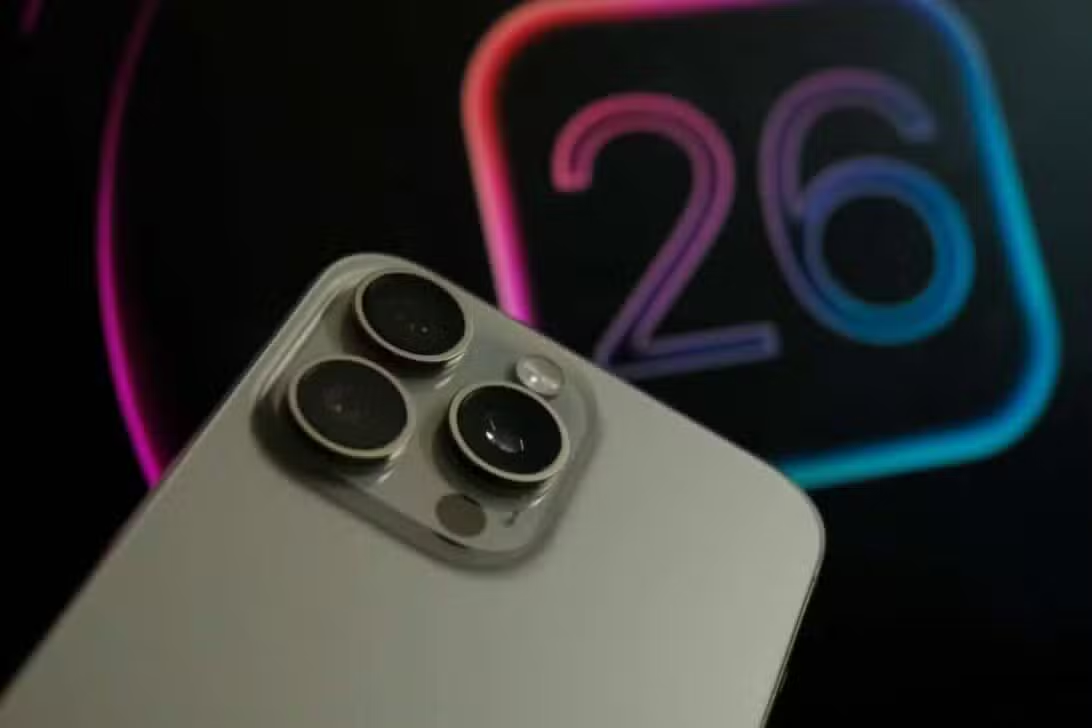
iPhone users across the world who have installed the iOS 26 update have been reporting increased battery drain in the subsequent days. Tech giant Apple has confirmed that this behavior is an expected part of the system’s initial optimization process, which takes place after the official software launch, scheduled for September 15, 2025.
The Californian company released an official statement to clarify the situation, stating that the phenomenon is inherent to the nature of large updates. Tais processes involve a series of background tasks that require greater processing power, aiming to improve the system’s overall performance and adaptability to new settings and features introduced with iOS 26.

These operations include high-speed file indexing, downloading essential software for the new artificial intelligence capabilities, automatic app updates to ensure compatibility with iOS 26, and generating personal data indexes for the enhanced tools. Todas These activities require intensive use of the device’s CPU, which in turn results in temporary and high battery power consumption.
System power consumption in the initial phase
Tests conducted in controlled environments have demonstrated that the initial setup process can consume up to 20% more energy than during normal device usage cycles. Este initial period is essential for the operating system to completely adapt to new configurations and functionalities, ensuring a smooth and optimized transition.
During daily use, the iPhone performs several operations in the background to minimize battery drain, such as periodic backups and data synchronization. However, in times of low battery charge or high processing demand, battery discharge may be accelerated.
The impact of individual consumption varies considerably depending on the iPhone model. Older Dispositivos, such as the iPhone 11, may experience more severe draining due to less hardware capacity to handle intensive background tasks. Newer Modelos, equipped with A17 Bionic or higher chips, are more efficient at processing AI data and complete optimization within 24 hours.
Visual innovations and system interactivity
iOS 26 introduces new lock screen components, including interactive third-party app widgets and customizable fonts. Esses elements, which encompass new icons and text styles, introduce dynamic effects that alter the user’s visual perception, creating a more immersive experience and a sense of constant movement in the interface.
This visual approach requires older lock screen system structures to adapt to new innovations. Selected components directly influence scrolling speed and require enhanced settings to support custom layouts, offering greater flexibility in screen organization.
Beta user testing revealed that 7 million developers positively rated the visual appeal of the new designs. Contudo, 30% of participants reported that interactive widget elements were initially distracting, indicating a necessary adaptation period.
The lock screen now supports 3D motion effects for wallpapers, which combine with dynamic widgets to display alerts more immersively. Native Aplicativos like Câmera and Safari have been completely redesigned to align with new guidelines, elevating everyday interactions and improving iPhone’s touch responsiveness and haptic feedback.
Artificial intelligence at the heart of iOS 26
Apple Intelligence, significantly improved in iOS 26, allows tools to process data directly on the device. Esta approach safeguards user privacy, preventing sensitive information from being transmitted to external servers and maintaining control of data on the device itself.
Real-time transcription has been improved for apps like Mensagens and FaceTime, supporting more than ten languages for calls and texts. The system is now capable of analyzing the displayed content and suggesting automatic actions, such as including events in the calendar based on relevant information detected.
By using Genmoji, users can create custom emojis from text descriptions, offering a new form of visual expression. Já o Image Playground generates images based on descriptive prompts, exploring creativity and visual customization. Ambas the functionalities are executed entirely on the device, ensuring privacy is maintained and minimizing the risk of data leakage.
Improvements in communication and productivity
Users have reported an increase of up to 25% in productivity for daily tasks, such as calendar management and email organization, with the new features of iOS 26. The Atalhos application now integrates artificial intelligence actions for high-level automation, such as text summarization and the creation of personalized workflows for each user.
The Mail app now supports a single tab to access activities such as [お気に入り] and [最近], simplifying inbox management. The improved search filter displays more relevant information, allowing users to make more informed decisions before taking action.
Advanced features and device compatibility
Apple Music now uses artificial intelligence to create smooth transitions between tracks and offers AutoMix to simulate DJ mixes. The application becomes more comprehensive for international listeners by providing translation of lyrics in foreign languages. Mapas now automatically remembers visited locations and suggests optimized routes based on past travel patterns. Carteira allows split payments on Apple Pay and displays the latest flight information for boarding passes.
The new Apple Games unifies titles, events and integration with the Arcade, making it easier to discover new games and experiences. AirPods now function as a camera remote, allowing users to effortlessly capture perfect photos with stable framing. Funções accessibility features, such as improved Leitor and text support, expand the usefulness of iPhones to a wider range of users.
Impact on user experience
These additions ensure that device capabilities are continually updated across all supported models, strengthening the Apple ecosystem and offering an increasingly integrated and intuitive experience.
Para to install iOS 26, an iPhone 11 or newer model is required, although some artificial intelligence features are restricted to newer devices such as the iPhone 16.アップデート].