
Apple releases iOS 26.2 in December with fifteen features that optimize the use of iPhone and iPad

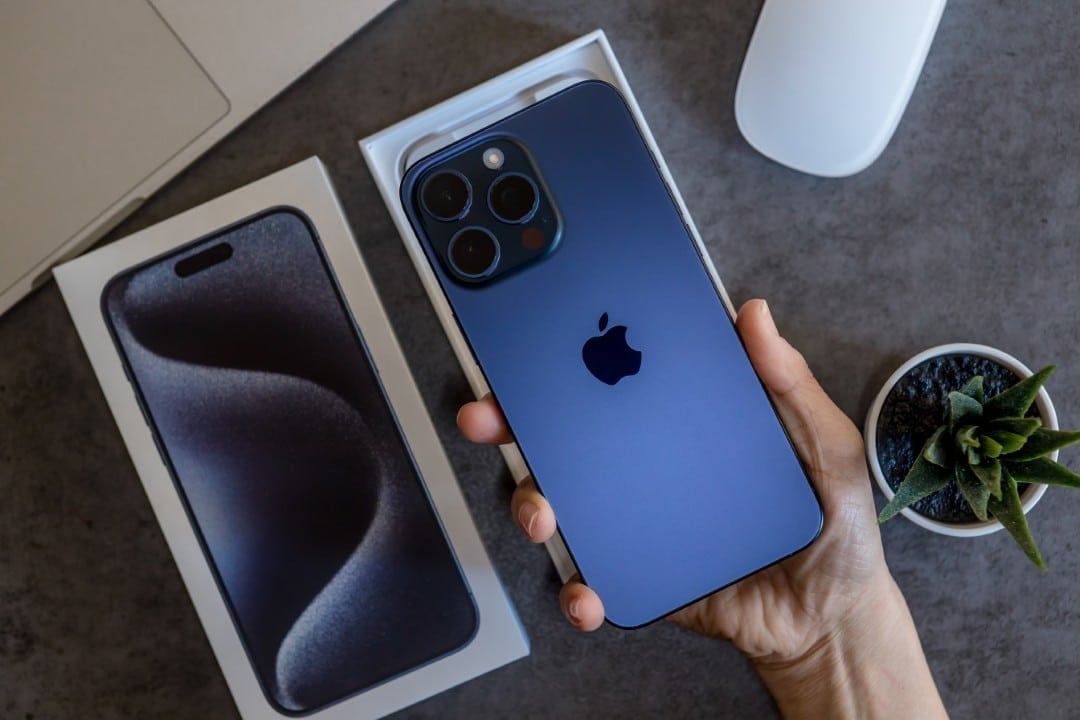
Apple prepares the launch of iOS 26.2, expected to reach users between December 8th and 16th, 2025. Esta software update promises to revolutionize the daily experience of using the iPhone and iPad, incorporating more than 15 new features and significant improvements.
The update package will be available for download directly from the device settings. Users will be able to access the update using the path [設定] > [一般] > [ソフトウェア アップデート], ensuring that their devices receive the latest innovations.
This release represents the second major update since the introduction of iOS 26 in September, focusing on crucial areas such as accessibility, privacy and the integration of new application features, aiming for a more fluid and secure experience.
Lock screen customization
The new version of the operating system introduces more precise control over the display of elements on the locked screen. Agora, users can adjust time visibility more granularly.
Previously, customization options were more restrictive, with fixed settings. The update allows the time and other visual elements to be completely hidden, providing a cleaner and more minimalist locked screen, depending on each person’s preference.
AirDrop security enhancements
iOS 26.2 improves AirDrop security by introducing the ability to generate one-time codes for transfers. Esta functionality is especially useful when sharing files with unknown people, adding an extra layer of protection against unwanted access. The codes generated are valid for 30 days, and the system automatically manages the temporary codes created, facilitating the management of privacy in each interaction.
Offline lyrics on Apple Music and podcasts
One of the most anticipated new features for music lovers is the availability of offline lyrics on Apple Music. Agora, song lyrics will be displayed even without an internet connection, applying to the entire catalog of downloaded songs.
Additionally, the update extends automatic transcription functionality to the Podcasts app. The system is capable of generating intelligent audio segments, allowing users to access text transcripts of episodes, making content more accessible and searchable.
Improved visual alerts for accessibility
Accessibility settings have been expanded with new full-screen flash options for notifications. Users can now choose between an LED flash, a screen flash, or a combination of both to alert about events.
This improvement is crucial for people with hearing impairment, who will be able to perceive notifications immediately. The system will automatically activate vibrations and flashes, ensuring that no important alerts are missed.
Gaming and Multitasking on iPad
In the gaming world, the Game app now allows you to organize titles based on ownership type. When categorizing games, you can choose to download a version with a smaller file, optimizing your device’s storage space.
For iPadOS 26.2, drag and drop functionality has been significantly improved. Agora, it supports opening applications in Split View and Slide Over directly from Dock, Spotlight or Biblioteca from
What’s new in passwords and tracking
The new password application brings an important security tool, listing sites whose access credentials were exposed in data leaks. Users can remove domains from the blacklist once vulnerabilities are resolved.
The tracking system also received updates, with the inclusion of new sensors. Isso allows the device to receive detailed information using geomagnetic, altitude and location sensors, offering a more complete and accurate view of the environment and movement.
Apple continues its commitment to user protection by providing tools to monitor and manage the security of personal information. The improvements aim to mitigate risks and offer greater control over data.
The integration of advanced sensors reinforces the device’s ability to collect environmental data for various purposes. Accuracy in collecting location and altitude information, for example, could be useful for navigation and fitness applications.
Improvements for everyday use
In Apple News, a new button at the top of categories makes it easier to access news on an ongoing basis. Usuários of CarPlay will be able to enable a cleaner appearance by ignoring specified themes, which contributes to a more intuitive and less distracting user interface while driving.
In Japão, there are plans to add an option to assign the power button function to side button actions, optimizing device handling. Apple Watch activity rings will be revised to allow users to respond more flexibly than the recorded average values.
iOS 26.2 also incorporates practical changes prepared by the community since the launch of the iOS 26 line. Essas features will be available for use immediately after installation, promising a more complete experience adapted to users’ needs.
[[_0]



