Delivery Optimization in Windows 11 24H2 presents memory leak and high RAM consumption

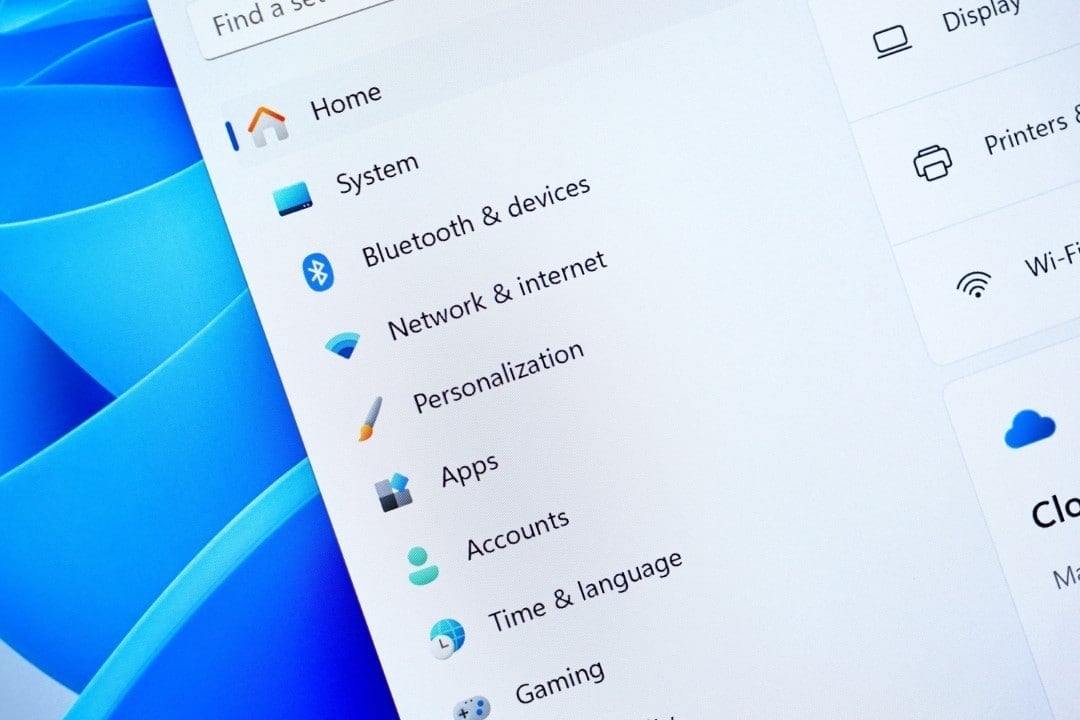
Users of Windows 11 in versions 24H2 and 25H2 have reported a significant increase in RAM consumption in recent days. The responsible process, known as DoSvc and linked to the Delivery Optimization service, grows progressively even when the computer is idle and without update downloads in progress. Esse behavior mainly affects machines with 8 GB or 16 GB of RAM, causing slowdowns and crashes.
Detailed monitoring shared by users showed that consumption starts at low levels, such as 200 MB, but can exceed 1 GB or more after hours of use. Outros reports confirm the pattern, with the service taking up unnecessary resources in the background. Microsoft has not yet officially commented on a specific fix for this issue.
How Delivery Optimization works
Delivery Optimization is a feature designed to speed up the download of Windows updates and Microsoft Store applications. Ele allows the computer to obtain parts of files from other devices on the same local network or over the internet, reducing exclusive dependence on the company’s servers. Essa peer-to-peer exchange aims to save bandwidth and speed up the process.
The tool automatically selects sources, prioritizing secure and encrypted connections. Usuários can configure options to restrict sharing to the local network only or disable it completely in the Windows Update settings.
Recent changes to the service
Changes implemented by Microsoft in versions 24H2, 25H2 and Windows Server 2025 made the service start automatically when turning on the computer. Anteriormente, it activated only when necessary for downloads. Agora, remains active continuously, which contributes to memory accumulation over time.
This modification aims to prepare the system for larger updates scheduled for the coming years. However, reports indicate that the DoSvc process shows signs of a memory leak, growing without adequate release of resources.
How to limit or disable the function
- Go to Configurações > Windows Update > Opções Advanced > Otimização Delivery.
- Select the option to only allow downloads from devices on the local network.
- Or disable sharing completely to stop service activity.
After the change, restart your computer to apply the changes immediately. Muitos users reported a drastic reduction in RAM consumption when adopting these settings.
Impact on different hardware configurations
Machines with 32GB of RAM or more rarely see significant performance drops. However, the service still appears among the highest consumption processes in Gerenciador of Tarefas. On notebooks and desktops with 8 GB or 12 GB, the problem causes noticeable slowdowns after a few hours of use.
Users who disabled the feature saw an improvement in the overall system responsiveness. The CPU temperature also tends to decrease, as the process stops competing for resources.
Requirements recommended by Microsoft
The company started to indicate 16 GB of RAM as the minimum recommended configuration to run advanced features, including games and artificial intelligence tools. Sistemas with less memory face greater impact from background services like this. Recent Atualizações reinforce the need for more robust hardware to maintain stable performance.
Other changes in Windows 11
The Microsoft made it easier to control another feature, the Smart App Control, by allowing you to enable or disable it without completely reinstalling the system. Anteriormente, turning off the function required a complete reset of the computer. Essa change addressed user complaints about the previous process being overly restrictive.
The company continues to adjust core services to balance security and performance. In the case of Delivery Optimization, a corrective update may be released soon to resolve excessive consumption.
Monitoring and workarounds
Open Gerenciador from Tarefas and observe the svchost.exe process associated with DoSvc to check real-time consumption. Ferramentas like Resource Monitor help identify usage spikes. Enquanto there is no official patch, ending the process manually frees up memory temporarily, although it may restart.
Experts suggest keeping the system updated and reporting the problem via Hub of Feedback of Windows. Empresas with computer fleets adopt policies to limit service in corporate environments.
The increase in hardware requirements reflects the evolution of Windows to support more demanding features. Serviços like Delivery Optimization, although useful for efficient distribution of updates, require careful management on machines with limited memory. Usuários affected people find relief by adjusting the available settings, keeping the system functional until definitive corrections.