Nintendo releases update 21.0.1 for Switch and Switch 2 with important fixes
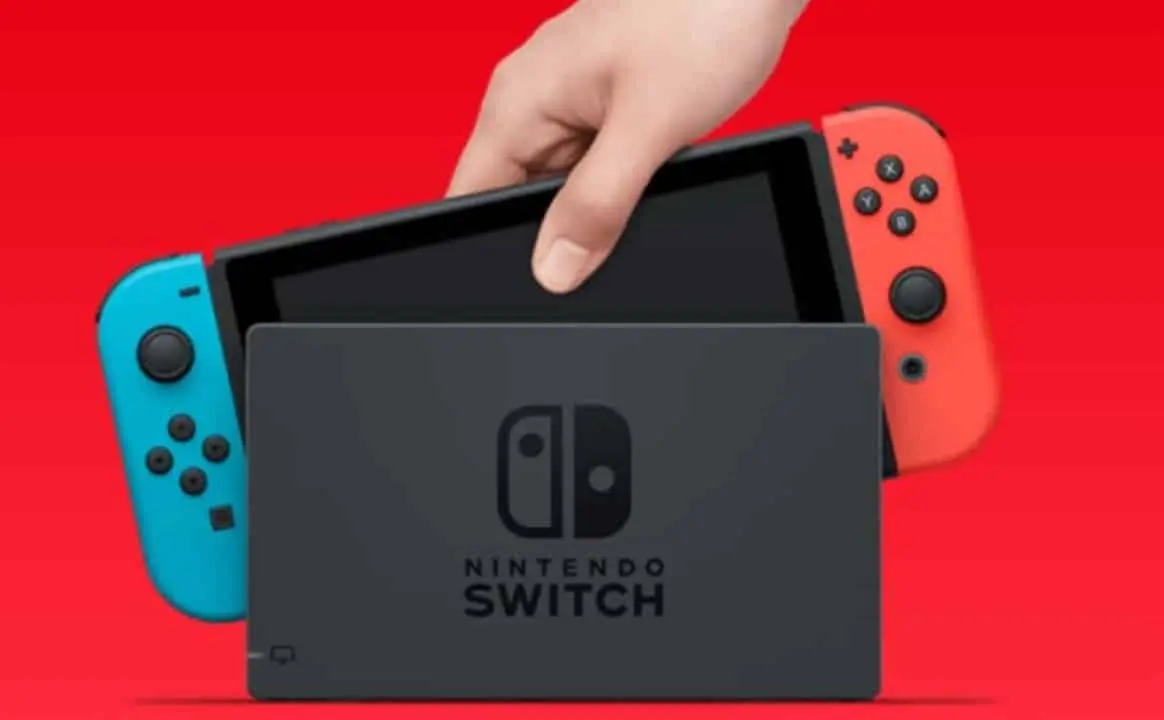
On November 25, 2025, Nintendo released the 21.0.1 firmware update for its Switch and Switch 2 consoles, aiming to improve the user experience. Este crucial patch addresses connectivity issues on wireless controllers and Bluetooth devices that occurred after exiting Riposo mode or disabling Aéreo mode. Além In addition, the company focused on resolving persistent error codes that compromised system transfers between console models, ensuring a more fluid data migration.
Version 21.0.1 succeeds the main firmware 21.0.0, released on November 11, 2025, consolidating the performance improvements. The worldwide launch of the new version reinforces Nintendo’s commitment to the stability and functionality of its family of consoles. Usuários are encouraged to upgrade to take advantage of the optimizations.
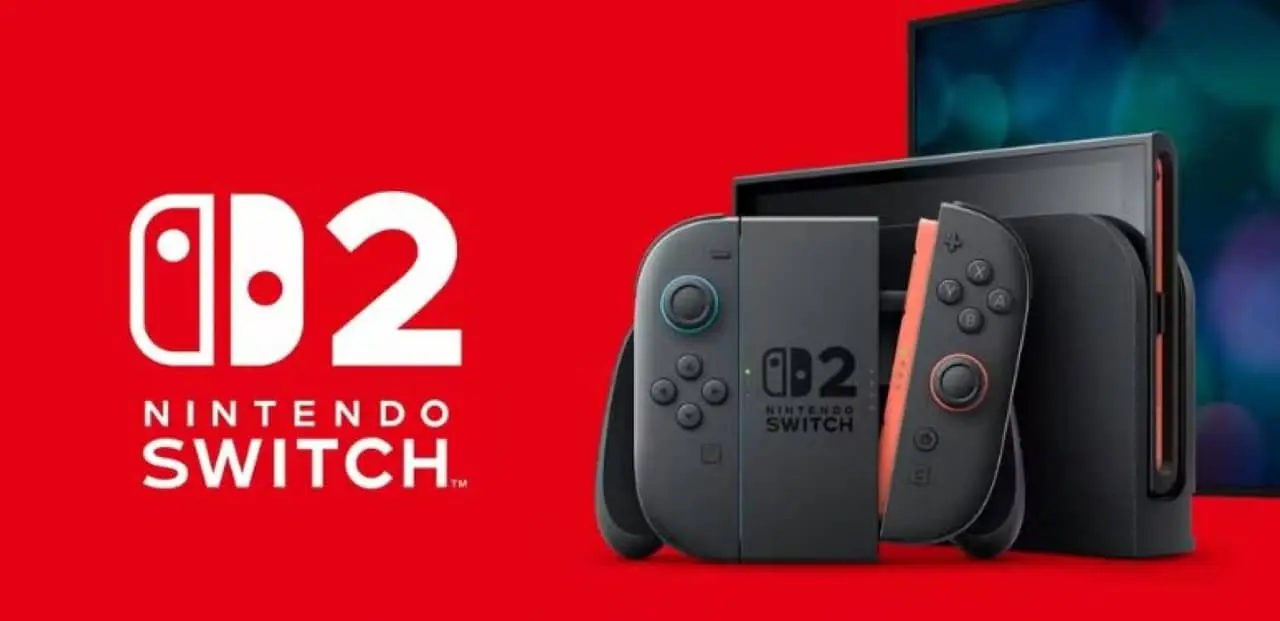
Wireless connectivity improvements
Nintendo identified specific issues following the implementation of firmware 21.0.0 that directly impacted the gaming experience and daily use. Muitos users reported persistent difficulties reconnecting external accessories.
The problem mainly affected the new generation of consoles, where wireless peripherals demonstrated instability. Update 21.0.1 is designed to stabilize these connections, ensuring devices operate as expected.
Solution for transfer failures
Error codes such as 2011-0301 and 2168-0002 appeared repeatedly on the original Switch, preventing data migration. Este scenario caused significant inconvenience for those who wanted to transfer profiles and games to Switch 2.
The migration process failed especially in communications that did not depend on an active internet connection. The new update fixes these errors, allowing system transfers to occur efficiently.
Learn more: Apple releases beta firmware update for AirPods Pro 3 and more models, preparing for iOS 27
The fix is critical to ensuring a smooth transition between consoles while preserving players’ progress and settings.
Impact on modes Riposo and Aéreo
Wireless controllers automatically lost connection when waking the system from Riposo mode, requiring manual intervention from users. Este behavior interrupted the fluidity of the experience, causing frustration among players.
Bluetooth headphones faced the same issue after disabling Aéreo mode, compromising audio connectivity. The need to restart the console to reestablish the connection was a common occurrence.
The 21.0.1 update now ensures automatic reconnection of these devices. As a result, the usability of the consoles improves considerably, eliminating interruptions during the transition between modes.
See Also



Console-specific enhancements
The 21.0.1 firmware update brought improvements focused on general stability and the correction of specific flaws, benefiting both the original Nintendo Switch and the Switch 2. The improvements are distributed to meet the particularities of each hardware, ensuring optimized performance for all users.
While the original Switch focused on resolving data transfer errors and improving system stability, Switch 2 benefited from a crucial additional fix for Bluetooth devices that experienced connection failures after exiting Riposo or Aéreo modes. Ambas platforms now enjoy improved overall performance, reflecting Nintendo’s commitment to delivering a consistent, high-quality user experience.
On the same topic: Usability improvements come to PlayStation 5 with new system update
Optimization for digital games
Firmware 21.0.1 resolved critical issues that affected the gameplay of important titles, such as NieR: Automata in Switch 2, where players reported unexpected crashes. The fix allows users to now access the title without interruptions, ensuring a more stable and immersive gaming experience. Além In addition, other games, such as Hey Rita’s Rewind, gained optimized support, expanding the compatibility and performance of the library of games available on consoles.
Simple update procedure
Consoles download the update automatically when connected to an active Wi-Fi network, simplifying the process for users. Para check and start the update manually, just navigate to the Configurações of the Sistema and select the Atualização of the Sistema option.
Nintendo’s continued commitment
The company maintains continuous support for the Switch family, releasing updates that aim to improve the performance and security of the devices. Este commitment ensures that consoles remain relevant and functional in the face of technological demands.
The minimum patch size prevents long waits, allowing players to quickly return to their activities. The update has been available worldwide since November 25, 2025.
More on this story: CarPlay connections: compare the advantages of the wired and wireless system