
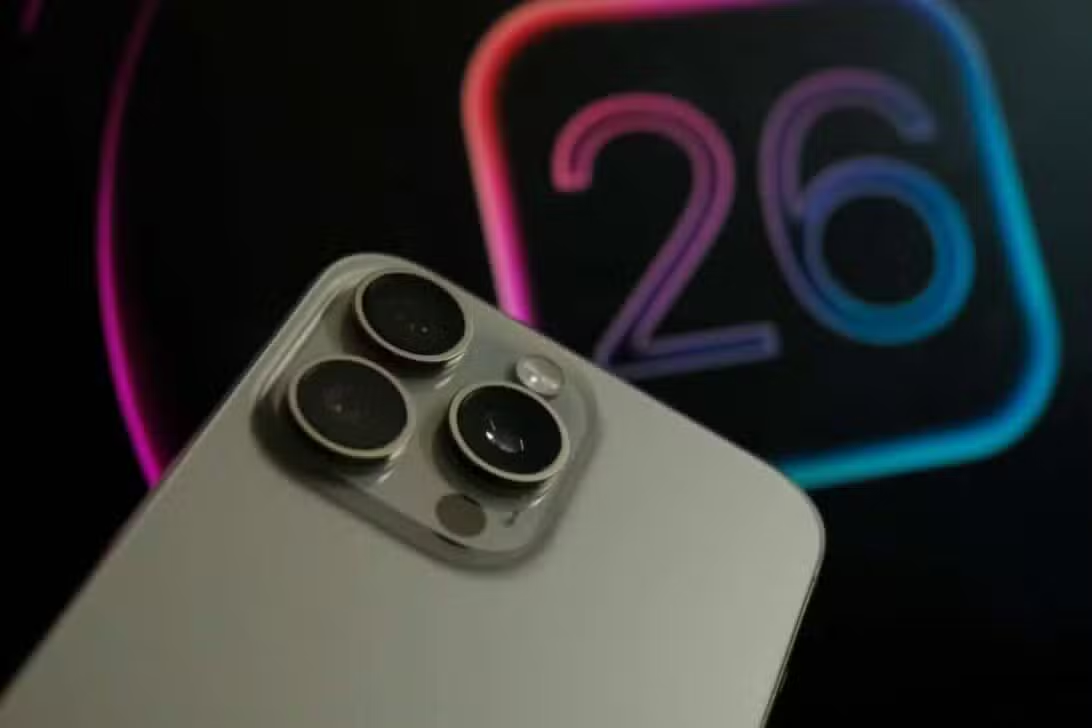
Since the release of the iOS 26 update, iPhone owners in several regions have reported a noticeable increase in battery consumption, leading to questions about the energy efficiency of the new system. Apple, in response to user comments, issued a statement detailing that this increase in energy expenditure is a transient and fully anticipated behavior, an integral part of the software optimization cycle. Este The initial adaptation period is crucial for the device to fully integrate the innovations and performance improvements that the latest version of the operating system promises to deliver, consolidating the long-term user experience and ensuring the expected stability and fluidity, a process that aims to optimize each component and functionality for the new environment.
In the first few days after installing new software, iPhones run several optimizations in the background. Essas tasks cover indexing files, adapting applications to the new environment, and fine-tuning system settings.

For users, the initial optimization phase involves some internal activities of the device that can directly impact the battery:
– Reindexação of data and photos for new search capabilities.
– Recompilação of apps for compatibility with iOS 26.
– Ajustes system to manage resources more intelligently.
Initial optimization and power consumption
After updating to iOS 26, users can experience up to 20% more battery consumption in the first few days of use. Este peak is directly attributed to the intense optimization process that the system performs, involving deep indexing of files, updating background applications, and readjusting settings for the new operating environment.
This initial effort is essential for the device to reach its maximum efficiency and stability. Apple ensures that, once this phase is complete, battery life tends to return to expected standards and, in many cases, may even show significant improvements in relation to previous performance.
Apple Intelligence innovations in iOS 26
Apple Intelligence, the main new feature introduced with iOS 26, represents a substantial advance in the way iPhones process data, integrating artificial intelligence capabilities directly into the device to reinforce user privacy and optimize energy efficiency. Este system has been meticulously designed to understand the user’s context and offer proactive and personalized assistance in several areas, transforming the daily interaction with the smartphone in an intuitive and secure way, using local processing power to protect the user’s information and ensure a smarter and more reliable experience in each interaction.
Interface redesign and visual customization
With iOS 26, the iPhone lock screen has undergone a complete makeover, incorporating new 3D motion effects and fully customizable dynamic widgets. Essas customization options allow users to configure their devices in a more expressive and functional way, adapting to their style and daily needs.
Application icons and the message center also received a visual update, featuring a cleaner and more interactive design. Essa aesthetic revitalization aims to offer a more engaging and intuitive user experience, facilitating quick access to important information and navigation through the operating system.
Improvements in communication and productivity
The communication improvements in iOS 26 are notable, especially with the real-time text transcription functionality in Mensagens and FaceTime, which now supports more than 10 distinct languages. Essa capability is a valuable differentiator for multilingual environments, facilitating interaction and understanding between different speakers.
The system also provides intelligent suggestions and automated actions, such as including events mentioned in conversations directly into the calendar, significantly optimizing the user’s workflow and minimizing the need for manual interventions to organize appointments.
The ability to generate Genmoji, custom emojis from text descriptions, and Image Playground, which creates images based on prompts, takes personalization and creativity to a new level. Essas innovative tools are processed directly on the device, ensuring the privacy of user data.
What’s new in native applications from Apple
The Apple Music now integrates artificial intelligence to provide smooth transitions between songs and the AutoMix feature, which simulates the experience of a DJ, creating continuous and personalized playlists for each user. Esta functionality enhances the listening experience, making it more dynamic and immersive.
In Apple Mapas, visited locations are automatically recorded and optimized routes are suggested based on the user’s travel patterns, facilitating everyday navigation and offering intelligent suggestions for frequent or new destinations. The accuracy and usefulness of the application are significantly high.
Carteira introduces installment payments via Apple Pay and displays up-to-date card and ticket balances, simplifying financial transactions and digital ticket management. Este feature offers greater flexibility and control over finances directly from the iPhone.
The Apple Games improves the integration of titles and platforms, making access to new games more intuitive and faster, as well as offering enhanced spatial audio for complete sonic immersion and ensuring fluid integration with the entire Apple ecosystem.
Strategies to optimize the battery
To mitigate high battery consumption during the initial phase of iOS 26, users can adopt some effective practices. It is recommended to check your privacy settings and disable background refresh for less used apps, focusing resources on essential apps, as well as adjusting screen brightness and activating dark mode, which can save energy on devices with OLED screens.
Compatibility and installation process
To install iOS 26, the user must have an iPhone 11 or a newer model, ensuring that the hardware is capable of supporting the operating system’s new features and optimizations.
However, it is important to note that some advanced features of the Apple Intelligence will be exclusive to the iPhone 16 and future releases. The update process is simple and intuitive: simply access “Settings”, then “General” and then “Software Update” to download and install the new version, and it is always recommended to make a prior backup of your data to avoid any loss.